When the Defender name is Trojan:MSIL/Heracles or a Heracles !MTB variant, check the affected path, startup recurrence, and account-risk signals before deciding it was only a false positive.
If you ran a game, mod, launcher, crack, or private build and then saw account alerts, Discord spam, or Defender detections, treat the incident as possible infostealer activity. Contain the suspect PC, then immediately secure accounts from a separate trusted device while PC cleanup proceeds. Do not wait for the scan to finish before addressing an active account takeover; do not sign in or reset passwords on the suspect PC. A stealer can take cookies and tokens, not only saved passwords; our password stealer malware recovery guide explains why stolen sessions need to be revoked as well as passwords changed. If the source was a crack, trainer, keygen, or repack, also review our cracked-games malware risk checklist to understand the red flags that often come before account theft. If the download came from that exact domain, start with our Repack-Games.com safety and cleanup guide for download-specific checks while you secure accounts from a separate trusted device.
For GameDrive.org-specific downloads, use the GameDrive.org safety and cleanup guide to separate a risky ad or mirror from the file that may have created the stealer symptoms.
For FitGirl-specific downloads, start with the FitGirl Repacks safety guide to separate fake-site risk from the broader stealer cleanup workflow.
For a current exact-file case with the same “game download, recurring EXE, account alerts” pattern, see our VectorGatewa.exe malware removal guide.
Do this first
- Stop using the infected PC for email, banking, crypto, and password resets. If the suspected stealer came from a courier invoice or spreadsheet, start with the FedEx e-Order Notification email virus response checklist.
- From a separate clean device, secure email and password-manager accounts immediately: change exposed passwords, verify recovery methods, and enable MFA where available.
- In parallel, clean the suspect PC with the full-scan steps below. Finishing that scan is not a prerequisite for recovery on the separate clean device.
- From the clean device, revoke sessions in Google, Microsoft, Discord, Steam, Epic, Roblox, and any wallet-related services. If the trigger was a fake Roblox launcher, an odd
RobloxCrashHandler.execopy, or a Roblox crash that names an incompatible-software path, check the RobloxCrashHandler.exe folder guide and the Roblox incompatible-software path checklist before logging back in. - If Microsoft Defender shows Trojan:Win32/PowExcScr.HB!MTB after a Roblox executor, mod, or script pack, follow the PowExcScr.HB!MTB Defender cleanup steps before resetting accounts from that PC.
- If the Microsoft account itself was taken over, follow the dedicated Microsoft account hacked after malware recovery order for sign-out, Recent activity, aliases, and Outlook rules.
- Check Startup Apps, Task Scheduler, browser extensions, and recently installed programs. If a suspicious entry launches
pythonw.exeor a.pywscript, follow the pythonw.exe malware/safe-process checks before changing passwords on that PC. - If hundreds of sign-up or verification emails arrive, search for hidden account alerts before deleting the flood.
Why Games and Mods Are Common Stealer Lures
Games, mods, and launchers give attackers a believable reason to make you run a file. A victim expects a setup.exe, a patcher, or a custom launcher, so the malware does not need a complex exploit. It only needs trust.
If a familiar Discord account asks you to test a small game project, the cronigame.exe invitation warning shows what the reported conversation establishes and how to respond if you only downloaded the file, were blocked before execution, or already ran it.
Microsoft has documented modern stealer delivery through social engineering, including ClickFix pages that ask users to paste commands into Windows tools [1]. Microsoft also reported large-scale Lumma infections and noted that Lumma has targeted gaming communities [2].
If the infection began with a short social-media tutorial instead of a game or mod, see our TikTok Vidar PowerShell warning for the first triage signs before following the account-recovery steps below.
The OfferLoader investigation shows why a gaming performance tool can require a full-system check: one fake installer may deliver several independent malware components.
Steam Free Game or Demo Malware: What to Check
A free Steam game, demo, or workshop item is not automatically unsafe. Treat it as a stealer incident when the title was unknown, suddenly promoted as free, pushed through Discord or Telegram, asked for an off-Steam launcher, or started account alerts after the first run.
Steam-specific cleanup checks
- Do not launch the game again or sign in on the suspect PC. Secure the Steam account from a separate trusted device now, while you clean the PC.
- Review recent Steam logins, trades, market listings, inventory movement, wallet activity, and any unfamiliar Web API key.
- Change the Steam password, refresh Steam Guard, deauthorize other devices where available, and secure the linked email account first.
- If the same password was used on Discord, Epic, Roblox, email, or a wallet service, rotate those accounts from the clean device too.
- If the incident involved Steam Workshop or cloud-synced game files, use the related Steam Cloud malware safety guide before restoring synced files on a clean PC.
- If you loaded Meccha Chameleon Workshop item
3765145606, follow the Laser Tag Neon malware cleanup for the exact map indicators and Windows response.
Is It Just a Virus, or an Account Theft Incident?
| Signal | What it means and what to do |
|---|---|
| Defender quarantined one installer before it ran | Risk is lower, but still verify. Run a full scan, delete the source archive, and do not restore the file just to test it. |
| Discord sends spam or joins servers | Token or session abuse is likely. Change the password from a clean device, revoke sessions, and submit a hacked-account ticket if locked out. |
| Google or Microsoft recovery details changed | Treat it as account takeover. Recover the account from a clean device and remove attacker-controlled recovery methods. |
| New scheduled tasks or startup entries | Assume persistence. Remove the entry and run offline or full scans before password resets on that PC. |
| Crypto wallet or marketplace activity | High-value theft risk. Move funds only from a clean device, rotate credentials, and review connected apps. |
Step 1: Contain the PC
If the suspicious file is still running, disconnect from the internet. Do not keep opening the game to see if it works. Save the filename, path, Defender detection, and download source. That context helps you decide whether this was a blocked file, a full infection, or a credential theft incident.
When Malwarebytes reports fake-Google extension files such as Trojan.FakeGoogleJS after a game, mod, or crack, use our Trojan.FakeGoogleJS triage guide to clean the browser-extension path before signing in again on that PC. Rotate exposed accounts from a separate clean device without waiting for that cleanup.
Step 2: Clean the PC While Account Recovery Proceeds
For PC cleanup, download Gridinsoft Anti-Malware from its official product page, install it, update its detection database, and choose Full Scan. Review the detections, remove or quarantine identified threats, and restart when prompted. If you kept the PC offline, obtain the installer on a trusted device; do not use the suspect PC to sign in to email or download accounts. If you cannot safely obtain or update a scanner, use the offline fallback below or get help. Account recovery on a separate trusted device can proceed now.
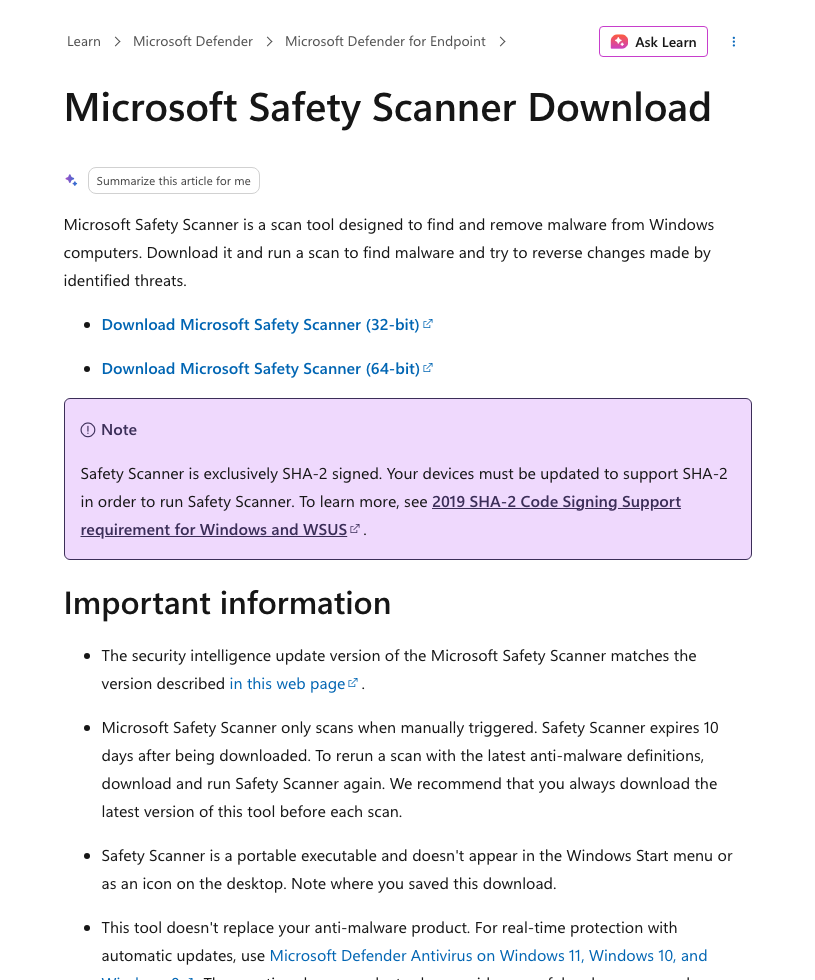
If normal scanning is blocked, remediation remains incomplete, or suspicious behavior returns, Microsoft Defender Offline is an additional recovery option. Microsoft Safety Scanner is another optional Windows malware-removal tool [3]; it is not a required first step before Gridinsoft or clean-device account recovery. Review leftover startup items, bundled apps, hidden files, and scheduled tasks as supplementary checks. No clean scan can revoke a stolen session or guarantee that every component has been removed.
Step 3: Secure Accounts Now From a Clean Device
Use a separate trusted device for this step immediately; the section order does not mean waiting for Step 2 to finish. Start with email and its recovery methods, then secure the password manager and other exposed accounts. Google advises immediate password changes and correction of unfamiliar recovery settings when someone else may be using the account [6]. Revoke active sessions as described below, and rotate Microsoft, Google, Discord, gaming, marketplace, banking, and crypto passwords. Keep the suspect PC out of those accounts until it is safe to use again.
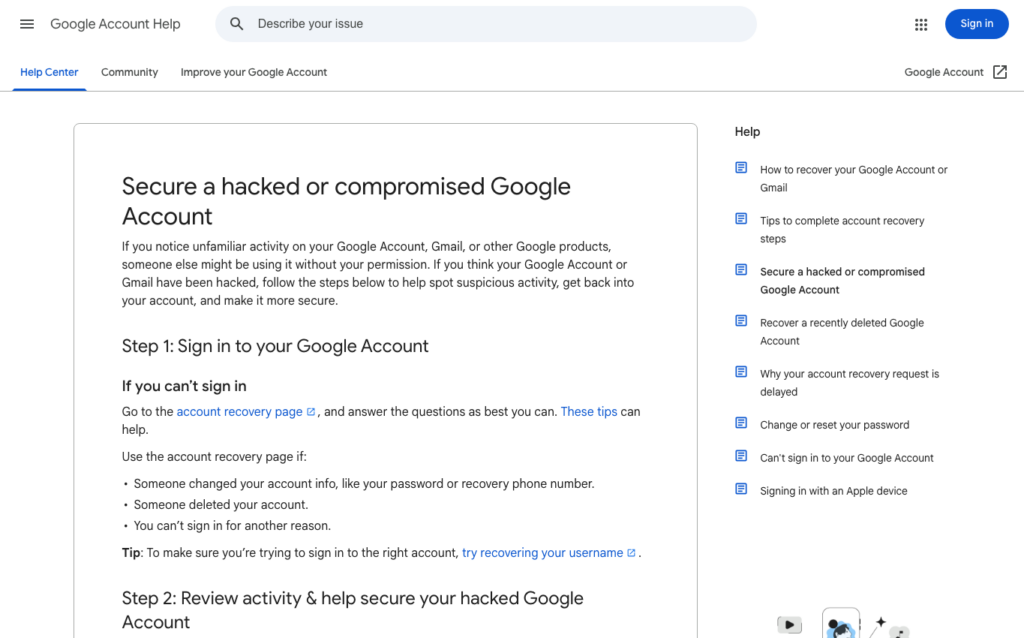
- Google: follow Google’s compromised-account recovery and security-checkup steps [4].
- Microsoft: use Microsoft’s compromised account recovery process if sign-in or recovery details changed [5].
- Apple/iCloud: if you used iCloud.com, account.apple.com, or iCloud for Windows on the infected PC, change the Apple Account password from a clean device, review trusted devices, and remove anything you do not recognize.
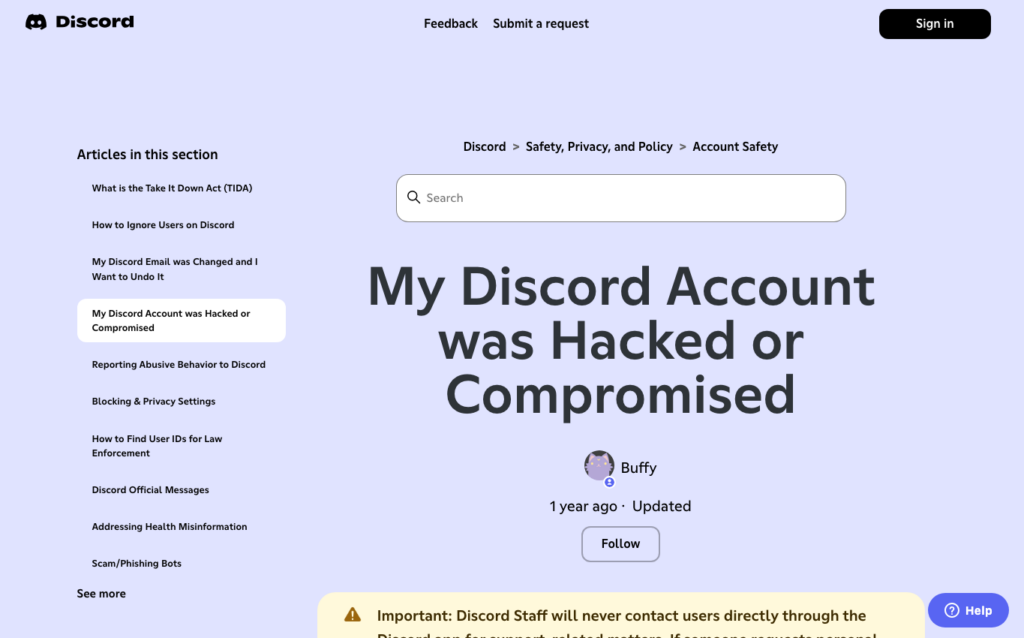
- Discord: if you are locked out, use Discord’s in-app or official Help Center hacked-account support path.
Step 4: Revoke Sessions and Tokens
Many users stop after changing a password. That is not enough after a stealer. Sign out all sessions where the service allows it. Remove suspicious OAuth apps, browser extensions, Discord authorized apps, unknown Steam API keys, and connected payment or marketplace apps.
Apple/iCloud session check after a stealer
If you signed in to iCloud.com, account.apple.com, or iCloud for Windows from the compromised PC, treat the Apple Account as part of the same session-theft review. A short browser session does not prove the account was stolen, but a stealer may copy browser cookies, saved passwords, and local app data before you close the tab.
- Change the Apple Account password from a clean device, not from the PC that ran the suspicious game, mod, launcher, or crack.
- Open account.apple.com or iCloud for Windows from a clean device and review the Devices list. Remove unknown devices, and remember that a device still signed in to iCloud, Media & Purchases, Messages, FaceTime, Mail, or Calendar can reappear until it is signed out or erased.
- Check trusted phone numbers, recovery email, payment details, subscriptions, purchase history, and any unfamiliar Apple security alerts.
- If Apple Account warnings appeared after the malware incident, use the full Apple Account recovery checklist from the clean device now, in parallel with PC cleanup.
- Do not assume a password reset alone removed every browser session. Revoke active sessions from the clean device while the PC scan proceeds, and monitor email and payment activity for a few days.
If Your Inbox Gets Email-Bombed After a Stealer
Hundreds of registration, newsletter, or verification emails after an infostealer incident can be more than nuisance spam. Treat the flood as a possible cover for one important message: a login alert, password reset, order confirmation, payout, crypto withdrawal, shipping-address change, or recovery-method change.
Do not mass-delete the flood first
- Search the mailbox for terms such as security, login, sign-in, password reset, recovery, order, purchase, payment, withdrawal, payout, address, forwarding, filter, verification, and code.
- Check Spam, Trash, Archive, Promotions, and any new folder or tab where a real alert could be buried.
- Review Gmail or Outlook forwarding, filters, inbox rules, connected apps, and recovery email or phone settings.
- Secure email, banking, marketplace, Steam, Discord, Amazon, LinkedIn, crypto, and password-manager accounts from a clean device.
- Keep a few examples with headers or screenshots for provider support or fraud reports, then filter the repetitive sign-up mail after urgent account checks.
If the flood starts days after the original infection, assume one account may still be in play or a reused credential is being tested. Rotate reused passwords from a separate clean device while completing PC cleanup, and monitor bank, card, order, and payout history for several days.
A current example adds an important post-execution distinction: our REVSTEALER malware response guide explains how a self-deleting stealer can be followed by separately observed wallet, proxy, and mining modules, and when a clean reinstall is safer.
After an Infostealer: Am I Safe Now?
You are safer only after both sides are handled: the device no longer has the stealer or persistence, and the accounts no longer trust stolen passwords, cookies, OAuth grants, or old sessions.
| Question | Safe answer |
|---|---|
| Can I start using a password manager? | Yes, but only from a clean device. A KeePass or KeePassXC database synced through Proton Drive, another cloud drive, or a USB stick is protected by its master password, but change that master password if it was typed on the infected PC and secure the cloud account with MFA. |
| Did password changes kick the attacker out? | Not always. Some stealers copy browser cookies and session tokens, so use each service’s sign-out-everywhere, revoke sessions, connected apps, and OAuth controls after changing passwords. |
| Can I recover files from an old disk? | Usually yes for documents, photos, videos, and project files. Mount the old disk only after the new system is clean, keep AutoPlay off, scan first, and do not restore executables, scripts, shortcut files, browser profiles, cracks, mod launchers, or unknown archives from the incident folder. |
| Do I need a new disk or full reinstall? | A clean Windows reinstall from trusted USB media is usually enough for the OS. A new disk is useful when you do not trust the old install or want to keep it offline as evidence, but account recovery still has to happen from the clean environment. |
Step 5: Clean the PC with Gridinsoft Anti-Malware
After an infostealer scare, the practical step is to clean the computer, not jump to a Windows reinstall. Run Gridinsoft Anti-Malware, remove detected threats, reboot, and scan again to confirm that startup items, browser changes, and suspicious files are gone.
If you need to back up files, keep documents, photos, videos, and project files. Leave behind .exe, .msi, .scr, .bat, .cmd, .js, .vbs, .ps1, shortcut files, macro-enabled documents, password-protected archives, unknown game launchers, browser profile folders, and scripts from the same download path.
Related Guides
Related Xeno case: if the incident began with a Xeno Executor archive or Xeno.exe, compare the package and hash with the Xeno Executor Salat Stealer safety guide while securing accounts from a separate clean device.
Related account-recovery warning: if a stranger offers to recover a stolen Steam, Roblox, Epic, or Discord account, treat it as a second-stage scam. Use our gaming account recovery scam guide before you share receipts, IDs, or payment.
Related: if the infection is bad enough to reinstall Windows, use Clean Windows Install USB After Malware.
Related Steam Workshop case: if the incident started from a subscribed Wallpaper Engine item, use our Wallpaper Engine malware cleanup guide before trusting that wallpaper again.
If the suspicious file looked like a Ren’Py game, read RenPy Virus: Fake Game Installer, Infostealer Signs, and What to Do. If Discord started sending celebrity crypto messages, read Discord auto-DM crypto spam recovery guide. If you ran an EXE and are worried it may activate later, read Can Malware Activate Later?. If Defender named the detection, use our Defender detection reference.
Related Defender case: if the alert names Trojan:Win32/Caynamer.A!ml on a game installer, private build, or mod tool, check source, signature, and recurrence before restoring it.
Related Temp-startup check: if the suspicious download left numbered files such as eld4.exe, eld3.exe, or eld5.exe in the Temp folder or Startup list, clean that persistence before resetting passwords on that PC; use a separate clean device to secure accounts immediately.
If the suspicious download involved a Steam game or mod and you are moving to a replacement computer, use our Steam Cloud save-file safety checklist before launching cloud-synced games on the new device.
Related case: the 2026 Nimbus RAT Teams vishing campaign shows how email bombing can become the pretext for Quick Assist remote access and malware deployment.
A current example is Argamal RAT in trojanized game downloads: the investigation traced a modified ffmpeg.dll, natives2_blob.bin, PowerShell activity, and Windows persistence in game-archive infections.
If the alert or writeup names Navi RAT, handle it as a remote-access plus account-recovery case: isolate the PC, scan for leftovers, and reset game, email, and wallet sessions from a clean device.
Fresh related campaign: Millenium RAT v4 is another example of game, utility, and crack lures turning into account-risk malware. If your suspicious download resembles those lures, review the Millenium RAT response checklist after completing the stealer cleanup steps here.
If the game, mod, or archive triggered Microsoft Defender as Trojan:Win32/NSteal.SA, keep the file quarantined and check the Defender path, startup items, and account sessions before re-downloading it.
FAQ
Do I need to change every password?
Change the important ones first: email, password manager, Microsoft/Google, Discord, gaming, banking, crypto, and any account that reused the same password.
Can a stealer use my account without my password?
Yes. Stolen cookies or session tokens can sometimes keep an attacker logged in, so session revocation matters.
Why am I getting hundreds of registration emails after an infostealer?
Attackers may use email bombing to bury the one alert that matters, such as a login, password reset, purchase, payout, or recovery-method change. Do not delete everything until you search for account-security and transaction messages.
Can I copy my files before cleanup?
Yes, but copy personal documents and media only. Avoid executables, scripts, browser profiles, mod launchers, and unknown archives from the same incident.
Is a Defender full scan enough?
A scan alone does not secure stolen accounts. Use the Gridinsoft Full Scan cleanup route above, with Defender Offline as an additional option when normal scanning is blocked or remediation remains incomplete. Secure accounts and revoke sessions from a separate clean device even if a scan reports no threats.
Infostealer cleanup can also start from a trusted management tool, not just a fake game or mod. Arctic Wolf observed FortiClient EMS CVE-2026-35616 being abused to deliver EKZ Infostealer; review the response checklist at FortiClient EMS CVE-2026-35616 Patch Trap.
Current example: WeedHack Minecraft malware used fake mods and clients to steal sessions, passwords, wallets, and messaging tokens, so game-download cleanup should include account recovery.
Named stealer case: Point Wild’s 2026 research found Vanta Stealer targeting browser sessions, gaming, messaging, VPN, and wallet data. Use our Vanta Stealer removal and account-recovery guide if that exact name appeared in an alert or report.
The same cleanup logic applies to cracked creative tools and plugin packs. If the suspicious download came from a VFX or 3D software source, see our VFXmed virus warning for source-specific DLL hijacking and account-safety checks.
For a current Rust stealer family with browser-data, Discord, Steam, Roblox, Windows Credential Manager, and Wi-Fi credential risk, use the KuinaExtractor/k0to cleanup guide after the general game/mod stealer steps here.
References
- Microsoft Security Blog, “Think before you Click(Fix),” August 21, 2025. Analysis
- Microsoft, “Disrupting Lumma Stealer,” May 21, 2025. Microsoft On the Issues
- Microsoft Learn, Microsoft Safety Scanner download. Scanner
- Google Account, “Security Checkup.” Google, accessed June 16, 2026. Security Checkup
- Microsoft Support, compromised account recovery. Support
- Google Account Help, “Secure a hacked or compromised Google Account,” accessed October 7, 2026. Immediate account-security actions
Related behavior detection: If Defender reports script-style persistence, compare it with Behavior:Win32/Interhta.Int and check Task Scheduler, Startup Apps, browser extensions, and mshta/script activity.
Reinstall path: If cleanup keeps failing or you need to rebuild the PC safely, use the clean Windows install USB after malware guide.