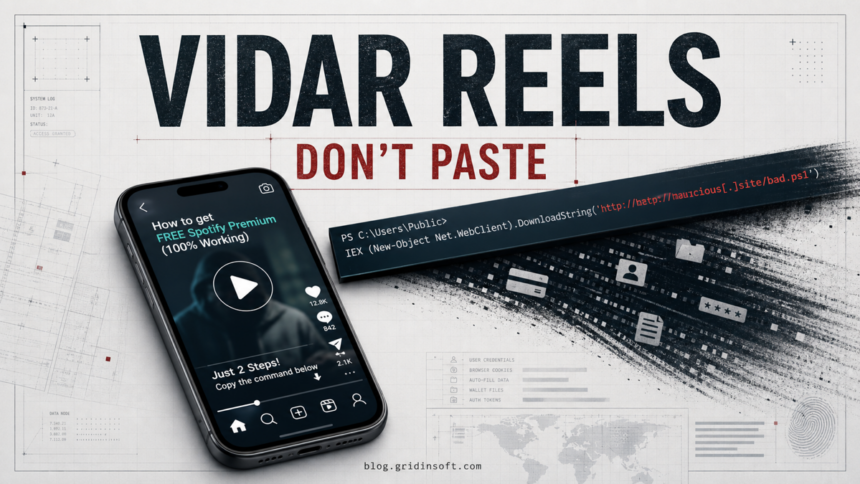
Short-form tutorials on TikTok and Instagram Reels are being used as a malware delivery channel, with videos promising free Spotify Premium, Windows activation, Microsoft Office, or similar shortcuts. ReversingLabs reported two active social-video lure patterns on June 9, 2026: one pushes viewers toward suspicious download pages, while another walks them through copy-pasting PowerShell commands that can lead to Vidar stealer on Windows PCs.
The important difference from an ordinary malicious website is the delivery path. The risky instruction may appear inside a normal-looking video, not in an email attachment or a fake CAPTCHA page. If you pasted a command from one of these videos, treat the device as exposed until it has been checked.
What the Videos Are Trying to Make You Do
The lure usually starts with a benefit that sounds just useful enough to try: free premium music, a Windows or Office activation trick, a CapCut-style shortcut, or a download that claims to unlock paid functionality. The dangerous moment comes when the viewer is told to open PowerShell, run a command, or leave the platform for a secondary site.
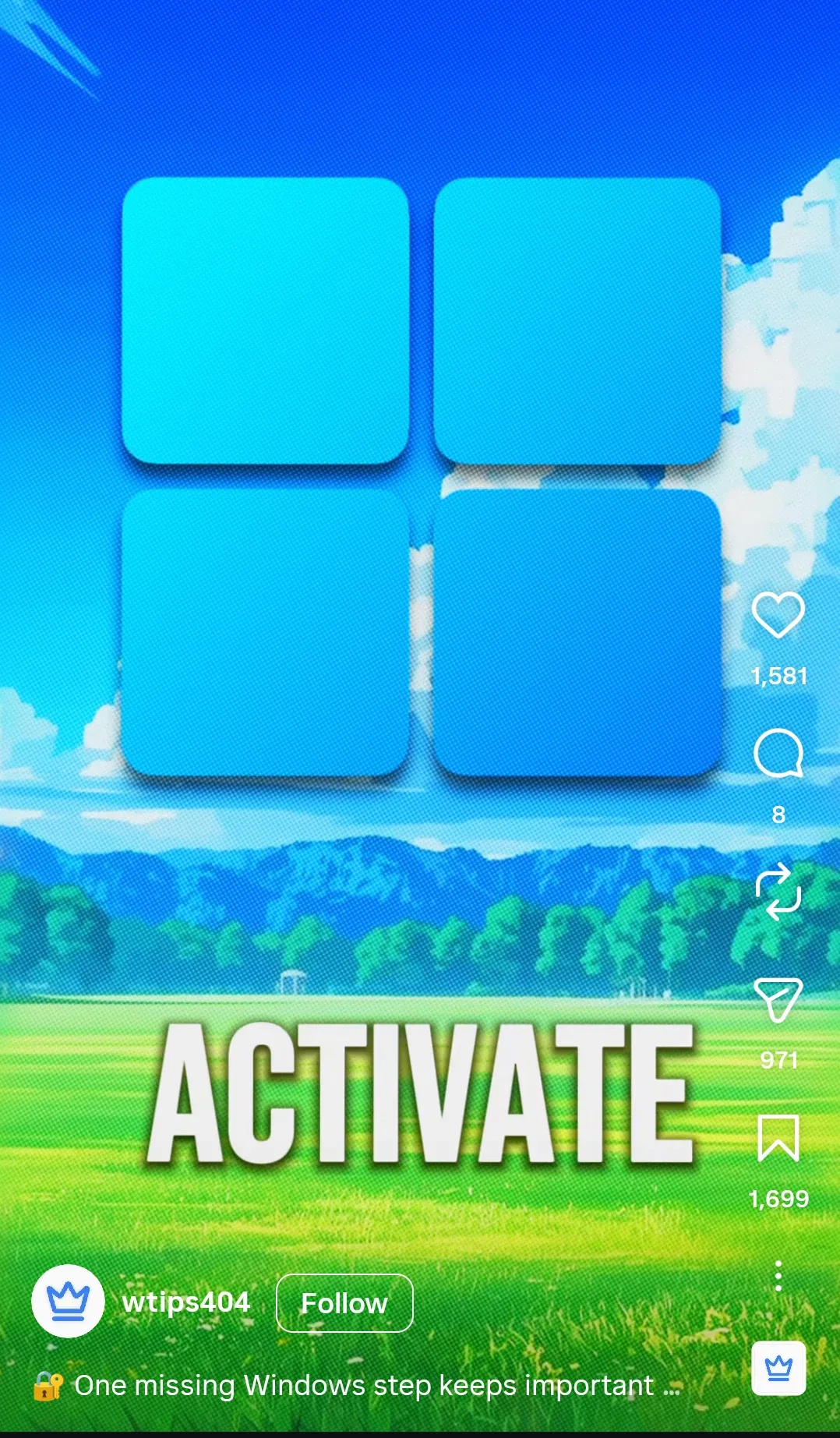
That makes this campaign adjacent to ClickFix-style command scams, but the ranking and reader problem are narrower: a user may remember a TikTok or Reels tutorial, a free-software promise, and a copied PowerShell line rather than a fake CAPTCHA page. The cleanup path overlaps with our infostealer response guide, but the first triage question is whether the command actually ran.
| Signal | Why it matters |
|---|---|
| “Free” Spotify, Office, Windows, or creator-tool activation | Attackers use paid-software shortcuts because they create urgency and a reason to ignore official download paths. |
| Instructions to open PowerShell or Terminal | PowerShell is legitimate, but copied commands can download and execute a payload before the user understands what happened. |
Commands with iex, DownloadString, -NoP, -W Hidden, or shortened URLs |
These patterns are common in script-based malware delivery and should not be run from a social video. |
| A second website outside the social platform | The video may be only the trust layer; the actual download or script is hosted somewhere else. |
| Requests to disable protection or add exclusions | Some social-engineering chains try to weaken security tools before the stealer runs. |
If You Ran the PowerShell Command
Copy-paste command lures are not limited to social-video tutorials. Fake software pages can use the same tactic, as in the mkvtoolnix.org fake download warning, where the safest response is to stop using the downloaded source and inspect persistence before logging back into accounts.
Do not paste the command again to “check” it. If the command already executed, use the affected PC as little as possible until you finish the first cleanup pass.
- Disconnect from the network if you saw a download, a console window, or a security alert right after the command.
- Save the clue, not the payload: write down the account name, video URL, domain, file name, or command fragment, but do not rerun it.
- Check PowerShell history and startup points only if you are comfortable doing so. Look for unknown scripts, scheduled tasks, Run keys, Startup folder items, and recent files in Downloads, AppData, Temp, or Public folders.
- Run a full malware scan from a trusted tool. Gridinsoft Anti-Malware is useful here as a second-opinion cleanup pass because infostealers often arrive with loaders, exclusions, or persistence.
- Change passwords from a clean device after the PC is contained. Prioritize email, password manager, Microsoft/Google/Apple accounts, Steam/Discord, banking, crypto wallets, and work accounts.
- Revoke sessions and tokens where services provide that option. A stealer can take browser cookies, so a password change alone may not remove every active session.
- Watch payment and social accounts for login alerts, new devices, forwarding rules, API tokens, wallet extensions, or messages sent from your account.
Vidar is an information stealer, so the post-infection decision is about accounts as much as files. Saved browser passwords, cookies, autofill data, wallet data, and app tokens can matter more than the visible EXE that triggered the alert.
How to Avoid This Specific Trap
Do not run commands from short videos, comments, pinned replies, paste sites, or “activation” pages. If a tutorial asks for PowerShell, treat that as a major warning unless the command comes from official vendor documentation you opened yourself. Download software only from the vendor’s site or a trusted app store, and avoid “free premium” unlocks that require scripts, cracks, browser extensions, or unknown installers.
For families or small teams, this is also a training issue: video platforms feel less suspicious than email, but the result can be the same. A realistic rule is simple: no copied commands from social media on a Windows PC.
FAQ
Is every TikTok or Reels tech tutorial dangerous?
No. The warning sign is not the platform by itself. The danger is a tutorial that tells you to run PowerShell, install an unknown file, disable protection, or visit a non-official download page for paid software.
What if I pasted the command but did not press Enter?
If the command never ran, the main risk is lower. Close the window, clear the clipboard, and avoid returning to the lure. If you pressed Enter or saw a download/console activity, follow the cleanup steps.
Does Vidar only steal Spotify accounts?
No. Spotify is only a lure in this campaign. Vidar-style stealers can target browser data, saved logins, cookies, wallet files, and other account material from the Windows profile.
Should I reinstall Windows immediately?
Not by default. First contain the PC, scan it, remove persistence, and secure accounts from a clean device. Reinstall becomes a stronger option when malware keeps returning, security tools cannot run, or a work/forensic policy requires it.
References
- Zaria Vuksan, “Phishing Attacks Leverage TikTok, Instagram Reels,” ReversingLabs, June 9, 2026, accessed June 11, 2026. Report.
- Junestherry Dela Cruz, “TikTok Videos Promise Pirated Apps, Deliver Vidar and StealC Infostealers Instead,” Trend Micro Research, May 21, 2025, accessed June 11, 2026. Research.