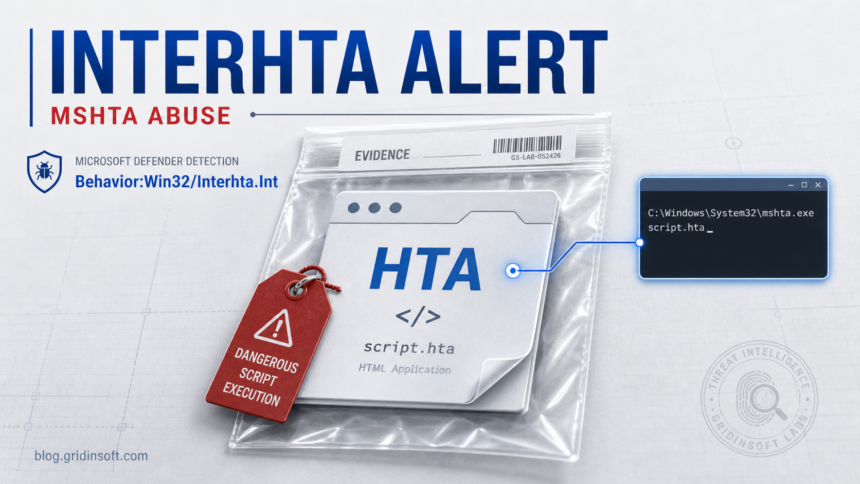
Behavior:Win32/Interhta.Int is a Microsoft Defender behavior detection that often appears when a script or process abuses mshta.exe, the Windows HTML Application Host, to run suspicious HTA/script activity. Treat the alert as real unless you can prove the affected item belongs to trusted software. If it keeps coming back, the usual problem is not Defender “failing”; it is a scheduled task, startup entry, browser hijacker, or leftover script that keeps relaunching the behavior.
First checks before cleanup
- Do not restore the item from quarantine.
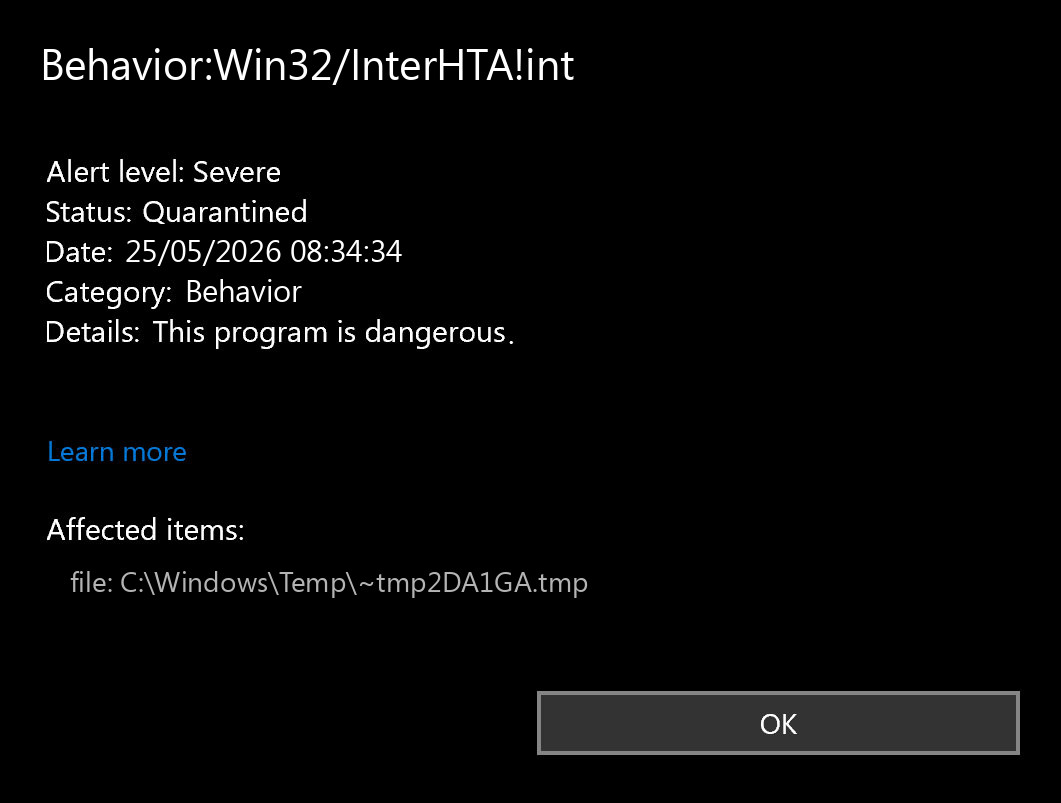
- Open Windows Security → Protection history and save the affected item path, timestamp, and action.
- If the affected item is
C:\Windows\System32\mshta.exe, do not delete mshta.exe; it is a legitimate Windows component being abused. - Check Task Scheduler, Startup Apps, browser extensions, notification permissions, and recently installed programs.
- Run a full Gridinsoft Anti-Malware scan: choose Full Scan, clean detected scripts/startup items, then reboot and verify the alert does not return.
Detection name
Behavior:Win32/Interhta.Int
Detected by
Microsoft Defender Antivirus
Common affected item
C:\Windows\System32\mshta.exe or a script launched through it
Likely issue
Suspicious HTA/script execution, browser redirect malware, scheduled task persistence, or a malicious loader
Safest first action
Keep it blocked, scan fully, then remove persistence that relaunches the script
What is Behavior:Win32/Interhta.Int?
Behavior:Win32/Interhta.Int is a behavior-based Defender alert. That means Microsoft Defender is reacting to suspicious actions, not only to a fixed file hash. Microsoft’s own threat encyclopedia says Defender detects and removes this threat and that it can perform actions of a malicious actor’s choice on the device.
The name gives useful clues:
- Behavior means Defender flagged suspicious activity.
- Win32 means it targets Windows.
- Interhta points to suspicious interaction with HTA/script execution, commonly involving
mshta.exe. - .Int is Microsoft’s internal variant suffix; it does not describe a separate family by itself.
If your main problem is a recurring blank host window or a task that keeps launching mshta.exe, use our mshta.exe malware removal guide for the broader process/symptom cleanup checklist before focusing only on this Defender detection.
Is mshta.exe a virus?
No. mshta.exe itself is a legitimate Windows binary used to run HTML Application files. The problem is that attackers can abuse legitimate Windows tools to run malicious scripts without dropping an obvious new app. This is why Defender may show mshta.exe as the affected item even though the real source is a scheduled task, browser redirect, downloaded script, or malicious shortcut.
Do not delete C:\Windows\System32\mshta.exe. Instead, find what launched it and remove that trigger.
Why does Interhta.Int keep coming back?
Recurring cases around this detection often involve browser windows opening by themselves, suspicious domains such as msedge.vg, and Defender alerts repeating after the threat is “removed.” That pattern usually means a persistence point still exists.
| Repeat symptom | What to check |
|---|---|
| Alert appears every 30 minutes | Task Scheduler task with a timer trigger |
| Browser tab opens to a strange domain | Browser extensions, notification permissions, shortcuts, startup scripts |
Defender blocks mshta.exe repeatedly |
Task action or script command that calls mshta with a URL or file |
| Threat returns after reboot | Startup Apps, Run registry entries, services, scheduled tasks |
| Accounts were hacked after pop-ups | Possible stealer/loader; change passwords after cleanup |
Safe check before removing anything
Open Windows Security → Virus & threat protection → Protection history. Expand the Behavior:Win32/Interhta.Int item and write down:
- the affected item path;
- the timestamp;
- the action Defender took;
- whether the affected item is
mshta.exe, a script file, a temporary file, or a browser-related path; - whether the alert repeats at a regular interval.
If the path points to Downloads, Temp, AppData, or an unknown folder, remove the source package too. If it points to System32\mshta.exe, focus on the parent trigger.
How to remove Behavior:Win32/Interhta.Int
- Keep the Defender action in place. Do not restore the detected item.
- Uninstall suspicious recent apps. Sort installed apps by date and remove anything tied to the moment alerts started.
- Check Task Scheduler. Open Task Scheduler Library and review recent or odd tasks. Look at the Actions tab for commands that call
mshta.exe, PowerShell, WScript, a URL, or a file inAppData/Temp. - Check Startup Apps. Disable unknown launchers and verify their file locations.
- Clean the browser. Remove unknown extensions, reset changed homepage/search settings, and remove suspicious notification permissions.
- Scan the system fully. In Gridinsoft Anti-Malware, run Full Scan, remove or quarantine detected scripts, loaders, browser hijackers, and persistence points, then keep the scan report with the affected paths you recorded.
- Reboot and verify. If the alert returns at the same interval, re-check Task Scheduler and the path recorded in Protection history.
After uninstalling the suspicious app or deleting the visible threat, use Gridinsoft Anti-Malware to check hidden files, startup entries, scheduled tasks, bundled apps, browser changes, and other persistence points that can restore malware.
Download Anti-MalwareBrowser cleanup for msedge.vg and pop-up cases
If the alert appears together with random Edge/Chrome windows, treat it as a browser-hijacker-plus-persistence case. Remove suspicious extensions, clear site notification permissions, and check browser shortcuts for appended URLs. A random domain opening by itself is not normal browser behavior.
- Chrome/Edge: Settings → Privacy and security → Site settings → Notifications.
- Remove domains you do not recognize.
- Check browser extensions and remove anything installed around the same date.
- Right-click browser shortcut → Properties → Target. It should end with the browser executable, not a suspicious URL.
Should you change passwords?
Change important passwords from a clean device if you ran a suspicious installer, saw browser pop-ups to unknown domains, entered credentials after the alerts started, or found additional stealer/loader detections. Start with email, Microsoft/Google accounts, banking, crypto wallets, gaming, Discord, and work accounts.
Related Gridinsoft guides
- Microsoft Defender detection names: what they mean
- Trojan:Win32/JScealTaskExec removal
- Infostealer after downloading a game or mod
- How to remove a virus in Safe Mode
- PUA and browser hijacker removal guide
FAQ
Is Behavior:Win32/Interhta.Int a false positive?
It can be triggered by behavior, so context matters. Treat it as real if it involves unknown scripts, browser pop-ups, downloads, Task Scheduler entries, or repeated alerts.
Should I delete mshta.exe?
No. mshta.exe is a legitimate Windows file. Remove the script, task, shortcut, or malware component that launches it.
Why does Defender say it removed the threat but the alert returns?
Defender may block the active behavior while a scheduled task, startup entry, or browser hijacker keeps relaunching it. Remove the persistence point.
What is msedge.vg?
Users have reported suspicious browser windows involving msedge.vg alongside Interhta.Int alerts. Treat unexpected browser launches to unknown domains as a browser hijacker or script persistence sign.
References
- Microsoft Security Intelligence, “Behavior:Win32/Interhta.Int.” Threat description