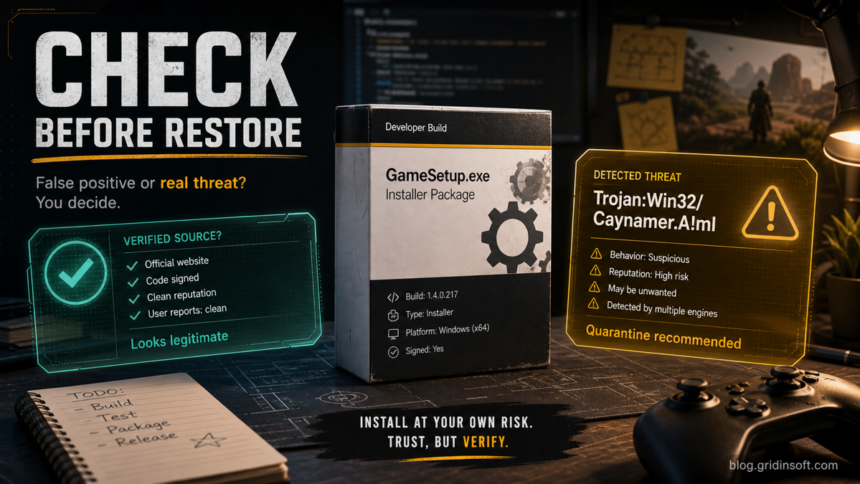
Trojan:Win32/Caynamer.A!ml is a Microsoft Defender machine-learning Trojan alert that should not be restored just because it appeared on a game, developer build, installer, or freshly compiled file. It can be a false positive, but the safe decision depends on the affected path, download source, digital signature, scan spread, and whether the alert comes back after quarantine.
Microsoft’s public threat entry says Defender detects and removes Trojan:Win32/Caynamer.A!ml, and describes it as a threat that can perform actions chosen by a malicious actor on the device [1]. That wording is intentionally broad, so the useful work for a home user or developer is to decide whether the flagged file is a trusted build that needs vendor review or an unsafe download that should stay removed.
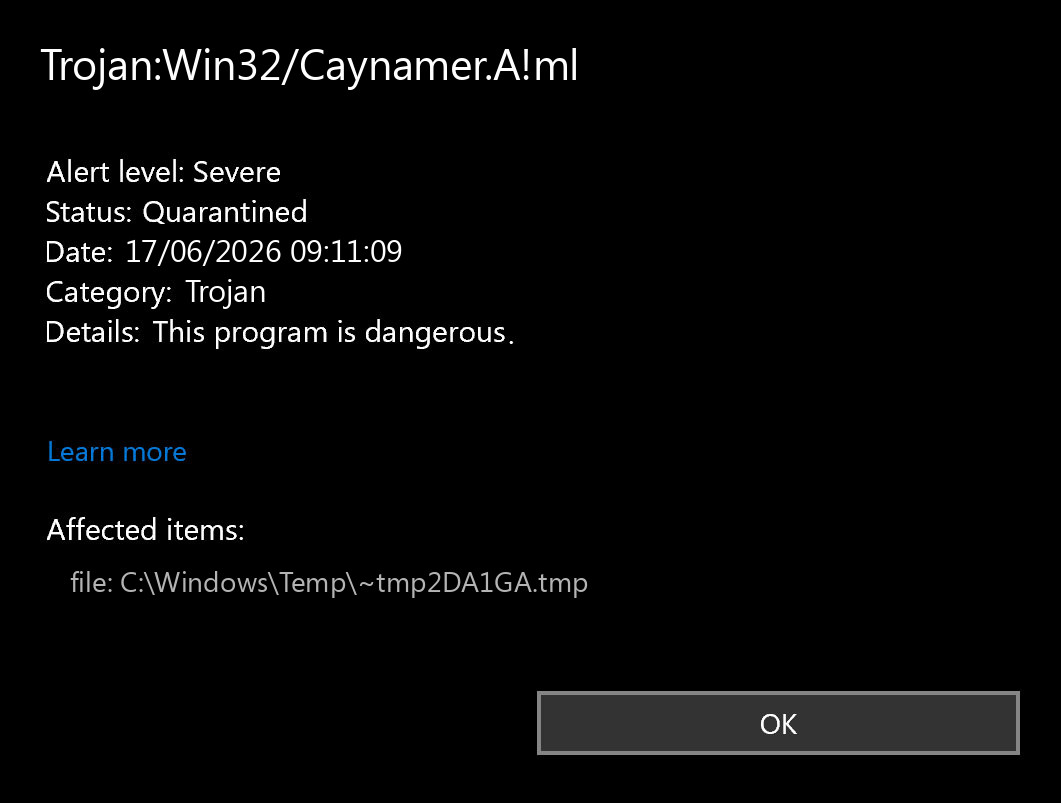
What to check first
Open Windows Security → Virus & threat protection → Protection history and expand the detection before clearing the event. Microsoft notes that Protection History is where Windows shows actions Defender has already taken, including quarantined items and potentially unwanted apps [2].
| Evidence | How to read it |
|---|---|
| Official source and signature | A signed installer from the developer’s site, Steam, GitHub release, or Microsoft Store is a stronger false-positive candidate than a mirror, torrent, crack, or Discord attachment. |
| Affected path | %USERPROFILE%\Downloads, %TEMP%, %LOCALAPPDATA%\Temp, and extracted archive folders need more caution than a known program folder. |
| Behavior after quarantine | If the same alert returns after reboot or after deleting the source archive, check startup entries, scheduled tasks, browser changes, and other persistence points. |
| Other scan results | One or two generic detections can be a false positive. Many engines, sandbox warnings, or suspicious behavior make restore unsafe. |
When it may be a false positive
A false positive is plausible when Trojan:Win32/Caynamer.A!ml appears on a newly built developer tool, an uncommon game helper, a modding utility, or a legitimate installer that Defender has not seen often. Machine-learning detections are reputation-sensitive: a new executable with installer behavior, compression, self-updating code, or low prevalence can be flagged even before the vendor has a chance to submit it for review.
Do not jump straight to Allow. Instead, keep the file quarantined, download a fresh copy from the official source, check the digital signature, compare the hash with the publisher if available, and submit the file to Microsoft if you believe it was incorrectly classified. Microsoft provides a file submission portal for files you think are malware or files you believe have been incorrectly classified [3].
When to treat it as malware
Treat the alert as real malware when the file came from an unofficial mirror, crack, keygen, trainer, repack, fake update page, message attachment, or unknown archive. The same applies if the executable ran before quarantine, dropped files into AppData or Temp, changed browser settings, created a scheduled task, added a Run key such as HKCU\Software\Microsoft\Windows\CurrentVersion\Run, or triggered account-security warnings.
If this happened after a game, mod, or private build, compare the event with our infostealer after a game or mod checklist. If the file is a crack, trainer, or patched game component, use the GameHack false-positive and removal guide to separate modding risk from broader malware risk.
Safe cleanup steps
- Leave the item quarantined. Do not restore or allow it while you are still collecting evidence.
- Delete the source package. Remove the original installer, ZIP/RAR archive, extracted folder, or browser download that produced the detection.
- Update Defender and scan again. Run a full scan after updating security intelligence, not only a quick scan.
- Check persistence points. Review Startup Apps, Task Scheduler, Services, browser extensions, and Run keys. Pay special attention to commands launched from
%LOCALAPPDATA%,%TEMP%, andC:\Users\Public. - Compare with a reputation workflow. If only one product detects a signed file, follow the false-positive path. If several engines or a sandbox agree, do not run it.
- Change passwords from a clean device if the file ran. Prioritize email, Steam/Discord, banking, crypto, work, and password-manager accounts.
Scan before restoring
Defender may quarantine the visible file while a loader, scheduled task, service, browser change, Defender exclusion, or bundled module remains. That is most likely when the alert comes from Downloads, Temp, a crack/repack folder, a fake update, or a file that already executed. A full Gridinsoft Anti-Malware scan can check for leftover detections, hidden files, startup entries, scheduled tasks, bundled apps, browser changes, and persistence before you decide whether the original file is safe to restore.
A false positive is possible, but restore only after checking that the system has no companion detections, startup entries, scheduled tasks, or hidden files tied to the same source.
Scan before restoring this fileFor conflicting scan results, use our VirusTotal and Hybrid Analysis false-positive guide. If your alert says PUA:Win32/Caypnamer.A!ml instead, that is a different Defender classification and should be judged as unwanted-app risk rather than this exact Trojan label.
Should developers or game makers submit the file?
Yes, when the file is your own build or a trusted vendor build and the evidence points to a false positive. Submit the exact executable or installer that Defender flagged, include what the program does, where users download it, and whether it is signed. Do not ask users to disable Defender as the main fix; submit the file, publish the clean hash after review, and replace affected downloads if the build process changed.
What not to do
- Do not restore a file from
%TEMP%,Downloads, a torrent, or a crack folder just because one forum comment says the detection is common. - Do not add a folder-wide Defender exclusion for a game library, compiler output folder, or Downloads directory. If a verified false positive needs an exception, keep it narrow and temporary.
- Do not clear Protection History before saving the affected path and timestamp.
- Do not run the file in a normal Windows account “to see what happens.” Use an isolated test VM only if you know how to contain it.
FAQ
Is Trojan:Win32/Caynamer.A!ml always malware?
No. It can be a false positive on uncommon developer or game files, but it is still a severe Defender Trojan alert. Keep it quarantined until the source, signature, and scan context support a restore decision.
Why did Defender flag my game installer?
Installers, self-updaters, packed executables, and low-prevalence builds can look suspicious to machine-learning detections. Official source, digital signature, and Microsoft submission results matter more than the filename alone.
Can I restore the file if only Defender detects it?
Maybe, but only after checking the publisher, download source, signature, hash, and behavior. Submit it to Microsoft if it is a trusted file you need to keep.
What if the alert keeps coming back?
Delete the source archive and check persistence: Startup Apps, Task Scheduler, browser extensions, Defender exclusions, and suspicious files in AppData or Temp. A recurring alert is not a simple false-positive case.
Should I reinstall Windows?
Usually no if Defender blocked the file before it ran. Consider a deeper recovery path only if the file executed, persistence remains, accounts show suspicious activity, or scans keep finding new threats.
References
- Microsoft Security Intelligence. “Trojan:Win32/Caynamer.A!ML threat description.” Microsoft, accessed June 17, 2026. https://www.microsoft.com/en-us/wdsi/threats/malware-encyclopedia-description?Name=Trojan%3AWin32%2FCaynamer.A%21ML.
- Microsoft Support. “Protection History.” Microsoft, accessed June 17, 2026. https://support.microsoft.com/en-us/windows/protection-history-f1e5fd95-09b4-46d1-b8c7-1059a1e09708.
- Microsoft Security Intelligence. “Submit a file for malware analysis.” Microsoft, accessed June 17, 2026. https://www.microsoft.com/en-us/wdsi/filesubmission.

![Win32:Evo-gen[Trj] Avast and AVG heuristic alert false-positive check](https://blog.gridinsoft.com/wp-content/uploads/2026/06/win32-evo-gen-trj-featured-1200x675-1-150x150.png "Win32:Evo-gen[Trj]: False Positive or Malware? 3")