
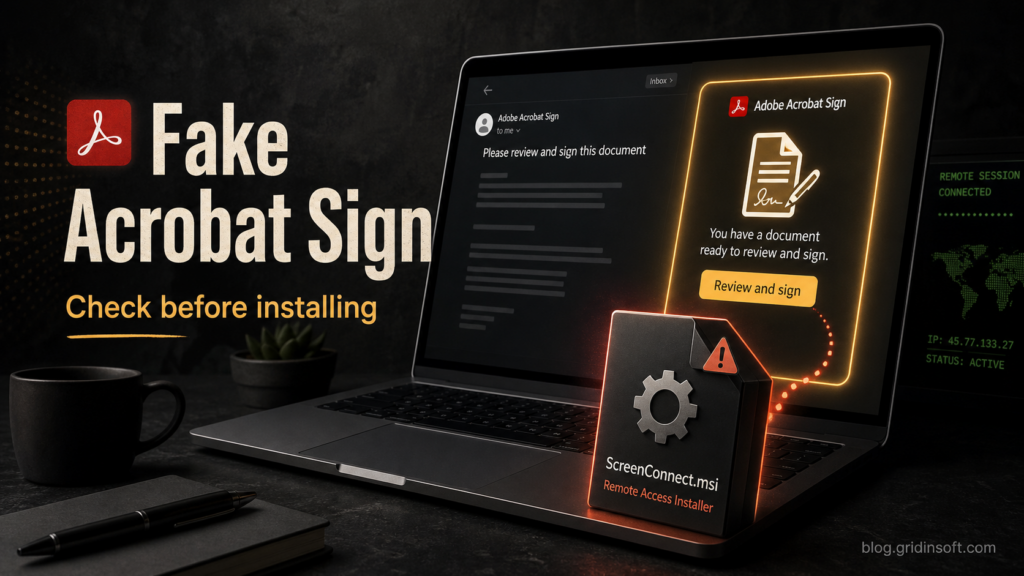
Adobe Acrobat Secure Document Email Virus
Fake Adobe Acrobat Secure Document and Contract Procurement emails can deliver trojanized ScreenConnect. Check the ZIP/MSI lure and clean up safely.
Repair desk
Focused fixes for Windows errors, fake alerts, browser problems, Defender warnings, scam pop-ups, and cleanup cases that need a clear next step.
Solutions online
Fake Adobe Acrobat Secure Document and Contract Procurement emails can deliver trojanized ScreenConnect. Check the ZIP/MSI lure and clean up safely.
Seeing Win32:Malware-gen or Other:Malware-gen on cmd.exe or another file? Learn when it is a false positive, when to…
The cPanel, Roundcube Security Patches, Employee Account Maintenance Notice, and other Webmail phishing emails steal mailbox credentials. Learn…
Unexpected Tiflux RMM after a service-agreement email can mean unauthorized remote access. Learn what TiAgent, TiService, Splashtop, ScreenConnect,…
Seeing Matrixgrowthforge.com ads or fake browser notifications? Remove the permission, check extensions and startup items, and scan if pop-ups return.
A fake DocuSign Legal Department email delivers an ISO with a disguised executable. Learn how to verify the request safely and what to do…
Found RuntimesHost.exe, node.exe, or a RuntimesHost_user task? Learn what it means, how to remove proxy malware persistence, and when to scan or change passwords.
Seeing Trojan:MSIL/Heracles or a Heracles !MTB variant in Microsoft Defender? Check the source, false-positive signals, recurrence, and safe cleanup steps.