
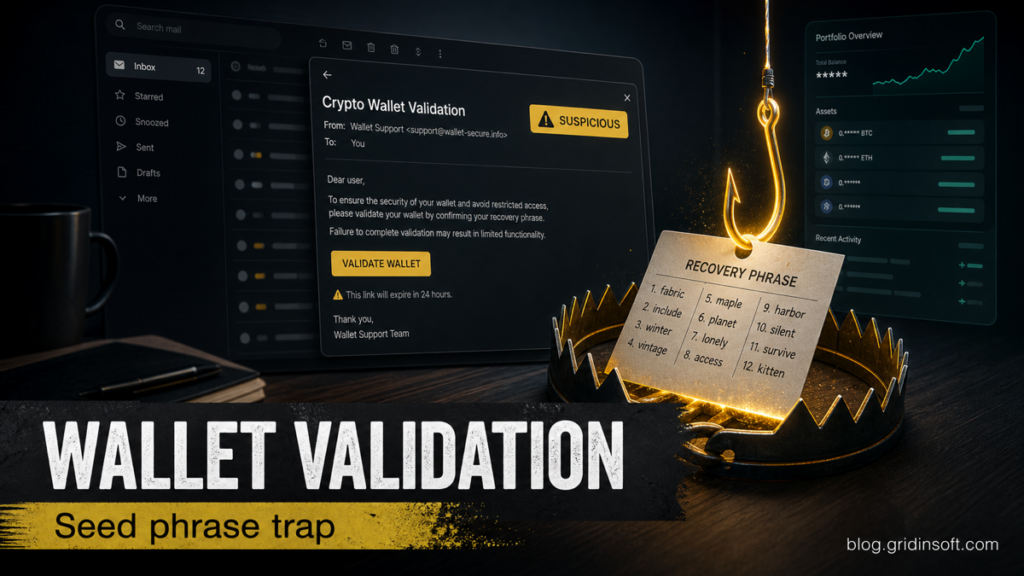
Crypto Wallet Validation Scam
Crypto Wallet Validation emails push wallet-brand buttons and recovery-phrase requests. Learn the red flags, safe checks, and what to do if you entered a seed phrase.
Repair desk
Focused fixes for Windows errors, fake alerts, browser problems, Defender warnings, scam pop-ups, and cleanup cases that need a clear next step.
Solutions online
Crypto Wallet Validation emails push wallet-brand buttons and recovery-phrase requests. Learn the red flags, safe checks, and what to do if you entered a seed phrase.
Heur.BZC.PZQ.Boxter is a Bitdefender heuristic label, so the file source, path, signature, and recurrence decide whether to restore,…
Remove Mobility-search.com from Chrome or Edge by cleaning Site Search, extensions, policies, sync, and Windows adware leftovers before…
TotalAV pop-ups can come from the app, Windows notifications, browser permissions, fake alerts, or uninstall leftovers. Identify the…
If itchupd.pages.dev started downloading Updater_v3.3.zip, check whether the file completed or ran, remove the download, clean browser permissions, and scan for leftovers.
Homesearchtab.com still opens when Chrome starts? Remove the startup page, search shortcut, extension, policy, sync source, and adware leftovers.
Remove Rainbow Blocker, stop api.rainbowblocker.com security alerts, clean browser permissions, check sync, and scan Windows for adware leftovers.
The LinkedIn Purchase Inquiry email scam imitates a business quote request to steal credentials. Learn the red flags, safe verification steps, and what to…