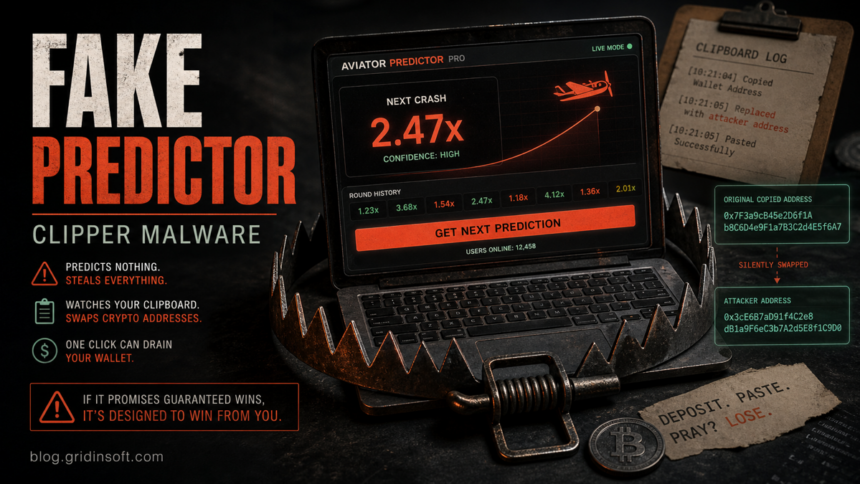
Aviator Predictor apps and similar “crypto sniper” tools are risky because the promise is built around trust you cannot verify: guaranteed wins, easy wallet profit, fake stars, copied download counts, and videos that look more convincing than the software itself. In a recent campaign analyzed by Check Point Research, that fake reputation led users toward a Rust-based crypto clipboard hijacker. The practical risk is not that a predictor guesses the next game round badly; it is that the download can watch your clipboard, replace wallet addresses, and leave hidden components behind after you close the app.
If you downloaded an Aviator Predictor, Pump.fun sniper bot, crash-game predictor, or a ZIP that contained names such as SniperBot_Premium(Free).exe or silkebin.exe, treat the computer and any wallet activity from that session as exposed until you verify it.
Why Fake Predictor Apps Are Dangerous
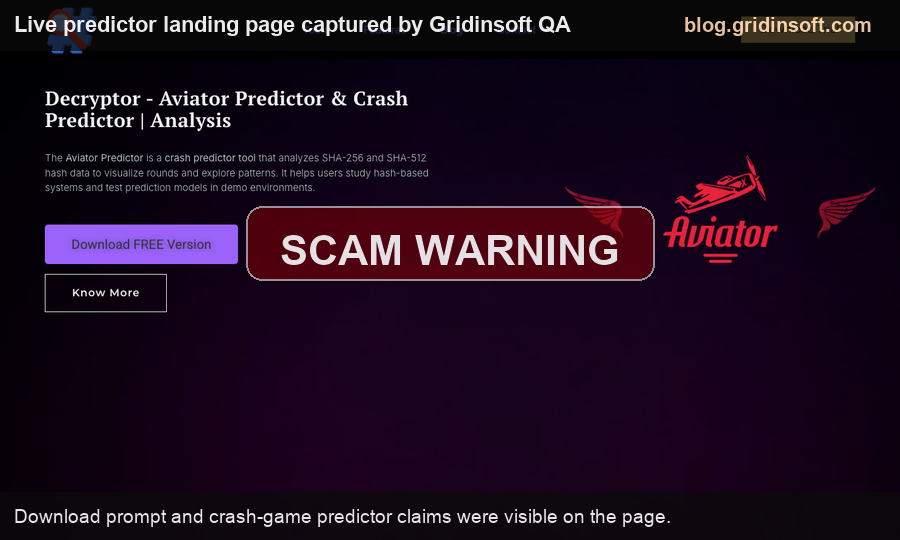
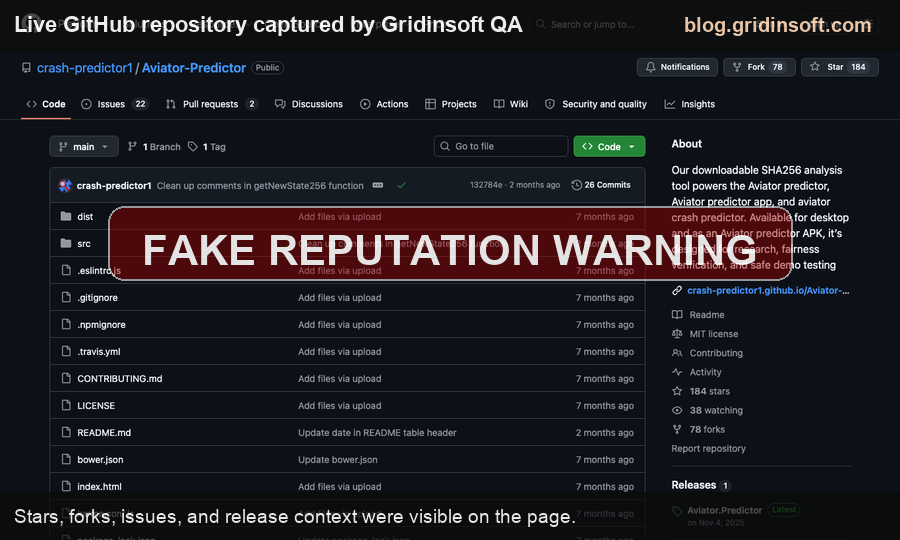
Predictor tools sit in a gray area that attackers like: people expect them to be unofficial, promoted in forums or videos, and hard to verify. That makes fake trust signals powerful. A page can show GitHub stars, SourceForge downloads, positive comments, and “safe” language while the file still behaves like malware.
In the campaign Check Point described, the attacker did not rely on one landing page. The lure used a broader trust chain: a phishing site, GitHub and SourceForge exposure, AI-narrated YouTube videos, posts on crypto forums, and manipulated VirusTotal sentiment. That pattern matters because many victims search several places before running a tool. Seeing the same name repeated across platforms can feel like confirmation, even when the reputation was manufactured.
What The Malware Tries To Do
| Signal | Why it matters |
|---|---|
| Fake predictor or sniper bot | The tool promises profitable guesses or automated trades, which pushes users to connect crypto activity to the same Windows session. |
| Clipboard monitoring | A clipper can wait until you copy a wallet address, then replace it with the attacker’s address before you paste. |
| Fake reputation | Stars, comments, download counts, and videos can be staged. They are not proof that the binary is safe. |
| Extra payload files | Names such as silkebin.exe or unexpected files under extracted folders suggest the visible app is only part of the chain. |
Evidence and File Artifacts We Used
This article does not ask readers to visit the actor’s download pages, and we did not download or execute live samples from the campaign. The concrete artifacts below come from the primary reverse-engineering report and are useful for triage because they describe what a victim would actually see on disk or in Windows behavior.
| Artifact or behavior | Why it is useful evidence |
|---|---|
SniperBot_Premium(Free).exe |
Reported Windows loader name for one promoted fake crypto-sniper package. A similar predictor ZIP with this naming pattern should be treated as suspicious. |
src/config/silkebin.exe |
Reported payload path inside the extracted package. It shows why the visible predictor app is not the only file that matters. |
%APPDATA%\silke\silke.exe |
Reported persistence copy path. If a file with similar timing appears under AppData after running a predictor, check Startup and scheduled persistence before using wallets again. |
| Startup folder shortcut | The reported malware can relaunch at logon, so deleting the original ZIP is not enough evidence of cleanup. |
| Clipboard API use | The Windows behavior includes clipboard-listener activity such as reading, clearing, and setting clipboard content, which matches a crypto-address swapper. |
| Large embedded wallet list | The report describes thousands of attacker-controlled wallet addresses across Bitcoin, Ethereum/EVM, Tron, Litecoin, Monero, Cardano, Dogecoin, XRP, and other formats. |
What To Check If You Ran Aviator Predictor
- Stop sending crypto from the same browser or wallet session until you verify copied recipient addresses on a separate device.
- Delete the downloaded ZIP and extracted folder, but do not assume deletion removes every startup entry or dropped file.
- Check your recent transactions. If a pasted wallet address changed or funds went to an unknown address, move remaining assets from a clean device to a new wallet, not just a new address in the same exposed wallet.
- Open Task Manager and Startup Apps, then check Task Scheduler for unknown entries created after the download time.
- Look in
%USERPROFILE%\Downloads,%TEMP%, and%APPDATA%for files created around the same time as the predictor download. - Change exchange, wallet, email, Discord, Telegram, and browser-sync passwords from a clean device if you ran the tool while logged in.
- Run a full malware scan before restoring normal wallet activity on that PC.
For this type of post-download case, a scan is useful because deleting the visible predictor does not prove the loader, scheduled task, startup entry, browser change, or hidden payload is gone. Gridinsoft Anti-Malware can check for active detections, startup persistence, bundled components, and suspicious files left after the fake app ran.
If a token stealer ran here, logging back in can hand the attacker your new Discord session, email cookie, Steam token, or wallet access. Scan this Windows PC first, then reset passwords from a clean device.
Scan after running a fake predictorHow To Avoid The Trap Next Time
Do not treat GitHub stars, SourceForge downloads, YouTube tutorials, Telegram comments, or VirusTotal comments as safety proof by themselves. For high-risk tools tied to crypto wallets, the safer rule is simple: if the software asks you to trust a secret trading edge, a guaranteed crash-game prediction, or a free sniper bot, assume the file is trying to profit from you rather than for you.
If you need to evaluate a suspicious file before opening it, use a controlled scan and focus on the source, publisher, file age, behavior, and whether the same file is being promoted by throwaway accounts. Our guides on fake GitHub and SourceForge downloads, CryptoBandits clipboard theft, MassJacker malware, and mixed VirusTotal results explain the surrounding checks in more detail.
FAQ
Is every Aviator Predictor app malware?
No. The name is used broadly, and some pages may only be low-value gambling or prediction software. The risk is high when the download comes from unofficial repositories, videos, forum links, ZIP files, or crypto-sniper promotions and asks you to run an executable on the same PC you use for wallets.
What is a crypto clipboard hijacker?
It is malware that monitors copied text and replaces cryptocurrency wallet addresses with attacker-controlled addresses. Victims often notice only after a transaction is sent to the wrong recipient.
Should I only check the file on VirusTotal?
No. Multi-engine results can help, but fake reputation campaigns may also manipulate comments and social proof around a file. Check the source, signature, behavior, dropped files, startup entries, and whether the file already ran.
Do I need a new wallet?
If you only downloaded the file and did not run it, deleting it and scanning the system may be enough. If you ran it and then copied wallet addresses, signed transactions, or logged into exchanges, move remaining funds from a clean device to a newly created wallet and rotate related passwords.
References
- Check Point Research. “From Stars to Upvotes: Fake Reputation Fueling a Crypto Clipboard Hijacker.” Check Point Research, June 17, 2026, accessed June 19, 2026. https://research.checkpoint.com/2026/from-stars-to-upvotes-fake-reputation-fueling-a-crypto-clipboard-hijacker/