
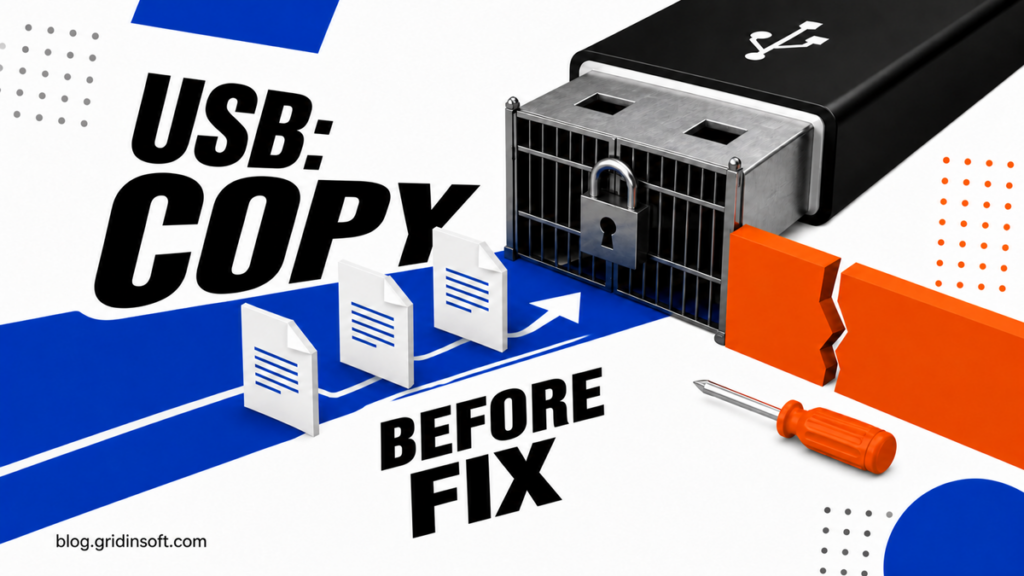
The Disk Is Write Protected: Fix a USB Drive in Windows 11
Learn how to preserve readable files, identify why a USB drive became write-protected, clear a software attribute safely, and recognize hardware failure.
Repair desk
Focused fixes for Windows errors, fake alerts, browser problems, Defender warnings, scam pop-ups, and cleanup cases that need a clear next step.
Solutions online
Learn how to preserve readable files, identify why a USB drive became write-protected, clear a software attribute safely, and recognize hardware failure.
Learn what NahimicSvc64.exe does, why it can use high CPU or crash games, how to test and repair…
Learn why GameInputSvc.exe uses high CPU or memory, how to repair Microsoft GameInput safely, and when a same-name…
Learn what CefSharp.BrowserSubprocess.exe does, why multiple copies run, how to find the parent app, and how to fix…
Defender flagged WiiUDownloader as Wacatac.B!ml? Learn what the app is, check the download source, and scan the PC before restoring the file.
Remove FreeCodecPack on Windows 10/11, clean bundled apps and browser changes, and check startup or scheduled-task leftovers if pop-ups return.
Learn when Xunlei Thunder is legitimate or unwanted, how to verify its source and signature, remove browser helpers, and check Windows leftovers.
Remove LuDaShi, stop recurring MiniPopups alerts, check bundled apps and startup leftovers, and tell an active PUA from stale Defender history.