
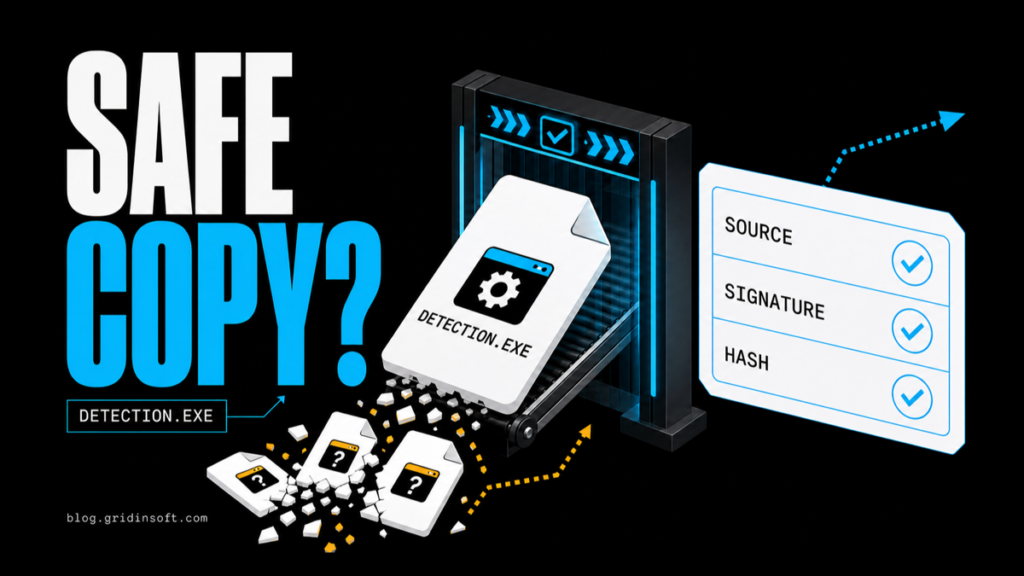
Is Can You Run It Safe? Verify Detection.exe Before Running It
Can You Run It uses Detection.exe to inspect PC hardware. Learn how to verify the source, signature and hash, whether it ran, and what to scan.
Repair desk
Focused fixes for Windows errors, fake alerts, browser problems, Defender warnings, scam pop-ups, and cleanup cases that need a clear next step.
Solutions online
Can You Run It uses Detection.exe to inspect PC hardware. Learn how to verify the source, signature and hash, whether it ran, and what to scan.
SteamWebHelper.exe can run several processes, but growing memory or repeated hangs need attention. Measure the total, follow Valve’s…
Fix TiWorker.exe high CPU or disk usage: check update progress, repair Windows, verify the file, and scan suspicious…
Learn what Vitya ransomware and .vitek files mean, how to stop encryption, check for data theft, remove malware,…
An etilqs file is usually SQLite temporary data. Find the creator, close it safely, delete stale files, and stop recurring disk growth.
VGTray.exe is Riot Vanguard's tray app. Check its path and signature, understand vgc/vgk, and choose On-Demand, exit, or uninstall safely.
PresentMon_x64.exe usually belongs to a performance overlay such as NVIDIA FrameView. Find the owner, stop high CPU safely, and check suspicious copies.
backgroundTaskHost.exe hosts Windows app tasks. Use Event Viewer to find the package that failed, repair it first, and check a wrong-path copy safely.