
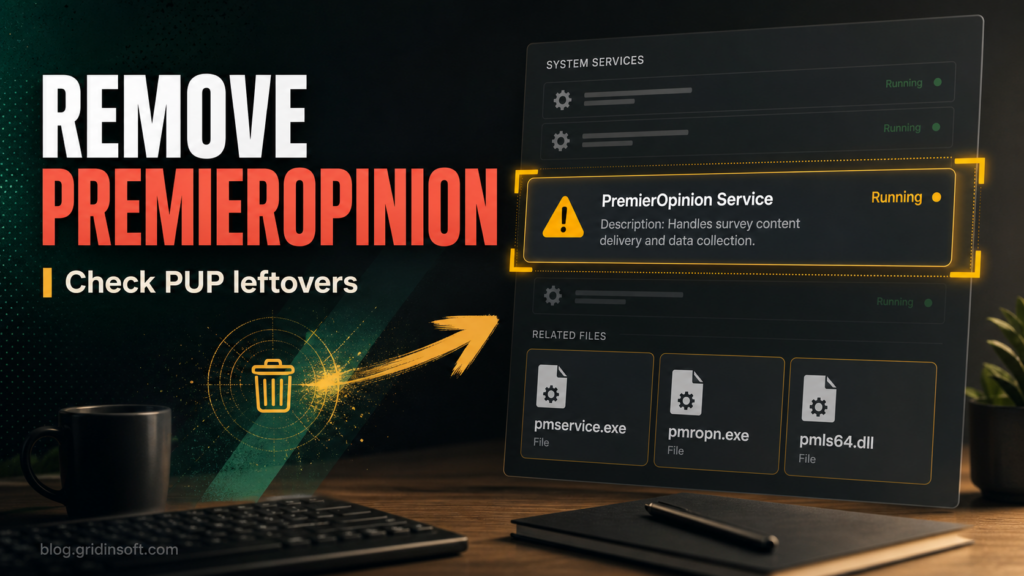
What Is PremierOpinion? Remove pmservice.exe and Popups
Found PremierOpinion or pmservice.exe on your PC? See what it is, remove pmropn files and popups, and check for Alsulics and fortimex leftovers.
Repair desk
Focused fixes for Windows errors, fake alerts, browser problems, Defender warnings, scam pop-ups, and cleanup cases that need a clear next step.
Solutions online
Found PremierOpinion or pmservice.exe on your PC? See what it is, remove pmropn files and popups, and check for Alsulics and fortimex leftovers.
Developer ransomware adds .developer18 files and drops RANSOM_NOTE.html. Isolate the PC, preserve evidence, check decryptors, clean malware, and…
Newspulsenow.net can appear when a browser hijacker changes search, homepage, or new-tab settings. Remove the redirect route, clean…
Get Maps & Driving Directions can force searches through bestfreemaps.com and s1search.co before Yahoo. Remove the extension, search…
Freshy Search can take over browser search, new-tab, and homepage settings. Remove the extension, clean freshy.com redirects, policies, sync, and hijacker leftovers.
Remove DriverToolkit safely. Stop DriverToolkit.exe startup, uninstall the PUP, check tasks, browser leftovers, and use safer Windows driver updates.
KalinkaCrypt ransomware adds .Sezar7-style extensions and drops Contact-Note.txt. Isolate the PC, check decryptors, clean malware, and restore safely.
Remove SlimCleaner Plus safely: uninstall the unwanted cleaner, check SlimWare DriverUpdate and WebCompanion co-installs, clean startup tasks, restore browsers, and rescan.