
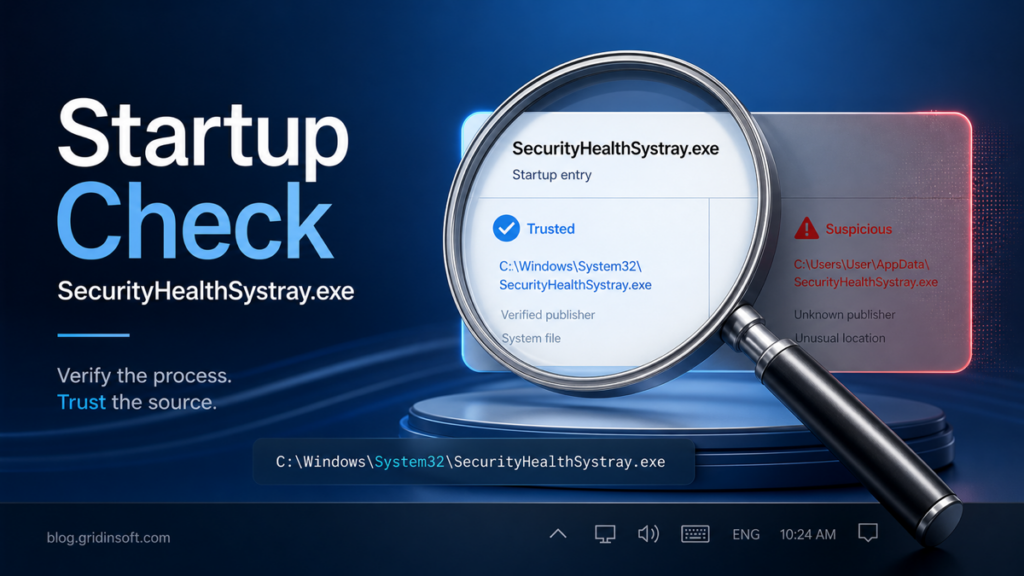
SecurityHealthSystray.exe: Safe to Disable at Startup?
SecurityHealthSystray.exe is the Windows Security tray icon. Learn when startup is normal, when the path/signature is suspicious, and whether to disable it.
Practical security guide
Step-by-step fixes, scam checks, Windows cleanup, browser safety, and simple security habits for real problems people run into every day.
Updated guide index
SecurityHealthSystray.exe is the Windows Security tray icon. Learn when startup is normal, when the path/signature is suspicious, and whether to disable it.
What Trojan:JS/Obfuse.NF!MTB means when Defender keeps catching hidden PowerShell, and how to check the command line, environment variables,…
Trojan.FakeGoogleJS is often a Malwarebytes alert for fake Google or browser-extension-style files. Learn what to check, what to…
wslservice.exe is normally Microsoft’s WSL service, but fake copies hide in AppData, PolicyStore, Temp, or startup paths. Learn the exact checks before trusting it.
Trojan:JS/Redirector alerts often point to browser cache or temporary web files, but repeated detections can mean deeper redirect malware. Check the path, clear cache,…
pythonw.exe can be legitimate or abused by malware. Learn how to check its path, command line, startup entry, network behavior, and cleanup steps safely.
Searching for an OnlyFans leak site, viewer, or checker? Learn why fake leak pages spread phishing and malware, what is known, and what to…
Downloaded a VFXmed installer? Learn why cracked VFX software is risky, what Themida/DLL-hijack/infostealer alerts mean, and what to scan or secure next.