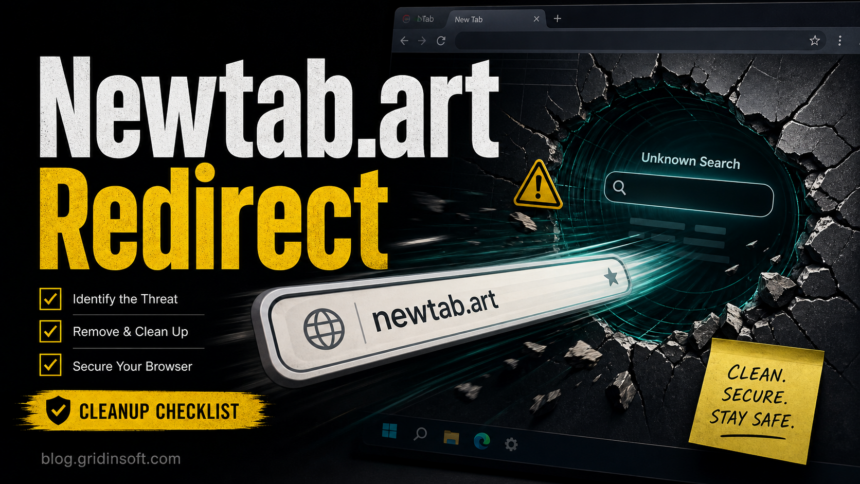
Newtab.art redirects should be treated as a browser hijacker symptom. The domain may appear for only a moment before sending searches to Yahoo or another search page, but that short stop means something changed your browser, shortcut, profile, policy, or startup behavior. It is not proof by itself that ransomware is on the computer, but it is enough reason to remove unknown extensions, undo browser settings, and scan Windows if the redirect returns.
What Is Newtab.art?
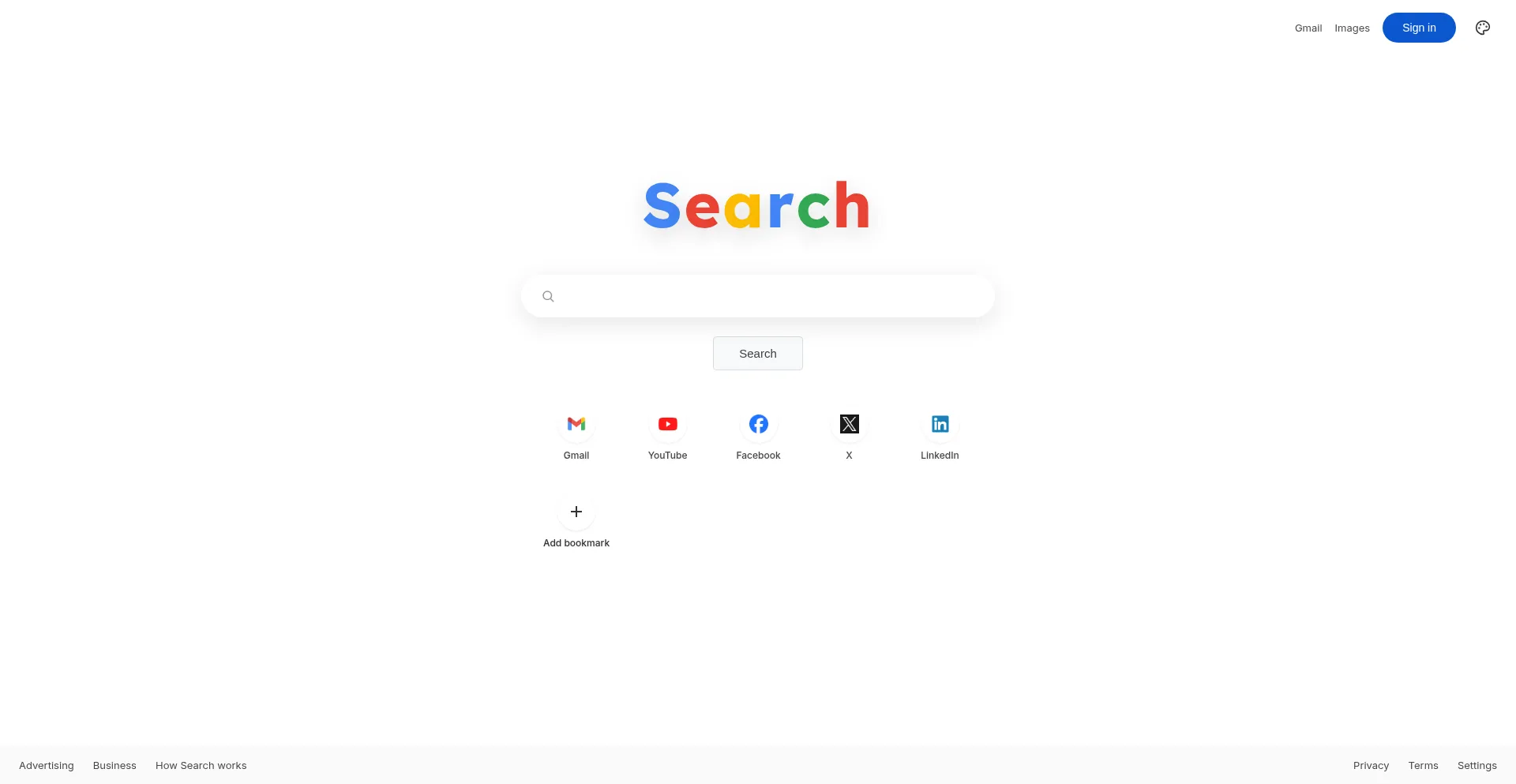
Newtab.art is a search-style redirect domain seen in hijacked browser flows. A typical report looks like this: you type a search in Chrome, Edge, or Firefox, the address bar briefly shows newtab.art, and then the browser lands on Yahoo or another search provider you did not choose.
The final search provider is usually not the source of the problem. The cause is more often an extension, bundled app, profile setting, sync residue, modified shortcut, scheduled task, or browser policy that sends traffic through the redirect first. Gridinsoft’s public URL Scanner currently marks Newtab.art as suspicious with a 1/100 trust score and blacklist signals, so avoid entering personal data on pages reached through this redirect.
Remove Newtab.art From the Browser First
- Remove unknown extensions. In Chrome or Edge, open the extensions page and remove anything recently installed, search-related, coupon-related, tab-related, or unfamiliar. In Firefox, check Add-ons and Themes.
- Reset search, homepage, and new-tab settings. Remove
newtab.artor unknown search entries from the search engine list and startup pages. If the browser says the setting is locked, check policies before resetting. - Check browser policies. In Chrome, open
chrome://policyandchrome://management. On a personal device, unknown policies that force extensions, homepages, or search providers are suspicious. - Turn off sync temporarily. If the redirect returns after cleanup, disable browser sync, clean the local profile again, then re-enable sync only after confirming the bad extension or setting is gone.
- Reset the affected browser. A reset can undo many profile-level changes, but it will not remove a Windows app or task that keeps restoring the redirect.
If the main symptom is Yahoo taking over Chrome after the redirect, use the Yahoo Search cleanup guide after removing Newtab.art from the search flow.
Check Windows Persistence
If Newtab.art opens from game launchers, links in other apps, or after Chrome was reinstalled, look outside the browser profile. Reinstalling Chrome alone often misses the component that launches the redirect.
- Uninstall recently added apps, download managers, cracked-tool installers, browser helpers, and unknown launchers.
- Inspect startup apps and Task Scheduler for entries that open a browser URL or an unknown executable in
AppData,Temp, or a downloads folder. - Check browser shortcuts for extra URLs after
chrome.exe,msedge.exe, orfirefox.exe. - Review default-browser and open-with behavior if Newtab.art appears only when another program opens a link.
- Clear embedded-browser or launcher cache when the redirect appears from Steam, game launchers, or app launchers rather than normal browsing.
For a broader symptom checklist, see why a browser opens tabs by itself and how to handle an extension that keeps reinstalling itself.
When To Scan for Malware
Scan the computer when Newtab.art returns after extension removal, affects more than one browser, appears after a suspicious installer, or keeps showing up from startup tasks or browser policies. Those patterns point to PUA, adware, or a browser hijacker component outside the visible extension list.
Gridinsoft Anti-Malware can help check for unwanted apps, browser-hijacker leftovers, startup entries, and suspicious files that restore redirect settings. Keep the scan result in context: a single redirect does not automatically mean a password stealer ran, but a redirect that started after a mod, crack, fake update, or unknown installer deserves a full cleanup pass.
After uninstalling the suspicious app or deleting the visible threat, use Gridinsoft Anti-Malware to check hidden files, startup entries, scheduled tasks, bundled apps, browser changes, and other persistence points that can restore malware.
Download Anti-MalwareHow To Prevent Newtab.art From Coming Back
- Install extensions only from trusted publishers and remove extensions you no longer use.
- Choose custom install options and decline bundled search, tab, or coupon add-ons.
- Do not keep cracked installers, mod loaders, or download-manager packages that changed browser settings.
- Review notification permissions and pop-up permissions if redirects are mixed with fake virus alerts or ad pages.
- Keep a clean browser profile backup after confirming the redirect is gone.
If you need a full browser reset flow after the system cleanup, follow the browser reset guide. For general PUA routing, use the PUA and browser hijacker removal hub.
FAQ
Is Newtab.art a virus?
Newtab.art is better described as a browser redirect or hijacker symptom. The domain appearing in searches does not prove that a file-encrypting virus is present, but it does mean browser or system settings were changed and should be cleaned.
Why does Newtab.art redirect to Yahoo?
Many search hijackers send traffic through an intermediate domain and then land on a legitimate search provider. Yahoo may only be the final results page; the unwanted part is the forced stop at Newtab.art.
Why does Newtab.art come back after I remove extensions?
The restoring source may be browser sync, a policy, a companion app, a scheduled task, a startup item, or a modified shortcut. Remove that persistence source before resetting the browser again.
Should I delete Chrome to fix Newtab.art?
Usually no. Reinstalling Chrome can leave sync data, policies, shortcuts, startup tasks, and unwanted apps behind. Clean those first, then reset or recreate the browser profile if needed.
References
- Google Chrome Help. “Remove unwanted ads, pop-ups & malware.” Google, accessed June 9, 2026. https://support.google.com/chrome/answer/2765944
- Google Chrome Help. “Check if your Chrome browser is managed.” Google, accessed June 9, 2026. https://support.google.com/chrome/answer/9281740
- Google Chrome Help. “Reset Chrome settings to default.” Google, accessed June 9, 2026. https://support.google.com/chrome/answer/3296214