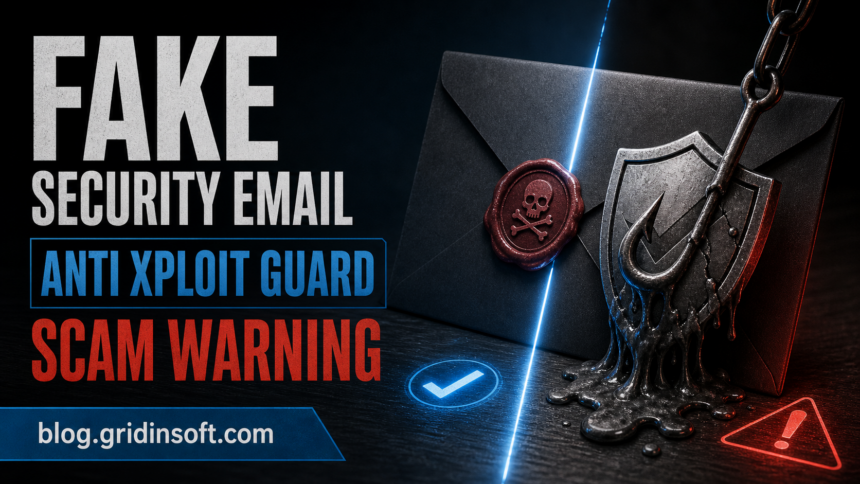
“Microsoft Anti Xploit Guard” emails are phishing messages that pretend to be urgent security alerts. The goal is to scare you into clicking a link, opening an attachment, or calling a fake support number. These emails are not from Microsoft.
The safest assumption is simple: any unexpected email that demands immediate action, password resets, or payment is a scam until proven otherwise. If you received one, do not click anything inside it.
| Threat name | Microsoft Anti Xploit Guard email scam |
| Type | Phishing / social engineering |
| Main goal | Credential theft, payment fraud, remote access |
| Common bait | Fake security alerts, urgent account warnings |
| Risk level | High – account takeover and financial loss |
What it looks like: the message uses Microsoft branding, mentions a “security update” or “protection alert,” and includes a link or attachment. The text often pressures you with deadlines or threats. This is a common tactic to bypass careful review.
Example email text (as reported):
Subject: Microsoft security update
Important security update required
Update your security software to protect your device
Microsoft Anti-Xploit Guard has released a critical security update. Install this update to keep your device protected from the latest threats.
Update: Anti-Xploit Guard Security Update KB5021234
Size: 67.5 MB
Time required: About 5 minutes
This update includes important security improvements to protect against new exploits and vulnerabilities.
Update now
Manual download option:
Download update file manually
File: Microsoft_Anti-Xploit_Update.exe (Security Patch KB5021234)
Microsoft Corporation
This update will install automatically in 3 days if not installed manually.
How it gets to you: phishing emails are usually sent in bulk, but they can be targeted using leaked data. If your email has appeared in past breaches, you are more likely to receive personalized scams.
What to do if you received it
Step 1 – Do not click links or open attachments. Close the email and avoid any buttons, download links, or phone numbers inside it.
Step 2 – Verify independently. If the email claims an account problem, open the official website by typing it manually in your browser. Do not use the email link.
Step 3 – Change passwords if you clicked. If you entered credentials, reset them immediately and enable multi-factor authentication.
Step 4 – Scan for malware. If you opened an attachment or ran a file, run a full scan to remove any hidden payloads.
After uninstalling the suspicious app or deleting the visible threat, use Gridinsoft Anti-Malware to check hidden files, startup entries, scheduled tasks, bundled apps, browser changes, and other persistence points that can restore malware.
Download Anti-MalwareThese scams work because they feel official. Slow down, verify outside the email, and treat urgent security claims as suspicious.
FAQ
Is Microsoft Anti Xploit Guard a real Microsoft product?
No. This wording is commonly used in scam emails to look official. Microsoft does not send security alerts that ask you to click unknown links.
How can I tell if the email is fake?
Phishing emails push urgency, include links or attachments, and use generic greetings. Always verify by visiting the official site directly.
What if I clicked the link?
Change affected passwords, enable MFA, and run a full malware scan to catch any downloaded threats.
Why do scammers send these emails?
The goal is to steal credentials, money, or access to your computer by making the email look urgent and official.
Related: For a general checklist, see how to spot a phishing email, or analyze a suspicious message with GridinSoft Email Checker.