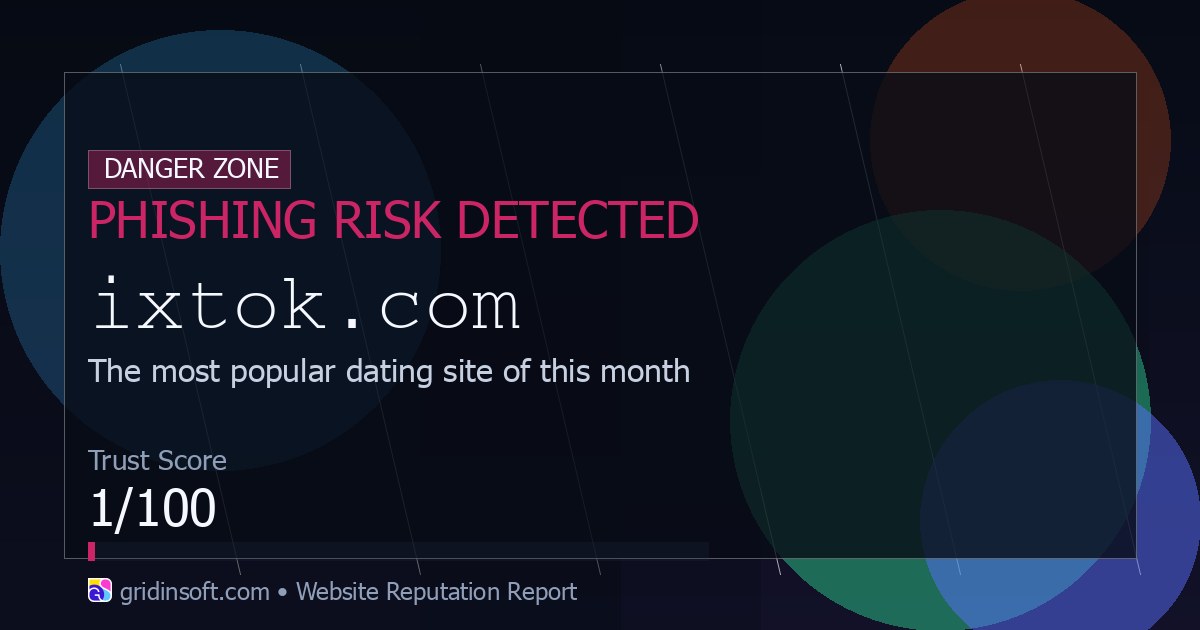
treat ixtok.com as unsafe. A header-only check on May 28, 2026 redirected the domain through boytik.com to local-x-dating.com, and the Gridinsoft website reputation report marks ixtok.com as a phishing risk with a 1/100 trust score. Do not enter an email, password, card number, phone number, or verification code on pages reached from that redirect chain.
If you only opened the page, close the tab and avoid returning. If you clicked prompts, allowed notifications, downloaded anything, or submitted personal data, use the checklist below to limit account, browser, and Windows risk.
What happens when ixtok.com opens?
The current behavior is not a normal destination-site flow. The domain acts like a redirect doorway: it quickly sends visitors to another host and then to a dating-themed landing page. Redirect doorways are risky because the visible domain, the final page, and the data-collection form may all be controlled by different parties.
| Signal | Why it matters | What to do |
|---|---|---|
ixtok.com redirects away |
You are not staying on the domain you typed or clicked. | Do not trust login, age, prize, or verification forms after the redirect. |
| Very low reputation score | Gridinsoft and independent reputation pages flag high-risk behavior. | Use it as a warning sign, not as a site to test with real data. |
| Adult-dating themed destination | Such pages often push registration, notifications, or paid-account prompts. | Close the tab if you did not intentionally visit that exact service. |
| Browser prompts or downloads | Notification permission and downloaded files can create follow-up spam or malware risk. | Remove permissions and scan anything downloaded from the flow. |
What you should not enter
Do not type sensitive information into any form reached after the ixtok.com redirect unless you can independently verify the final website and you meant to use that service.
- Email address, username, or password.
- SMS codes, authenticator codes, or recovery codes.
- Payment-card details, bank information, or crypto-wallet phrases.
- Phone number, home address, ID details, or private photos.
- Browser notification permission if the page asks to “verify” you are human.
If a page reached from this chain asks for credentials, compare it with the red flags in our phishing checklist. The same warning signs apply to unexpected web forms: urgency, vague ownership, unnecessary verification steps, and requests for data the page does not need.
If you clicked or submitted information
- Close the page. Do not keep clicking through extra verification pages or “continue” buttons.
- Change reused passwords. If you entered a password, change it on the real account and anywhere else you reused it. Enable two-factor authentication.
- Contact your bank or card issuer. Do this quickly if you entered card details, paid for a subscription, or saw an unexpected charge. The FTC also recommends contacting the payment provider after a suspected scam.
- Remove browser permissions. If you allowed notifications, remove the permission for
ixtok.com,boytik.com, the final destination, and any unknown sites added around the same time. - Scan the device. If a file downloaded, a browser extension appeared, or redirects continue, run a full scan with Gridinsoft Anti-Malware and remove anything it detects.
If ixtok.com keeps showing unwanted pop-ups, you likely granted it permission to send notifications. To stop them, you need to revoke that permission in your browser settings.
- Copy and paste this into the address bar:
chrome://settings/content/notifications - Scroll down to the Allowed to send notifications list.
- Find ixtok.com.
- Click the three dots (...) next to it and select Remove (or Block).
- Open Safari and go to Settings (or Preferences).
- Click the Websites tab and select Notifications on the left.
- Find ixtok.com in the list on the right.
- Select it and click Remove (or change "Allow" to "Deny").
- Copy and paste this into the address bar:
about:preferences#privacy - Scroll down to Permissions and click Settings... next to Notifications.
- Type ixtok.com in the search bar or find it in the list.
- Select the site and click Remove Website.
- Copy and paste this into the address bar:
edge://settings/content/notifications - Look under the Allow section.
- Find ixtok.com.
- Click the three dots (...) next to it and select Remove (or Block).
- Copy and paste this into the address bar:
brave://settings/content/notifications - Scroll to the Allowed to send notifications list.
- Find ixtok.com.
- Click the three dots (...) and select Remove (or Block).
- Copy and paste this into the address bar:
opera://settings/content/notifications - Check the Allowed to send notifications list.
- Find ixtok.com.
- Click the three dots next to it and select Remove.
When to scan Windows
Opening the redirect alone does not automatically prove that Windows is infected. Scan the computer if any of these happened after the visit:
- A file, installer, browser extension, or “verification” component downloaded.
- Browser pop-ups continue after the tab is closed.
- Search results or new tabs redirect to dating, survey, prize, or fake update pages.
- Your antivirus shows a security-tool alert after the visit.
- You see unfamiliar startup entries, scheduled tasks, or newly installed apps.
For persistent redirects, compare the behavior with our redirect cleanup guide. If the suspicious page came from a downloaded archive or installer, also review why opening files from unknown archives can become dangerous when you run the contents.
After uninstalling the suspicious app or deleting the visible threat, use Gridinsoft Anti-Malware to check hidden files, startup entries, scheduled tasks, bundled apps, browser changes, and other persistence points that can restore malware.
Download Anti-MalwareHow to avoid similar redirect traps
- Search the exact domain before entering data, especially when a link comes from an ad, short video, social post, or direct message. If you reached a new doorway, compare its behavior with the Ivyof.com redirect guide, which shows how bot checks can expose different destinations.
- Check the final address after every redirect. A familiar-looking first domain does not make the destination safe.
- Use a separate password for every account and store it in a password manager.
- Keep browser notifications off by default for unknown sites.
- Use the Gridinsoft Online Virus Scanner to verify the latest verdict before revisiting the domain.
FAQ
Is ixtok.com a virus?
ixtok.com is a website domain, not a Windows virus by itself. The risk is the redirect flow and any data-entry, notification, or download prompt that follows it.
Can I get infected just by opening ixtok.com?
Usually, simply opening and closing a modern browser tab is lower risk than downloading or running a file. The risk increases if you allow notifications, install an extension, download a file, or enter account/payment data.
Why does ixtok.com redirect to another site?
Redirect doorway domains often forward traffic to affiliate, scam, or adult-themed landing pages. The final destination can change, so judge the whole chain, not only the first URL.
What if I allowed notifications?
Remove notification permission for ixtok.com and any unfamiliar domains that appeared in the same session. Then restart the browser and watch for recurring pop-ups.
References
- Gridinsoft. “ixtok.com Website Reputation Report.” Gridinsoft Online Virus Scanner, accessed May 28, 2026. https://gridinsoft.com/online-virus-scanner/url/ixtok-com
- Scam Detector. “ixtok.com Reviews: Is this site a scam or legit?” Scam Detector Validator, accessed May 28, 2026. https://www.scam-detector.com/validator/ixtok-com-review/
- ScamAdviser. “ixtok.com Reviews: Scam, Legit or Safe Check.” ScamAdviser, accessed May 28, 2026. https://www.scamadviser.com/check-website/ixtok.com
- Federal Trade Commission. “What To Do if You Were Scammed.” Consumer Advice, accessed May 28, 2026. https://consumer.ftc.gov/articles/what-do-if-you-were-scammed