
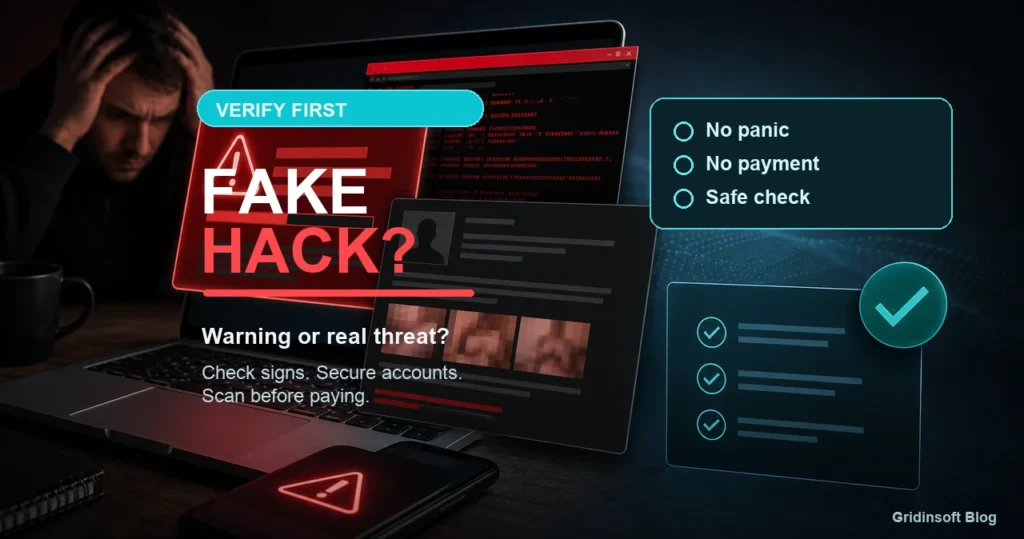
What Is Fake Hacking? Signs and What to Do
Fake hacking is a scam where someone claims your device or account is compromised to push you into payment, remote access, or password theft. Learn how to verify the threat safely.
Repair desk
Focused fixes for Windows errors, fake alerts, browser problems, Defender warnings, scam pop-ups, and cleanup cases that need a clear next step.
Solutions online
Fake hacking is a scam where someone claims your device or account is compromised to push you into payment, remote access, or password theft. Learn how to verify the threat safely.
Yahoo keeps replacing Google in Chrome or shows an unknown-app warning? Remove hijacker extensions, policies, startup entries, and…
Clean up and speed up a slow Windows PC safely: check Task Manager, free storage, disable startup bloat,…
Slow PC or CPU usage that drops when Task Manager opens? Separate normal Windows sampling from hidden miner…
Coin miner malware causes high CPU, GPU spikes, fan noise, heat, and slow performance. Learn how to remove a Bitcoin miner virus and check…
Use this public Wi-Fi safety checklist before connecting in airports, hotels, cafes, and malls. Verify the hotspot, avoid fake portals, use public-network mode, and…
Free up disk space on Windows 11 or 10 safely with Storage Sense, Cleanup recommendations, Disk Cleanup, app removal, cloud files, and malware checks.
Computer randomly restarting with no warning? Use Event Viewer, Kernel-Power 41, power, heat, RAM, driver, storage, and malware clues in the safest order.