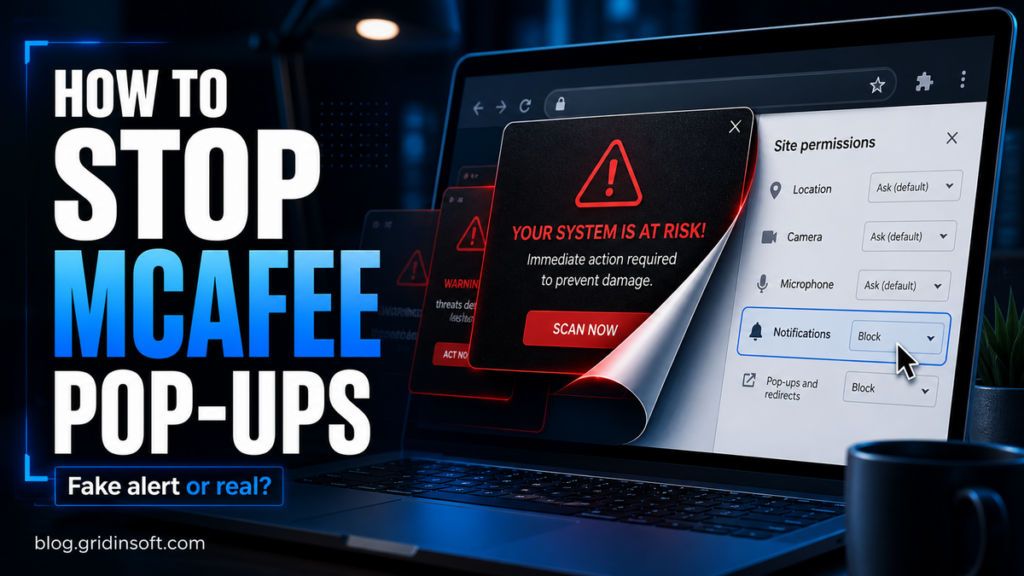
How to Stop McAfee Pop-ups: Fake Alerts, Chrome, WebAdvisor
Stop McAfee pop-ups by identifying the source: fake browser alerts, Chrome/Edge/Firefox/Safari notifications, WebAdvisor, Windows reminders, or adware.
Repair desk
Focused fixes for Windows errors, fake alerts, browser problems, Defender warnings, scam pop-ups, and cleanup cases that need a clear next step.
Solutions online
Stop McAfee pop-ups by identifying the source: fake browser alerts, Chrome/Edge/Firefox/Safari notifications, WebAdvisor, Windows reminders, or adware.
A "Your iPhone has been hacked" pop-up is usually a scam. Learn how to close it, clear Safari,…
Wondering if someone blocked you on WhatsApp or Telegram? Compare message check marks, profile changes, calls, groups, privacy…
DISM Host Servicing Process can push CPU or disk during Windows updates and repairs. Learn when dismhost.exe is…
Got a LAST WARNING or I hacked your operating system email claiming webcam access and Bitcoin ransom? Learn why it is sextortion spam and…
WerFault.exe application error usually means another app or driver is crashing. Check the Microsoft path, find the faulting app, repair Windows, and scan suspicious…
Porn sites can spread malware through fake video players, pop-ups, notification spam, phishing, and malicious ads. Learn the safe steps after exposure.
A new Telegram scam has emerged, leveraging bots functionality of the application and offering fake earning schemes. Scammers impersonate official bots of popular digital…