

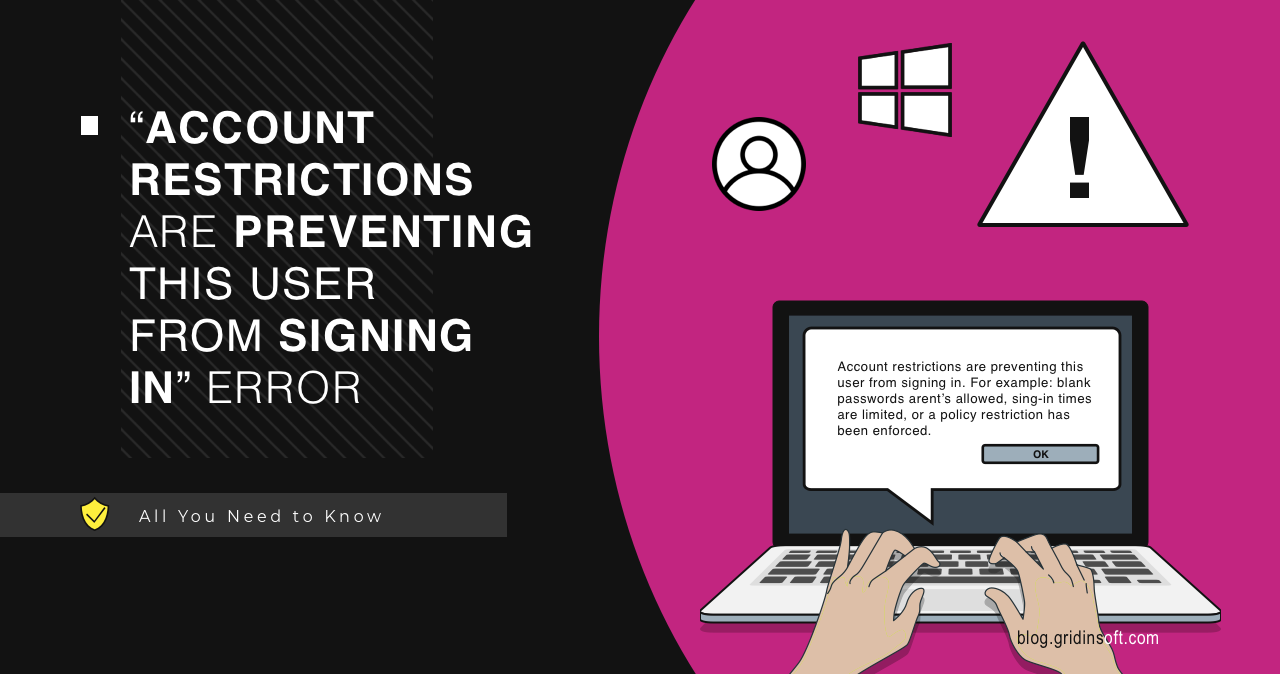
“Account restrictions are preventing this user from signing in” usually means Windows blocked the login because of policy, blank-password rules, Remote Desktop settings, or account restrictions. It is not usually malware. The fix depends on whether this is a local account, Microsoft account, domain account, or RDP login.
How do you fix account restrictions?
- Check whether the account has a blank password. Windows blocks some network/RDP logins with blank passwords.
- Confirm the user is allowed to sign in through Remote Desktop if using RDP.
- Check work/domain policies before changing security settings.
- Use a strong password and avoid disabling policy protections blindly.
| Common cause | Blank password, RDP permission, local/domain policy, account type restriction |
| Appears during | Remote Desktop, network login, local sign-in, app/service authentication |
| Safe first fix | Set a password and verify sign-in permissions |
| Do not do first | Disable security policy without understanding why it exists |
Fix checklist
- Set a real password for the account if it is blank.
- For Remote Desktop, add the user to Remote Desktop Users or Administrators where appropriate.
- Check whether the PC is managed by work/school policy.
- Check local security policy only if you administer the device.
- For domain accounts, ask the domain admin to review logon rights and restrictions.
FAQ
Is this error caused by a virus?
Usually no. It is normally an authentication or policy issue.
Why does it happen with Remote Desktop?
The user may lack RDP permission, or policy may block the way the account is trying to sign in.
Should I disable blank password restrictions?
No for normal PCs. Set a strong password instead.
Sources: Microsoft Windows sign-in, account policy, and Remote Desktop guidance.



Perfect! This post solving problems! Thanks!