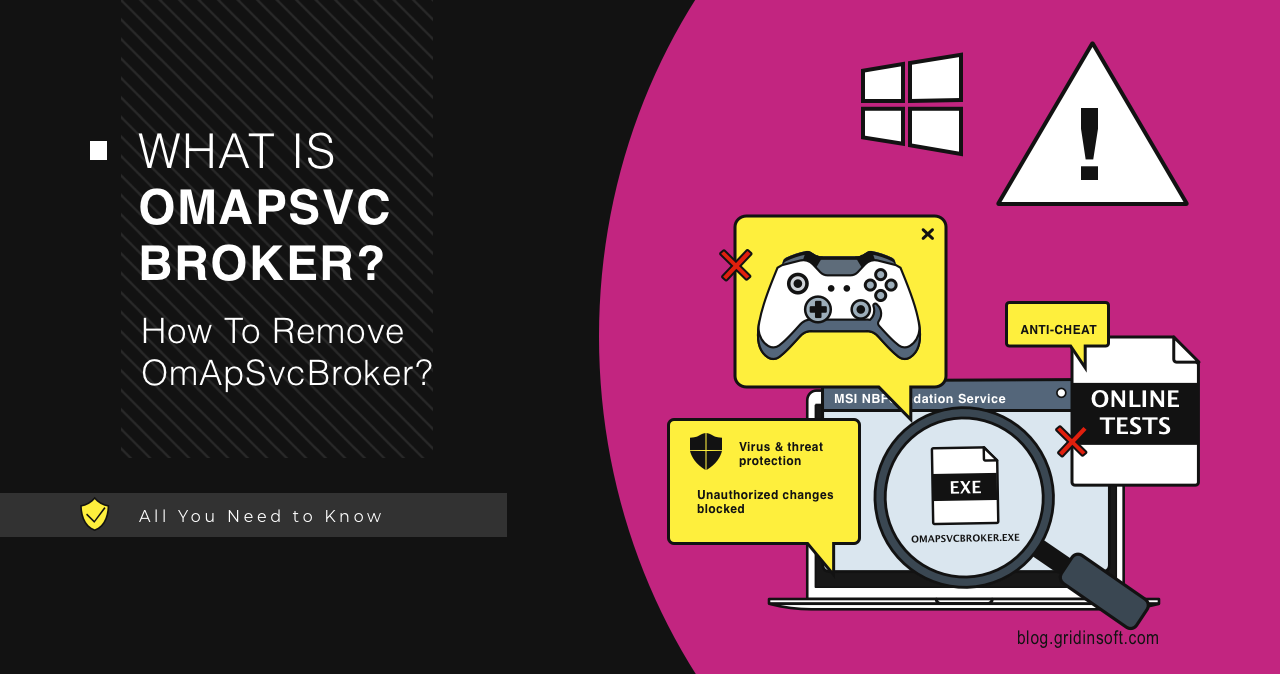
What is OmApSvcBroker.exe?
OmApSvcBroker.exe is usually an MSI Center, MSI Dragon Center, or MSI NBFoundation Service process. On MSI laptops and motherboards it can support performance profiles, fan behavior, keyboard/RGB controls, battery settings, and device utilities.
It is normally safe when it runs from an MSI folder such as C:\Program Files (x86)\MSI\MSI NBFoundation Service\ and has a Micro-Star International/MSI signature. It is suspicious if it runs from Temp, AppData, Downloads, C:\Windows, or a random folder.
| File name | OmApSvcBroker.exe |
| Usually belongs to | MSI Center, MSI Dragon Center, MSI Center SDK, or MSI NBFoundation Service. |
| Expected path | C:\Program Files (x86)\MSI\MSI NBFoundation Service or another MSI Center directory. |
| Safe publisher | Micro-Star International / MSI. |
| Can you end it? | Usually yes, but MSI Center hardware controls may stop until restart. |
| Best fix | Repair, update, or uninstall MSI Center instead of deleting the EXE manually. |
OmApSvcBroker overview
OmApSvcBroker is a background process installed with MSI utility software. It is not a Windows core process, but it can be normal on MSI systems. If you use MSI Center to control performance modes, fan curves, keyboard lighting, battery settings, or system updates, removing the service can break those features.
The confusing part is that the name looks unusual and sometimes appears during exams, games, or security prompts. That does not automatically make it malware. The file path and signature are starting checks. Compare the file with the MSI package for your exact device; neither check alone proves the file or system is safe.
How to check if OmApSvcBroker.exe is legitimate
- Press Ctrl + Shift + Esc to open Task Manager.
- Right-click OmApSvcBroker and choose Open file location.
- Confirm that the path points to an MSI Center or MSI NBFoundation Service folder.
- Right-click the file, open Properties, and check Digital Signatures.
- If the publisher is not MSI/Micro-Star International, scan the file before doing anything else.
OmApSvcBroker troubleshooting
Unauthorized changes blocked notification from Microsoft Defender
Controlled Folder Access may warn that OmApSvcBroker tried to change protected folders. The notification identifies a blocked attempt to write to a protected folder; it does not explain why the process attempted that write. Do not immediately allow it. First verify the path and signature. If it is the legitimate MSI file, update MSI Center and Windows. If it is in a suspicious folder, keep it blocked and scan the system.
OmApSvcBroker conflicts with exam administration tools
Some lockdown browsers and proctoring tools block background utilities that can monitor input, control hardware, or overlay notifications. If your exam software says OmApSvcBroker is not allowed, end the task temporarily before the exam:
- Open Task Manager.
- Select OmApSvcBroker.
- Click End task.
- Start the exam browser again.
After reboot, MSI Center may start it again. That is expected.
Caps Lock notification or unwanted MSI overlay
Recent MSI Center versions may show keyboard or system notifications that users cannot easily disable. Ending OmApSvcBroker can stop the overlay temporarily, but the cleaner fix is to update MSI Center or remove the MSI Center module that created the notification.
Unable to run games
If games crash or refuse to start after disabling MSI utilities, first reverse that change and test again. If this isolates the problem to MSI Center, use MSI’s repair or clean-install instructions for your device. Some MSI performance profiles and GPU/keyboard services depend on NBFoundation components. Deleting one EXE manually can leave the rest of the MSI stack in a broken state.
Is OmApSvcBroker a virus?
The legitimate OmApSvcBroker is not a virus. Malware can still copy the name. Treat it as suspicious when:
- It is outside the MSI Center/NBFoundation folder.
- It has no MSI/Micro-Star digital signature.
- It appeared after installing a fake MSI utility or random driver updater.
- It runs from Temp, AppData, Downloads, or System32.
- It shows unexplained high CPU or network activity. A background MSI service can run while the Center window is closed, so this symptom alone is not proof of malware.
How to remove OmApSvcBroker safely
If you do not use MSI Center, uninstall it through Settings -> Apps. Look for MSI Center, MSI Dragon Center, MSI Center SDK, or MSI NBFoundation Service. Reboot after uninstalling.
If you want to keep MSI Center but OmApSvcBroker causes issues, repair or reinstall MSI Center from MSI’s official support page for your device model. Avoid downloading MSI utilities from random mirrors.
If the file path is suspicious, do not uninstall MSI Center first. Quarantine or scan the suspicious file and check startup entries.
After uninstalling the suspicious app or deleting the visible threat, use Gridinsoft Anti-Malware to check hidden files, startup entries, scheduled tasks, bundled apps, browser changes, and other persistence points that can restore malware.
Download Anti-MalwareFAQ
Can I end OmApSvcBroker in Task Manager?
Yes. It is usually safe to end temporarily. MSI Center features may stop working until you restart the app or reboot Windows.
Why does OmApSvcBroker come back?
It is started by MSI services or scheduled tasks installed with MSI Center. If you need it gone permanently, uninstall the related MSI software instead of deleting the EXE manually.
Is OmApSvcBroker needed for Windows?
No. Windows can run without it. MSI-specific hardware-control features may not.
References
- MSI. [How To] Clean Install MSI Center (UWP), Dragon Center (UWP), or MSI Center Pro. Updated July 14, 2026; accessed October 8, 2026.
- Microsoft. Protect folders from ransomware with controlled folder access. Microsoft Learn, accessed October 8, 2026.