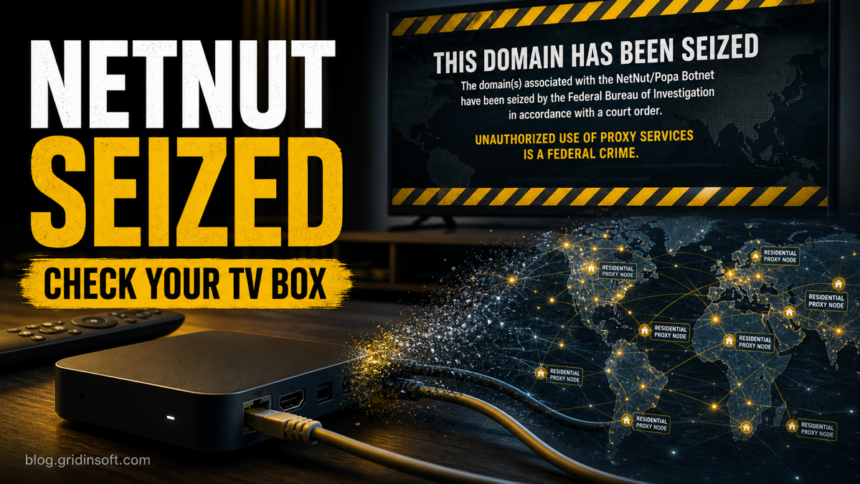
The FBI has seized domains tied to the NetNut residential proxy platform and the Popa botnet, turning a previously technical proxy-network story into a practical warning for people who own cheap Android TV boxes, unofficial streaming devices, or apps that promise payment for sharing unused bandwidth.
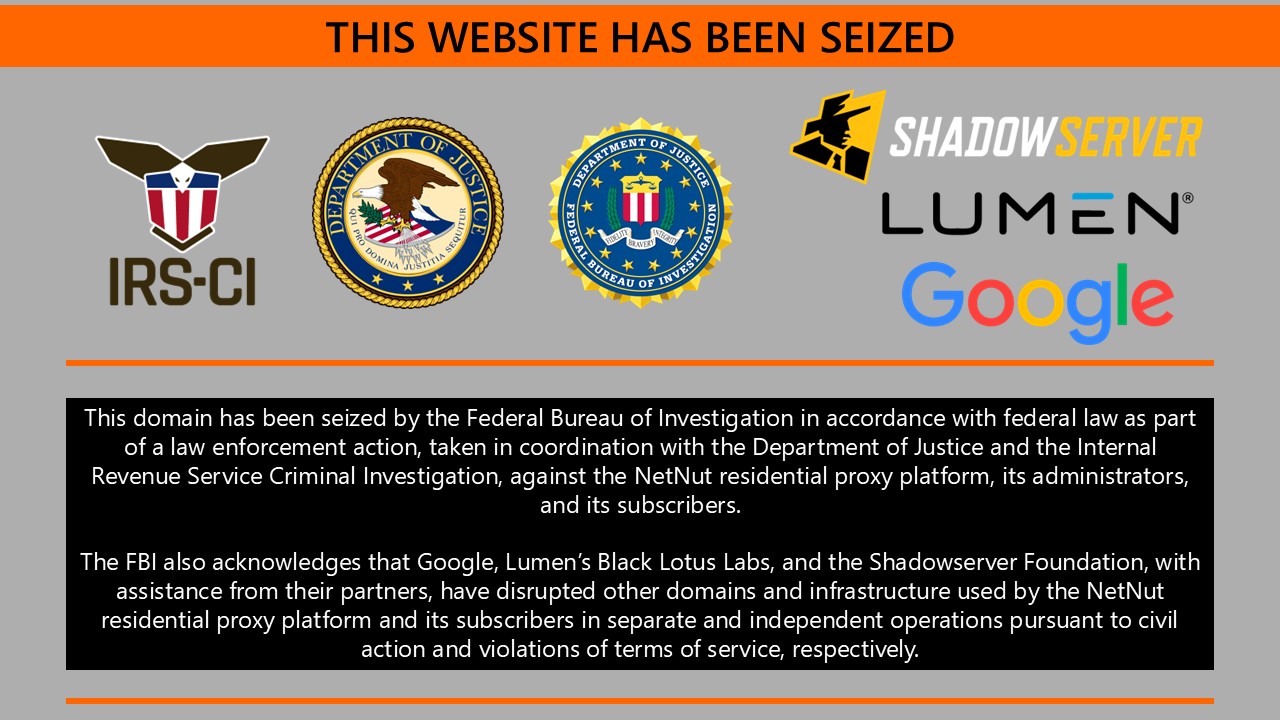
The seizure page cited the NetNut/Popa infrastructure, while Google Threat Intelligence Group said it had also acted against Google accounts and services used for command-and-control activity. Google estimated the NetNut network at at least 2 million devices and said suspected NetNut exit nodes were used by hundreds of threat clusters in a single week in June 2026.
The risk is not that every smart TV is infected. The risk is narrower: a streaming box, sideloaded app, or hidden software development kit can quietly enroll a home device as a proxy node. That lets other people route traffic through your home IP address and can make your normal traffic look suspicious to websites, services, or your internet provider.
What Happened
KrebsOnSecurity reported on July 2, 2026 that visitors to NetNut-related infrastructure were shown a seizure notice saying the domains had been taken over by the FBI and IRS Criminal Investigation. The move follows June reporting that connected the Popa botnet to residential proxy activity and to apps or devices commonly found in homes.
Google’s July 2 report said the company coordinated with the FBI, Lumen, and other partners. Google also said it shared technical intelligence about NetNut software development kits and backend infrastructure, and that Google Play Protect warned users and disabled applications known to include NetNut SDKs.
For ordinary device owners, the important part is the enrollment path. Residential proxy networks need real home IP addresses. They get them when code runs on consumer devices, often through preinstalled software, sideloaded streaming apps, unofficial app stores, or apps that frame bandwidth sharing as a way to earn money.
Who Should Check Devices
| Situation | Risk and what to do |
|---|---|
| You use a cheap Android TV box or unofficial streaming box. | Check installed apps, update firmware, remove unknown streaming/VPN/proxy apps, and consider factory reset if the device cannot receive trustworthy updates. |
| An app offers cash, rewards, or free service for sharing bandwidth. | Treat it as high risk. Uninstall it unless you fully understand the operator, permissions, and network behavior. |
| Your home IP is suddenly blocked, CAPTCHA-heavy, or flagged by services. | Check routers, TV boxes, phones, and PCs for proxyware, unknown VPNs, or suspicious outbound traffic. |
| You downloaded a companion installer, APK, codec, VPN, or streaming tool from an unofficial site. | Remove the file/app, scan the PC used for the download, and change passwords from a clean device if accounts were used afterward. |
How to Check a TV Box or Streaming Device
- Open the device app list and remove unknown streaming, VPN, proxy, optimizer, cleaner, or bandwidth-sharing apps.
- Turn on Google Play Protect on certified Android devices and install updates from the official store only.
- Check your router’s connected-device list for unfamiliar names, constant traffic from an idle TV box, or devices you no longer recognize.
- Reboot the router and the streaming box, then watch whether suspicious traffic or service blocks return.
- If the box is unbranded, rooted, stuck on an old Android version, or came with piracy-focused streaming apps, replace it with a certified device instead of trusting a partial cleanup.
- If you used a Windows PC to download or transfer streaming APKs, VPN tools, codecs, or proxy apps, scan that PC and remove leftover installers or browser downloads.
For broader symptoms, use Gridinsoft’s guide to smart home IoT security. If the problem is specifically stolen bandwidth or proxy behavior on a computer, see what proxyjacking looks like and the cleanup guidance for Windows proxyware such as upWire.exe Trojan.Proxy.
When to Reset or Replace the Device
A factory reset is reasonable when the streaming box cannot uninstall suspicious apps, keeps reinstalling them, has unknown administrator/device-owner permissions, or keeps sending traffic while idle. Resetting is not enough if the firmware or preinstalled image is the problem. In that case, the safer move is replacing the device and changing passwords for accounts used on the same network.
If a PC was involved in installing or transferring files, do not limit the check to the TV box. Keep the suspicious installer quarantined, run a full security scan, remove detections, reboot, and scan again if browser redirects, unknown proxy settings, or blocked outbound traffic return.
Another government disruption: the FBI later disabled QTFY’s QScan botnet and QTRouter proxy platform. That operation likewise separated the attacker’s control infrastructure from the device owner’s remaining job: updating, checking, or replacing exposed routers and IoT hardware.
Why This Does Not Replace Existing Proxyjacking Advice
The NetNut/Popa seizure is a named news event. It does not replace the broader residential-proxy guidance from earlier botnet takedowns. The practical lesson is the same but more specific: home devices can be valuable to attackers even when they do not encrypt files or display a malware warning. They can be used as relay points for password spraying, scraping, account abuse, and other traffic that looks like it came from your house.
FAQ
Is every NetNut or Popa mention proof my TV box is infected?
No. The names identify the proxy platform and botnet infrastructure discussed in public reports. A home device needs checking when it runs suspicious apps, was bought with unofficial streaming software, shares bandwidth, or causes unusual network reputation problems.
Can antivirus software clean an Android TV box?
Sometimes it can flag bad apps, but many cheap streaming boxes have weak update paths or preinstalled software. If suspicious apps survive removal or the firmware is untrusted, replacement is safer than repeated cleanup attempts.
Should I change passwords after finding proxyware?
Change passwords if you used sensitive accounts from the same device, installed suspicious companion software on a PC, or noticed account alerts. Use a clean device and enable multi-factor authentication where possible.
References
- KrebsOnSecurity. “FBI Seizes NetNut Proxy Platform, Popa Botnet.” KrebsOnSecurity, July 2, 2026. https://krebsonsecurity.com/2026/07/fbi-seizes-netnut-proxy-platform-popa-botnet/
- Google Threat Intelligence Group. “Google’s Continued Disruption of Malicious Residential Proxy Networks.” Google Cloud Blog, July 2, 2026. https://cloud.google.com/blog/topics/threat-intelligence/google-continued-disruption-residential-proxy-networks
- Federal Bureau of Investigation. “Evading Residential Proxy Networks: Protecting Your Devices From Becoming a Tool for Criminals.” FBI, accessed July 2, 2026. https://www.fbi.gov/investigate/cyber/alerts/2026/evading-residential-proxy-networks-protecting-your-devices-from-becoming-a-tool-for-criminals