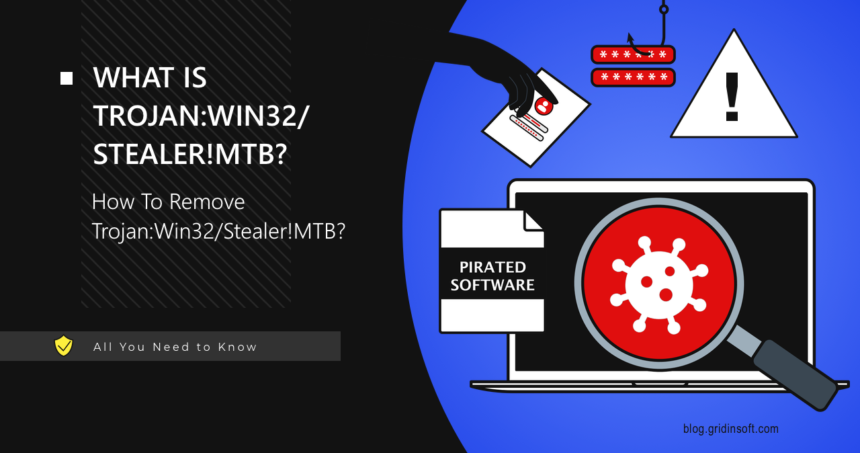
Trojan:Win32/Stealer!MTB is a Microsoft Defender alert for possible password, cookie, token, wallet, or session theft, but the exact risk depends on the affected file. Treat related !MTB labels such as Trojan:Script/Stealer.HBF!MTB, Trojan:Win32/Steanoz.Z!MTB, or Trojan:JS/Shaiworm.DBA!MTB as serious until you verify the source, path, signature, and whether the file ran. Quarantine first, scan persistence, then protect accounts from a clean device.
What should I do with Trojan:Win32/Stealer!MTB?
- Keep the file quarantined. Do not restore it just to “test” it.
- Run a full Microsoft Defender scan, then check with Gridinsoft Anti-Malware for startup entries, scheduled tasks, browser changes, and hidden files.
- If the file was opened, change passwords from a clean device.
- Sign out of browser, email, banking, gaming, and crypto sessions.
- Check startup entries, scheduled tasks, browser extensions, and recent downloads.
What is Trojan:Win32/Stealer!MTB?
This detection name tells you two important things: Defender classified the file as a trojan, and the suspected behavior involves information stealing. The !MTB suffix is part of Microsoft’s detection naming and does not give a full family name by itself.
Users may also see related Defender names such as Trojan:Win32/Steanoz.Z!MTB, Trojan:Win32/SalatStealer, or other stealer-style alerts. The exact name can change, but the response is similar: quarantine first, clean the system, then protect accounts.
| Detection | Trojan:Win32/Stealer!MTB |
| Detected by | Microsoft Defender Antivirus |
| Main risk | Password, cookie, token, wallet, and account theft |
| Common sources | Cracks, fake installers, phishing attachments, malicious scripts, game cheats |
| First action | Quarantine, scan fully, then change passwords from a clean device |
What can a stealer collect?
- Saved browser passwords and autofill data.
- Session cookies that may bypass normal login.
- Crypto wallet files and browser wallet data.
- Discord, Telegram, gaming, and email tokens.
- Files from Desktop, Downloads, and Documents.
- System information used for later attacks.
How to remove Trojan:Win32/Stealer!MTB
- Open Windows Security and keep the item quarantined.
- Update Microsoft Defender security intelligence.
- Run a full scan, not only a quick scan.
- Remove unknown startup entries and scheduled tasks.
- Uninstall suspicious apps installed before the alert.
- Scan again with a second-opinion scanner.
- Only after cleanup, change passwords from a clean device.
With stealer alerts, cleanup should come before trusting the PC with passwords again. A scan helps check whether a helper, scheduled task, browser component, or hidden file could keep collecting sessions after the visible detection was quarantined.
A stealer can leave startup entries, scheduled tasks, browser components, or helper files after Defender quarantines the visible item.
Check for stealer leftoversCould it be a false positive?
It is possible, but stealer detections should not be casually allowed. False positives are more believable when the file comes from a trusted vendor, is digitally signed, and multiple reputable scanners agree it is clean. Cracks, loaders, password-protected archives, and unknown installers should be treated as unsafe.
FAQ
Does Trojan:Win32/Stealer!MTB mean my passwords are already stolen?
Not always. If Defender blocked the file before it ran, theft may not have happened. If you opened it, assume account data could be exposed.
Can a stealer bypass two-factor authentication?
Sometimes. Session cookies and tokens can let attackers access accounts without knowing the password.
Should I reinstall Windows?
Usually start with full cleanup and account protection. Reinstall if the threat returns, admin access was abused, or you cannot trust the device.
Can Trojan:Win32/Stealer!MTB be a false positive?
Yes, especially when a signed app, developer extension, or vendor file is involved. Do not restore it until the source, signature, and vendor or Microsoft context support a false-positive decision.
Related Microsoft Defender guides