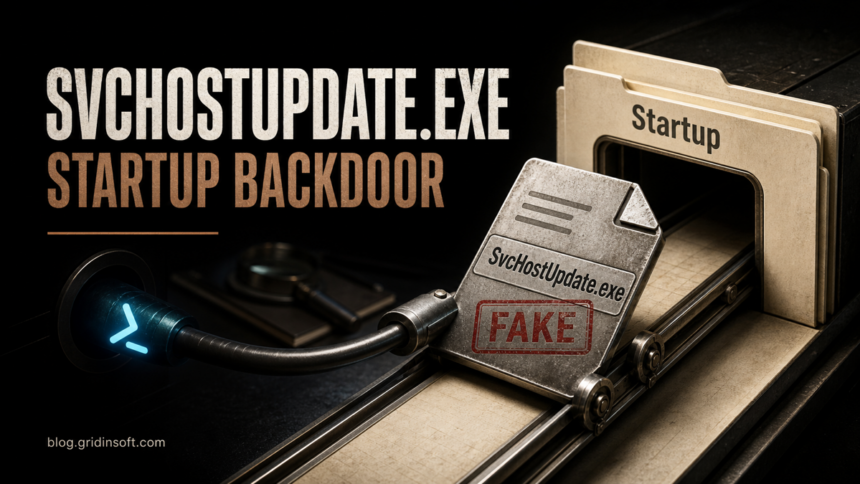
SvcHostUpdate.exe in the Windows Startup folder is not the legitimate Windows svchost.exe. The filename, location, and contact with mythicalsgames.com match a malicious npm-package chain documented as MAL-2026-6274 and GHSA-3w2v-mxgh-g2fw. If the executable is present, treat the Windows account and every secret accessible from that PC as potentially compromised; deleting that one file is not a complete response.
The underlying package, web3-token-helper, appeared to be a Web3 fee utility. Its documented calculateFee() function decoded and ran an operating-system-specific command. On Windows, hidden PowerShell downloaded SvcHostUpdate.exe from the typosquatted mythicalsgames.com domain into the current user’s Startup folder and launched it. A fresh support report has now surfaced the same filename and domain combination again, making the exact recovery path relevant even though the malicious package versions were removed from npm in June.
SvcHostUpdate.exe is not svchost.exe
| Artifact | Meaning and action |
|---|---|
C:\Windows\System32\svchost.exe |
A normal Microsoft Windows service-host binary when the path, Microsoft signature, and parent/service context are consistent. Do not delete or terminate normal service-host processes just because the names look similar. |
SvcHostUpdate.exe in the user Startup folder |
Not a standard Windows component. In this chain it is the downloaded payload and a persistence indicator. Isolate the PC and investigate before deleting it. |
mythicalsgames.com/files/sean/ |
Attacker infrastructure documented in the package advisory. It is a typosquat of mythicalgames.com; the extra “s” matters. |
The usual per-user Startup path is %APPDATA%\Microsoft\Windows\Start Menu\Programs\Startup\. A file found there launches when that user signs in. The package also used different filenames and persistence on Linux and macOS, but this article focuses on the Windows executable and the evidence needed after it appears.
Which web3-token-helper versions were malicious?
OSV lists eight affected versions: 1.0.0, 1.0.1, 1.1.1, 1.1.2, 1.1.3, 1.2.0, 1.2.1, and 2.0.1. As of July 30, the public npm registry exposes only the 0.0.1-security placeholder. That removal prevents a normal fresh install of the known malicious versions, but it does not clean existing lockfiles, private mirrors, package caches, old build workspaces, or a PC where the code already ran.
Installation and execution are not the same state. The package declared a postinstall script, but the referenced install.js file was absent, so that path did not work. The documented calculateFee() call was the actual trigger. Use this decision router:
- Package only in a lockfile or cache: remove it, replace the dependency from a trusted source, rebuild the lockfile, and review whether any test, build, script, or application called the exported function.
calculateFee()or the package entry point executed: assume the downloader command could run. Preserve process, PowerShell, file, and network evidence and investigate the host.SvcHostUpdate.exeexists in Startup or ran: the download stage succeeded. Treat the host as compromised even if the file has since disappeared or a scanner quarantined it.
What to preserve before cleanup
Disconnect the PC from normal development, cloud, wallet, and publishing workflows. Do not reopen the suspicious repository or payload. Record the original repository or script URL, the full executable path, file timestamps, digital-signature state, and a SHA-256 hash without uploading the file to public services if it may contain private data.
Export or preserve relevant Windows Defender/security-tool history, PowerShell operational logs, recent process and DNS/proxy records, Startup entries, and account audit logs. Check the Startup folders, HKCU/HKLM Run and RunOnce values, Task Scheduler, services, WMI persistence, recently created executables, and unexpected PowerShell child processes. These additional locations are triage targets because the final payload’s complete behavior is not established by the package advisory; their absence does not prove that nothing else ran.
For a general file-verification workflow, use the guide to checking whether an EXE file is safe. The article on unexpected PowerShell network connections explains which parent process, command line, destination, and persistence context matter.
Remove the package and recover the Windows PC
- From a clean environment, remove
web3-token-helper, restore a trusted lockfile, clear untrusted dependency caches, and reinstall dependencies. Review CI runners and release artifacts that used the same lockfile. - After evidence collection, disable the confirmed malicious Startup entry and quarantine the payload. Do not manually delete legitimate
svchost.exefiles or unrelated Windows services. - Run a full malware scan, remove confirmed detections, reboot, and scan again if alerts, processes, or outbound activity return. Review the system after reboot for recreated Startup entries, tasks, services, exclusions, or unknown executables.
- Reinstall affected developer tools from trusted sources if their integrity cannot be established. Rebuild produced packages, containers, or releases from a known-clean commit and dependency set.
- If the payload ran, trust cannot be restored by deleting one file. A clean Windows reinstall is the safer choice when persistence remains unexplained, privileged credentials were available, security settings changed, or reliable telemetry is missing.
A security tool may remove the visible executable while a loader, scheduled task, service, exclusion, browser change, or additional module remains. After isolating the PC and preserving evidence, run a full Gridinsoft Anti-Malware scan, remove detections, reboot, and repeat the scan if symptoms return. A clean result is useful evidence, but it does not recover stolen secrets or prove that a previously executed workstation is trustworthy.
If the process path is wrong, the name imitates a Windows component, or high CPU started after an unknown installer, scan for hidden miners, services, startup entries, and bundled components.
Scan the affected Windows PCRotate secrets from a clean device
Revoke active sessions first, then replace credentials that were available to the affected user or process: npm tokens, GitHub tokens and SSH keys, cloud and CI credentials, deployment keys, signing material, browser sessions, saved passwords, wallet keys, and application secrets in local environment files. Review repository, registry, cloud, email, and wallet activity from the first possible execution time. Rotating a password on the infected PC can expose the replacement credential too.
For broader supply-chain context, see the TrapDoor malicious-package campaign and the recent Joyfill npm compromise. The trigger differs: Joyfill executed on import, while web3-token-helper ran its downloader when the documented fee function was called.
References
- Open Source Vulnerabilities. “MAL-2026-6274: Malicious code in web3-token-helper (npm).” OSV, published June 22 and modified July 9, 2026. package behavior, affected versions, and indicators.
- npm, Inc. “web3-token-helper package metadata.” npm Registry, accessed July 30, 2026. current security-placeholder registry record.