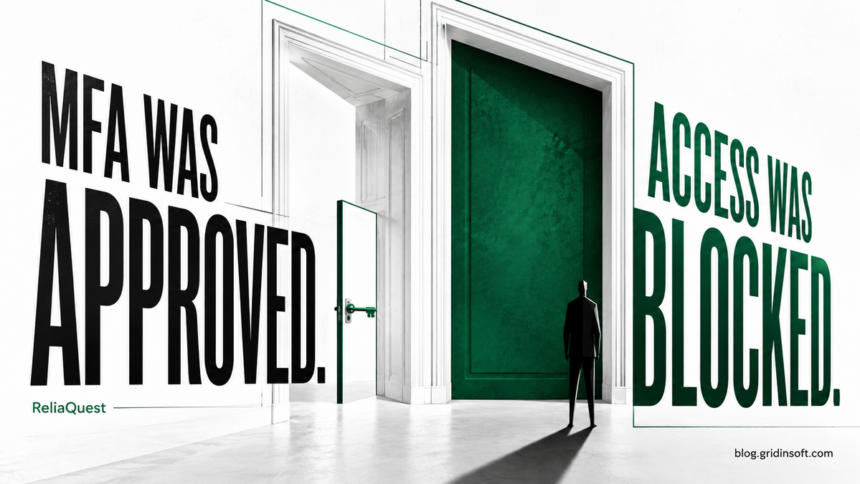
A caller obtained a ReliaQuest employee’s password and an approved MFA push, but device-trust controls stopped access to company applications. In its August 23 account of the previous day’s attack, ReliaQuest says the attacker briefly saw one identity dashboard. The company reports no customer-data access, additional identities or persistence.
Where the attempt succeeded—and where it stopped
The caller impersonated a named security employee and directed staff to a lookalike SSO page. ReliaQuest says it ended the sessions, expired the password and reset authentication factors. Those are the company’s findings; an accepted sign-in should not be retold as a confirmed ransomware incident.
The useful distinction is between authenticating an identity and authorizing that identity to open an application from a particular device. An MFA approval can complete the first step while another control rejects the second. A blocked application attempt still leaves an exposed password and an unwanted session to investigate.
If a security caller asks you to sign in
End the unsolicited call and reach your help desk through the directory or support channel you already use. Open your normal SSO bookmark yourself. Do not use the caller’s link, a number supplied in the message, or a new search advertisement as the verification route.
Explain what the caller requested: a sign-in, approval of a push, enrollment of a phone, or a recovery-code disclosure. A colleague’s real name and knowledge of your employer can make a call credible without proving the caller is that person. You do not need to keep the caller talking to produce useful evidence.
Report the last action you completed
What happened — Useful next step
- You only heard the pitch: Record the time, displayed number and claimed identity. Report through the known help-desk route.
- You opened the page: Preserve the address without revisiting it. Say whether you typed anything, downloaded a file or allowed remote access.
- You entered a password: Report credential exposure immediately. Use the legitimate account-recovery process from a trusted device.
- You approved MFA or enrolled a factor: Tell IT the exact approval time and action. Request investigation of sessions and authentication-factor changes.
Do not wait for a suspicious transaction or a data-loss notice before reporting. A precise “I entered a password at 14:10 and approved a push at 14:11” is more actionable than “I may have clicked phishing.” Include the time zone if your team works across regions.
What the response team should verify
Check the identity-provider events around that timeline, including sign-ins, denied application attempts, new authentication methods and session changes. Determine which resource, if any, actually opened. Keep a denied access event separate from a successful data read in the incident record.
Coordinate password recovery with session revocation and review of authentication methods. A password change alone is not a reason to assume every existing session or attacker-added factor has disappeared. The correct controls depend on your identity provider and management policy; use its supported incident process.
Also document any file run or remote-support session. That changes the investigation from an identity-only report to possible device access. Receiving a call or entering a password does not, by itself, establish that malware is present on the PC.
For a different session-theft mechanism, see the BigBear 2.0 phishing response guide. It separates password recovery from session and application-access containment after a completed Microsoft 365 login.
The October 7 BlueKit phishing research describes another account-access risk: a familiar sign-in can be streamed from an attacker-controlled browser. It reinforces the need to investigate which session and applications actually became accessible.
The normal login route matters
Fake login pages can arrive through channels other than email. Our coverage of hotel Wi-Fi redirects to Microsoft 365 phishing illustrates another reason to question an unexpected login route. Treat the page’s familiar design as presentation; verify the service and the request independently.
Reference
- ReliaQuest Threat Research. A Social Engineering Attempt Against ReliaQuest: What We Found. August 23, 2026.