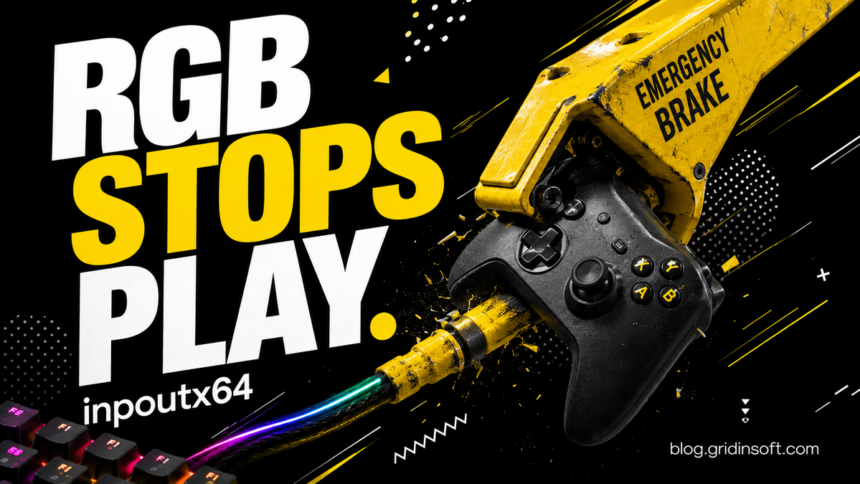
If ARC Raiders crashes on a Windows 11 PC with the inpoutx64 RGB driver, restart before applying an old delete-file fix. Microsoft now blocks that driver on eligible unmanaged PCs. Its current guidance separates ARC Raiders, MARVEL Tōkon and THE FINALS, so a fix reported for one game does not automatically apply to another.
Choose the row that matches your PC
Microsoft identifies Windows 11 24H2 and 25H2 and says the underlying cause is RGB-related components, despite the timing after August updates. Symptoms include freezing, unexpected closure, EXCEPTION_ACCESS_VIOLATION and restarts.
Situation — Current response
- ARC Raiders, unmanaged PC: The automatic inpoutx64 block requires a restart. A disablement message can accompany it.
- MARVEL Tōkon: Microsoft is still expanding the block. Check the current notice before assuming rollout covers you.
- THE FINALS: Microsoft says Embark has fixed the issue. Update the game first.
- IT-managed PC: The automatic resolution does not propagate. Ask IT to assess Microsoft’s documented workaround.
A blocked driver is a clue, not a malware diagnosis
Write down the exact driver name and the program that installed the RGB component. A blocked driver can belong to legitimate peripheral software. Equally, a familiar filename alone does not establish that an arbitrary downloaded replacement is safe. Keep the distinction between the file’s origin and the compatibility problem.
Use the PC or peripheral manufacturer’s own support channel for a replacement driver or lighting application. Avoid a download site promising a “fixed inpoutx64.sys.” The driver safety guide explains why installation source and signature matter when evaluating a driver.
Run one controlled test after the restart
- Save your work and record the game version, Windows version and exact error.
- Install available game and peripheral-software updates from their normal publishers, then restart.
- Launch the affected game once with the same normal settings. Record whether it launches, freezes or restarts the machine.
- If a block message appears, preserve its wording. Do not immediately re-enable the driver to remove the notification.
This record makes the next support request useful. “It still crashes” can mean the driver is still loading, the particular game has a different rollout, or another fault produces a similar symptom. Do not keep cycling through registry edits to test those possibilities.
When the registry workaround is appropriate
Microsoft documents disabling the driver service rather than requiring home users to delete a system file. The linked release-health notice contains the exact registry procedure and backup/restore instructions. On a managed computer, give that procedure to IT. On a personal computer, use it only after confirming that the named service exists and that the game-specific automatic route has not resolved the problem.
Preserve the original value before any change so rollback is possible. If the service is absent, stop: creating a new service entry or changing a similarly named key is not a way to apply this workaround. Keep unrelated security controls enabled while investigating.
If the game still fails
Send the game support team the error text, game version, Windows build, driver or RGB-software name, restart time and whether the disablement message appeared. A crash dump or diagnostic report should go through the vendor’s requested private support channel; it can include personal paths or system details.
Embark’s August 17 instructions describe an earlier removal workaround. Keep their date in mind when comparing forum answers with Microsoft’s later, game-specific status. Do not uninstall Windows security updates solely because a crash started on the same day.
References
- Microsoft. Some games become unresponsive when certain drivers are present. Windows release health, August 26, 2026; checked September 7, 2026.
- Dusty Gustafsson. Crash Troubleshooting. Embark Studios, August 17, 2026. Earlier workaround.