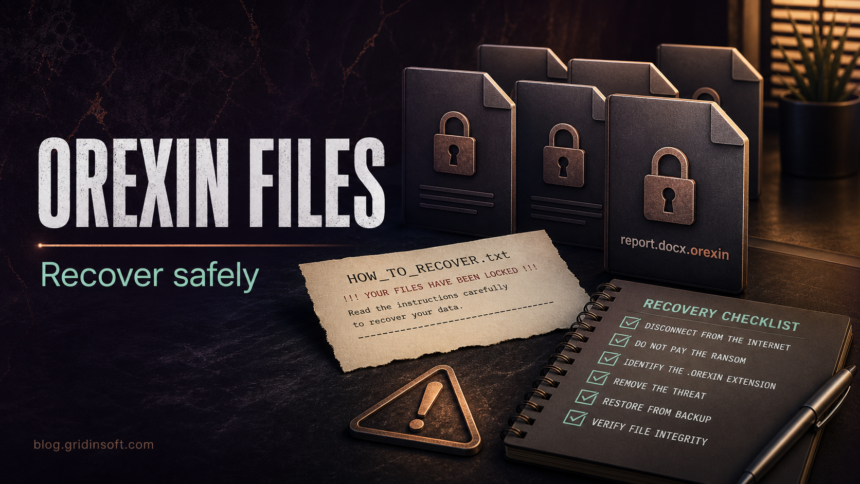
Orexin ransomware is a file-encrypting threat that marks affected files with the .orexin extension and leaves recovery instructions in HOW_TO_RECOVER.txt. If you see that extension, treat the computer as still unsafe until it is isolated, scanned, and cleaned. Removing the malware can stop more damage, but it does not decrypt files that are already encrypted.
How to recognize Orexin ransomware
The current Orexin reports point to a narrow family-specific pattern. Look for the signs together rather than relying on a single filename.
| Sign | What it means |
|---|---|
.orexin added to files |
Documents, images, archives, or project files are renamed with the Orexin extension after encryption. |
HOW_TO_RECOVER.txt |
The ransom note tells the victim how to contact the attackers and usually claims that only they can recover the data. |
Contact details such as orexin [at] atomicmail [dot] io or @orexin2026 |
These are attacker-controlled contact channels. Do not use them from the infected computer. |
| Changed wallpaper or warning message | Some infections add a visible warning so the victim notices the encryption quickly. |
What to do first
- Disconnect the infected PC from the network. Unplug Ethernet, turn off Wi-Fi, and do not connect external drives until the system is checked.
- Do not delete the ransom note or encrypted files. Keep a copy of
HOW_TO_RECOVER.txtand several encrypted files for later identification or legitimate decryptor checks. - Do not pay immediately. Payment does not guarantee a working decryptor, and it can expose you to repeated extortion.
- Use a clean device for passwords and accounts. If the same PC was used for email, cloud storage, banking, crypto, or work accounts, change passwords from a known-clean device after the infected machine is isolated.
- Scan before restoring backups. Restoring files onto an infected system can lead to another encryption round.
Can .orexin files be decrypted?
There was no public free decryptor for Orexin ransomware available in the usual public decryptor resources at the time this guide was prepared on July 7, 2026. That can change, so check trusted sources before trying random tools. Avoid “guaranteed recovery” utilities, Telegram sellers, and download links sent by unknown accounts; they often add more malware or steal payment data.
If you have backups, verify that they were created before the infection and that they are not connected to the compromised machine. If you use OneDrive, Google Drive, Dropbox, or business backup software, check version history from a clean browser session before syncing or overwriting anything.
Remove the ransomware before recovery
Cleanup and recovery are separate jobs. Cleanup removes active malware, startup entries, scheduled tasks, dropped payloads, and suspicious tools. Recovery restores files from backups, version history, snapshots, or a legitimate decryptor if one appears later.
After isolating the device, boot normally only if Windows is stable enough to run security tools. Run a full Gridinsoft Anti-Malware scan, remove detections, reboot, and scan again if suspicious processes, new encrypted files, or ransom notes return. Pay special attention to recent downloads, archives, fake installers, remote-access tools, and startup items.
If the process path is wrong, the name imitates a Windows component, or high CPU started after an unknown installer, scan for hidden miners, services, startup entries, and bundled components.
Scan for ransomware leftoversRecovery checklist
- Keep the infected drive powered off or offline if you need professional forensics.
- Copy the ransom note and a few encrypted files to safe offline storage for identification.
- Check backup snapshots and cloud version history before reconnecting synced folders.
- Restore only after the computer is clean or after Windows is reinstalled from trusted media.
- If the infection came from an email, cracked software, fake update, or unknown installer, review other computers that shared the same files or accounts.
What not to do
Do not rename encrypted files in bulk, run registry cleaners, wipe ransom notes, or download decryptors from random YouTube descriptions and forum replies. These actions can destroy recovery evidence or install another payload. Also avoid reconnecting backup drives “just to check”; ransomware can encrypt newly attached storage if the infection is still active.
Related Gridinsoft guides
If Orexin appeared after running a suspicious installer, start with the EXE safety checklist. For broader recovery planning, use the ransomware protection and backup guide. If the incident followed a fake download or crack, compare the cleanup path with the KMSPico malware cleanup guide. If your files use the .bl4ck extension instead, use the BL4CK SP1D3R ransomware guide for that family-specific note and recovery checklist.
FAQ
Does removing Orexin ransomware unlock my files?
No. Removal stops active malware and helps make the PC safe for recovery, but it does not reverse encryption that already happened.
Should I contact the Orexin attackers?
Avoid contacting them unless law enforcement, incident response counsel, or your organization specifically directs that process. Attackers can take payment without providing a working decryptor.
Can I restore from backup right away?
Restore only after the system is cleaned or rebuilt. If the ransomware process or persistence remains active, restored files can be encrypted again.
Is HOW_TO_RECOVER.txt safe to open?
A plain text ransom note is usually safe to view in Notepad, but do not open links, attachments, or tools offered by the attackers.
References
- Cybersecurity and Infrastructure Security Agency. “#StopRansomware Guide.” CISA, accessed July 7, 2026. https://www.cisa.gov/stopransomware/ransomware-guide
- No More Ransom Project. “Decryption Tools.” Europol, Dutch National Police, and cybersecurity partners, accessed July 7, 2026. https://www.nomoreransom.org/en/decryption-tools.html