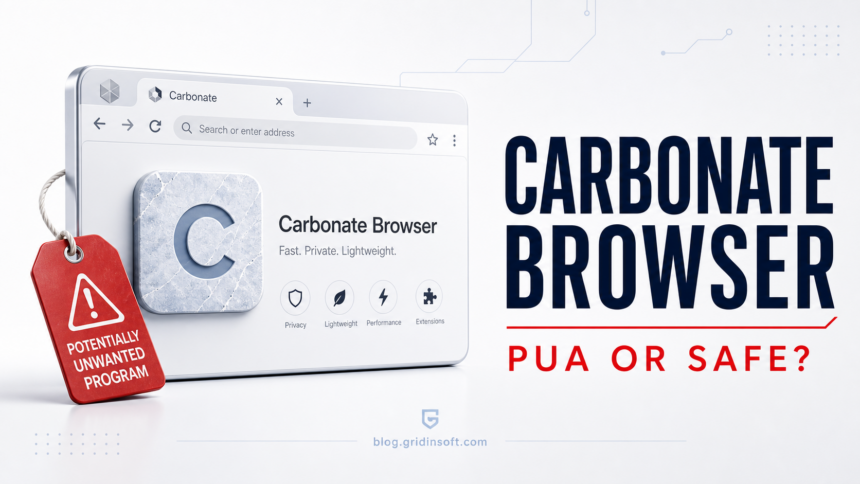
Carbonate Browser is best treated as a potentially unwanted browser, not as a normal Chrome replacement. It is presented as a Chromium-style browser, but the current signals around it are weak: the Microsoft Store route users reported now lands on a product-not-found page, our reputation checks classify related Carbonate domains as unwanted-app distributors, and the installer sample we checked has suspicious detections. If Carbonate appeared without a clear choice, remove it.
Similar unwanted-browser cases include Ace Browser, AceLauncher, and Pulse Browser, where users usually need to remove the app, check extensions, and reset search/default-browser settings. See the Ace Browser removal guide or the Pulse Browser removal guide if that exact name appears on your PC.
First checks: is Carbonate Browser safe?
- Do not treat it as a trusted browser if you did not intentionally install it.
- Remove it if it changed your default browser, search, shortcuts, startup behavior, or notifications.
- Be extra careful with Carbonate installers from non-Store pages. A Microsoft Store redirect reported for Carbonate currently leads to a product-not-found/404 flow.
- Scan the PC after uninstalling. Use Gridinsoft Anti-Malware to remove Carbonate Browser leftovers, bundled apps, extensions, startup entries, and hidden files that a normal uninstall can miss.
| Item | Carbonate Browser |
| Most accurate label | Potentially unwanted browser / unwanted application |
| What makes it suspicious | Store availability problem, low reputation reports for related domains, suspicious installer detections, and typical unwanted-browser behavior if installed silently. |
| Main risk | Changed default browser/search, browser data exposure, bundled apps, unwanted startup entries, and confusing uninstall paths. |
| Best first action | Uninstall Carbonate, reset the default browser, check startup/policies/extensions, and scan the PC with Gridinsoft Anti-Malware. |
What is Carbonate Browser?
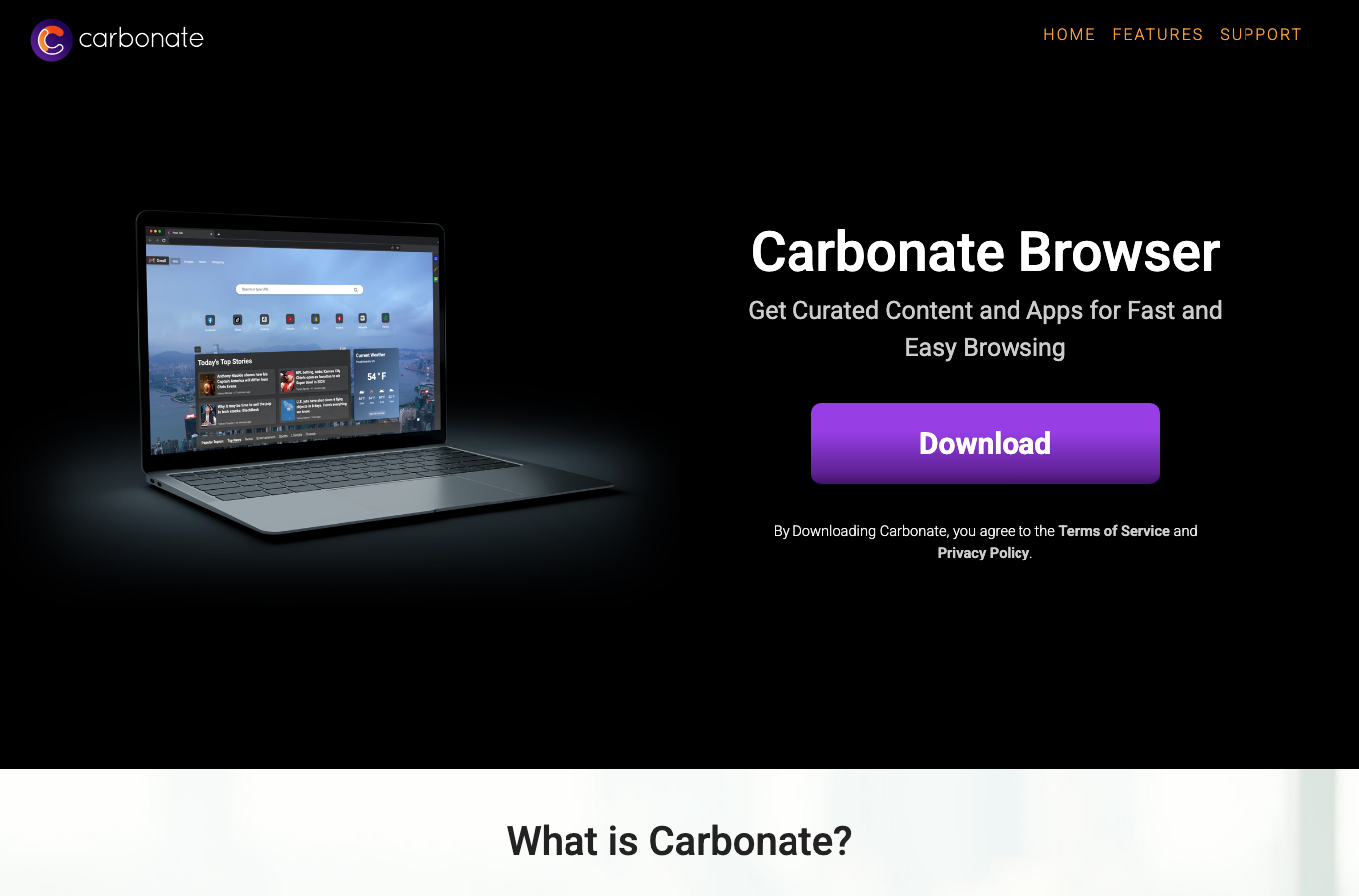
Carbonate Browser is marketed as a browser for curated content and apps. The public website still presents a download button and browser branding, but that does not by itself make the installation safe. A browser becomes a PUA concern when it arrives through bundling, changes browser defaults without clear consent, autostarts, injects extensions, or makes removal harder than expected.
The important distinction is this: Carbonate is not being described here as a confirmed data-stealing trojan. The safer and more accurate classification is PUA/unwanted browser unless a specific file on the user’s PC is separately detected as malware.
Why Carbonate Browser looks like a PUA
Several current signals point toward caution:
- Microsoft Store availability changed. The Store route supplied during review lands on a product-not-found page instead of an installable product. That does not prove malware, but it weakens trust in the distribution path.
- Related domains have low reputation reports. Gridinsoft currently classifies carbonatebrowser.com as an unwanted application distributor with a low trust score, and carbonatebrowser.co shows a similar warning.
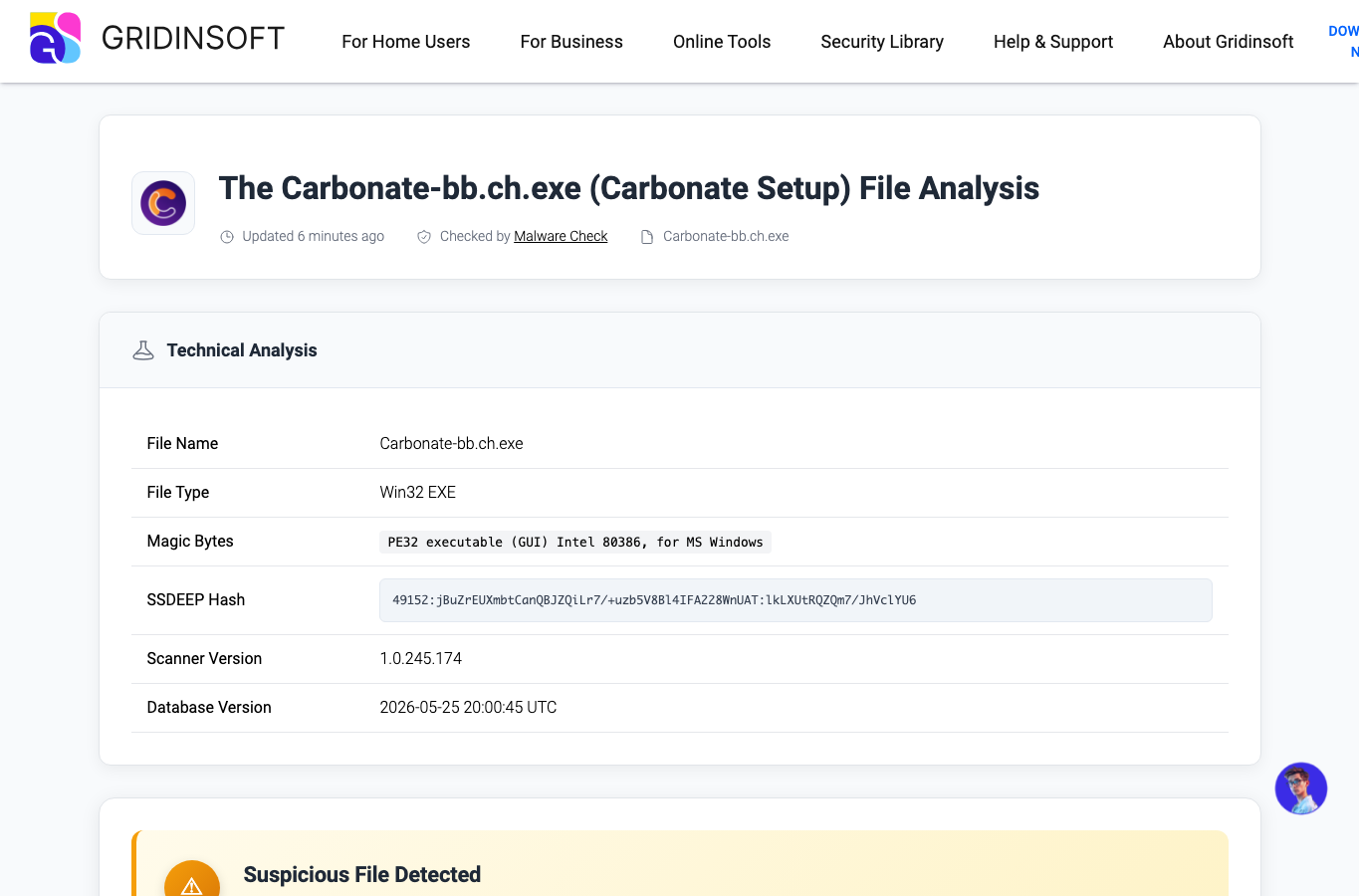
- The installer sample needs caution. The submitted Carbonate-bb.ch.exe file report shows a signed Win32 installer, but also suspicious detections. A digital signature can identify a publisher; it does not automatically mean users should install or keep the app.
- Unwanted browsers often travel with bundles. If Carbonate appeared after a free utility, driver updater, crack, browser prompt, or “recommended” installer, treat the whole bundle as suspicious.
Is Carbonate Browser a virus?
For most users, the better question is not “is it a virus?” but “did I choose it, and is it behaving like a normal browser?” A virus usually self-replicates or infects files. Carbonate is better handled as a PUA/browser hijacker-style case unless your security tool detects a specific Carbonate file as malware.
| Likely harmless sign | You intentionally installed it from a trusted store, it is easy to uninstall, and it did not change settings unexpectedly. |
| PUA sign | It appeared after another installer, became the default browser, changed search/homepage, or keeps returning after removal. |
| Malware sign | Security tools detect the installer, unknown tasks relaunch it, or accounts show suspicious sign-ins after installation. |
Signs Carbonate should be removed
- Carbonate opens instead of Chrome, Edge, Firefox, or your normal browser.
- Search, homepage, new-tab page, or shortcuts changed after an unrelated install.
- Windows starts Carbonate automatically after reboot.
- You see unknown extensions, browser policies, or “managed” browser settings.
- Carbonate is present in Apps, Startup Apps, Task Scheduler, or browser shortcuts even though you did not choose it.
- Security software flags the installer or the domain used to download it.
How to remove Carbonate Browser
- Close Carbonate and any suspicious installer windows.
- Open Settings → Apps → Installed apps and uninstall Carbonate or any app installed at the same time.
- Set your normal browser back as default in Settings → Apps → Default apps.
- Check browser shortcuts. Remove strange URLs appended after
chrome.exe,msedge.exe,firefox.exe, or Carbonate shortcuts. - Check Startup Apps and Task Scheduler for Carbonate, updater, or random-name entries.
- Inspect common app locations such as
C:\Users\<you>\AppData\Local,C:\Users\<you>\AppData\Roaming, andC:\Program Filesfor leftover Carbonate folders. - Open your regular browser and remove unknown extensions, notification permissions, and search providers.
- Run a full scan with Gridinsoft Anti-Malware to remove Carbonate Browser leftovers, bundled apps, startup entries, and hidden files.
- Reboot and confirm Carbonate does not return.
How to check the Carbonate installer safely
If you still have the installer, do not run it again just to test it. Check the file properties first:
- File name: suspicious samples may look like
Carbonate-bb.ch.exeor another Carbonate setup name. - Signature: a valid signature helps identify the publisher, but it is not a safety guarantee.
- Source: if it came from an ad, redirect, download portal, or bundle, remove it.
- Scanner result: upload the file to a trusted file scanner or scan locally before doing anything else.
What if Carbonate comes back?
If Carbonate returns after uninstalling, another component is likely restoring it. Look for a scheduled task, startup updater, browser extension, companion app, or installer cache. This is why a PUA cleanup should include more than “uninstall the visible app”.
Related cleanup guides: PUA and Browser Hijacker Removal Guide, Chromstera Browser removal, and OnePlatform PUA removal.
Why these signals matter
Microsoft treats potentially unwanted applications as software that can slow a PC, show unexpected ads, or install other unwanted software, and recommends keeping reputation-based PUA blocking enabled [1]. Carbonate should be judged against that practical behavior: clear consent, bundling, browser/search changes, notifications, startup entries, and whether a normal uninstall removes every component.
For browser cleanup, Google recommends removing unwanted programs and checking browser settings when pop-ups, redirects, or search changes persist [2]. If Carbonate changed Chrome, Edge, shortcuts, notifications, or the default browser, treat it as a PUA cleanup case rather than only an app uninstall.
FAQ
Is Carbonate Browser malware?
Not automatically. The fair label is potentially unwanted browser/PUA unless a specific file is detected as malware. Remove it if it arrived without clear consent or changed browser settings.
Why does the Microsoft Store link show ProductNotFound?
That means the Store route checked during review is no longer serving an installable product. It may have been removed, unavailable in a region, or no longer published. Either way, it is a trust signal to be cautious with third-party installers.
Can a signed Carbonate installer still be unwanted?
Yes. A digital signature identifies who signed the file. It does not prove the app is useful, wanted, or free from bundled behavior.
Should I reset Chrome or Edge after removing Carbonate?
Yes, if search, homepage, notifications, shortcuts, or extensions changed. Resetting browser settings helps remove leftovers after uninstalling the unwanted browser.
References
- Microsoft Support, Protect your PC from potentially unwanted applications. Guidance
- Google Chrome Help, Remove unwanted ads, pop-ups, and malware. Help page
Unwanted browser cases can also turn into payload delivery problems. A recent example is the Hola Browser me.exe miner incident, where the cleanup check includes browser removal, service persistence, and Defender exclusions.