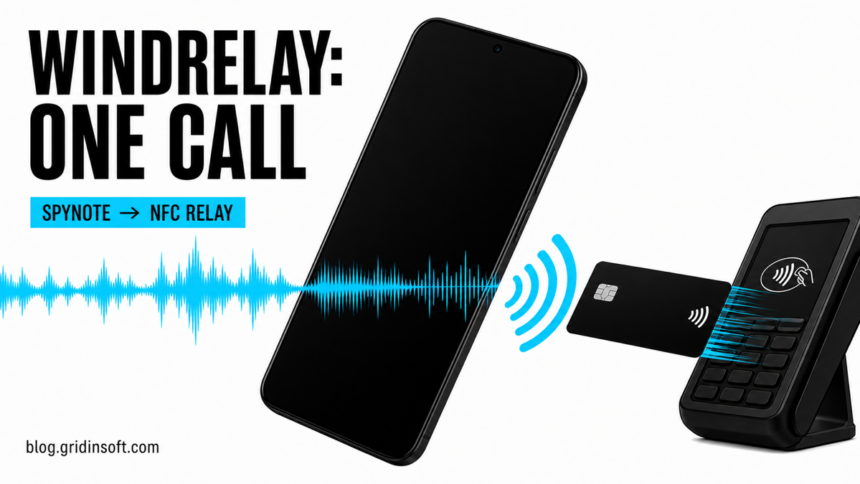
A fake bank call can now turn an Android phone into a bridge between a payment card and a criminal’s terminal. Group-IB described a case in which attackers combined the SpyNote remote-access trojan with previously undocumented WindRelay NFC malware and completed the chain during a 13-minute call.
If a caller asked you to install an app, tap a bank card to your phone, or “verify” a card, end the call and contact the bank using the number printed on the card. Do this even if Android showed no screen-sharing indicator. This attack did not need one. Similar fraudulent phone calls rely on urgency, but WindRelay adds a live card-relay step.
How the 13-minute WindRelay attack worked
- The caller posed as a bank employee. The victim was told there was a problem with a payment card and was persuaded to install an Android app outside Google Play. The first app carried SpyNote and was labeled with the victim’s own name, suggesting that the caller had prepared the package before the call.
- SpyNote provided remote access. After installation, the trojan let the attacker operate the phone and install a second package. Group-IB identified that package as WindRelay. The victim did not see a screen-sharing session.
- The victim tapped the card to the phone. WindRelay captured the live NFC exchange between the card chip and the handset, including data used for a one-time transaction. It streamed that exchange to a second attacker-controlled Android device.
- The second phone relayed the transaction. The criminal held that device near a real payment terminal, making the distant card appear present. Group-IB says the attacker also used the victim’s banking app to take out a loan; card transactions began after the call.
This is not evidence that every SpyNote infection includes WindRelay. It is one documented fraud case supported by 23 WindRelay samples uploaded to VirusTotal between November 2025 and July 2026. The samples impersonated institutions in Czechia, Slovakia, and Slovenia.
Why no screen sharing does not mean the phone is safe
Screen sharing is only one way to control a phone. A remote-access trojan can receive commands in the background after the user grants permissions or installs another package. In this case, SpyNote handled remote access while WindRelay handled the card-to-terminal exchange.
The personalized app label is another warning. An icon or name that matches the victim, bank, courier, or employer is not proof of legitimacy; attackers can customize an APK before sending it. Our Android malware guide explains the broader signs of a harmful sideloaded app.
Who should treat the phone and bank account as exposed
- You only received the call: do not install anything or tap a card. Hang up and call the bank through an official number.
- You installed the first app: assume the phone may be remotely accessible, even if the app closed or its icon disappeared.
- You tapped a card or opened banking: treat the card, account, active sessions, and any loan activity as at immediate risk.
- You shared passwords or codes: change them from a separate clean device after the bank has secured the account.
What to do after installing the app or tapping a card
- Disconnect the phone. Turn on airplane mode, then disable Wi-Fi and Bluetooth. Do not keep following the caller’s instructions.
- Call the bank from another device. Use the number on the card or the bank’s official website. Ask the fraud team to freeze the card and online banking, review recent transactions, and check for a newly opened loan or credit product.
- Preserve useful evidence. Note the caller’s number, time, app name, download link, messages, and transaction alerts. Do not open the APK again.
- Remove the malicious access safely. Check recently installed apps, device-administrator access, Accessibility services, notification access, and “install unknown apps” permission. If removal is blocked or the phone remains unstable, back up irreplaceable personal files and factory-reset it rather than trusting the visible icon alone.
- Check the installed apps after regaining control. Open Trojan Scanner for Android, update its threat database, and tap Start. Review the findings, remove unwanted apps with Android’s confirmation, and restart normally before checking again. The reported incident involved two installed components, so a missing first icon is not a complete cleanup check.
- Recover accounts from a clean device. Change the primary email and banking passwords, revoke active sessions, and replace any reused password. The same order applies after other Android remote-access malware.
Deleting an app does not reverse a card transaction or cancel a loan. The bank response and device cleanup are separate tasks, and both matter.
A real charge should never be verified through a number in an unexpected warning. If the contact started with a browser page showing Apple Pay and Face ID rather than a bank call, use the fake Apple Pay charge verification steps and check Wallet and the card issuer independently.
How to prevent an NFC relay scam
- Never install an APK because a caller, chat message, or support agent tells you to do so.
- A bank does not need you to tap a physical card to your phone to “fix,” “unlock,” or “verify” it during an unsolicited call.
- Keep Google Play Protect enabled and pay attention when Android warns about an unknown or harmful app.
- Do not grant Accessibility, device-administrator, notification, or app-installation privileges to a package received during a call.
- Verify any urgent banking claim by ending the call and starting a new one through the bank’s official number.