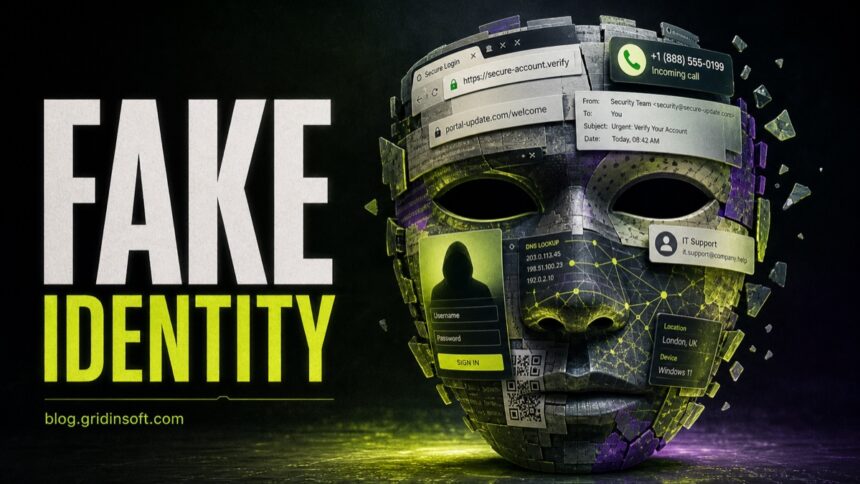
Spoofing is an identity disguise. The attacker makes a message, caller, domain, website, device, or network response appear to come from a trusted source. Spoofing often supports phishing, but it can also be used for spam, malware delivery, traffic redirection, or payment fraud.
Most common spoofing types
- Email spoofing: fake display name, sender address, or reply-to address.
- Caller ID spoofing: a call appears to come from a bank, agency, or local number.
- Website/domain spoofing: a lookalike domain copies a real brand.
- DNS spoofing: traffic is redirected to a fake destination.
- QR code spoofing: a code sends users to a fake login or payment page.
| Type | What is faked? | Best check |
|---|---|---|
| Email spoofing | Sender name, address, reply-to, domain | Inspect the real address and open the service directly |
| Caller ID spoofing | Phone number or organization name | Hang up and call the official number |
| Website spoofing | Logo, layout, domain spelling | Check the exact domain before entering data |
| DNS spoofing | Where a domain resolves | Use trusted DNS and avoid unsafe networks |
| ARP spoofing | Local IP-to-MAC mapping | Verify the gateway MAC and isolate guest devices |
| QR spoofing | The destination hidden inside a QR code | Preview the URL and avoid random payment/login QR codes |
The FBI warns that spoofed websites can look nearly identical to legitimate websites and may ask for passwords, PINs, or payment details. The FTC also warns that caller ID can be faked, so the visible phone number is not proof of identity.
Email spoofing
Email spoofing is common in invoice scams, fake account alerts, and malware delivery. Check the full sender address and reply-to field, not just the display name. If payment or login is involved, verify outside the email thread.
Caller ID spoofing
Caller ID spoofing makes a call appear local or official. Do not trust a call because the number looks familiar. If the caller says there is a bank, tax, police, or support emergency, hang up and call the official number yourself.
Website and domain spoofing
Lookalike domains may use extra words, hyphens, swapped letters, unusual TLDs, or subdomains that hide the real owner. A spoofed page can still use HTTPS, so the padlock alone does not prove the page is legitimate.
How to protect yourself
- Use bookmarks or typed addresses for banking, email, and cloud accounts.
- Do not enter passwords from links in unexpected messages.
- Scan suspicious URLs with the Gridinsoft URL Scanner.
- Use MFA, but never share MFA codes with callers or websites opened from suspicious links.
- For work requests, verify payment or account changes through an approved process.
Is spoofing always phishing?
No. Spoofing is the disguise. Phishing is the attempt to steal data or make you act. Many attacks use both.
Can HTTPS sites be spoofed?
Yes. HTTPS only means the connection to that domain is encrypted. A fake domain can still have HTTPS.
What is the fastest safe check?
Do not use the link or phone number in the message. Open the organization’s official site or app directly.
Related: phishing vs spoofing, phishing links in browser, dangerous phone calls, ARP spoofing detection.
Sources: FBI spoofing and phishing guidance, FTC caller ID spoofing advice.