Update: Microsoft patched new Word preview-pane RCE issues in 2026; see Gridinsoft coverage of CVE-2026-40361 and CVE-2026-40364 Outlook/Word preview risk for current patch and triage guidance.
If you want the underlying Windows mechanism behind that sideloading step, our DLL search order hijacking guide explains how a trusted executable can load the wrong library first.
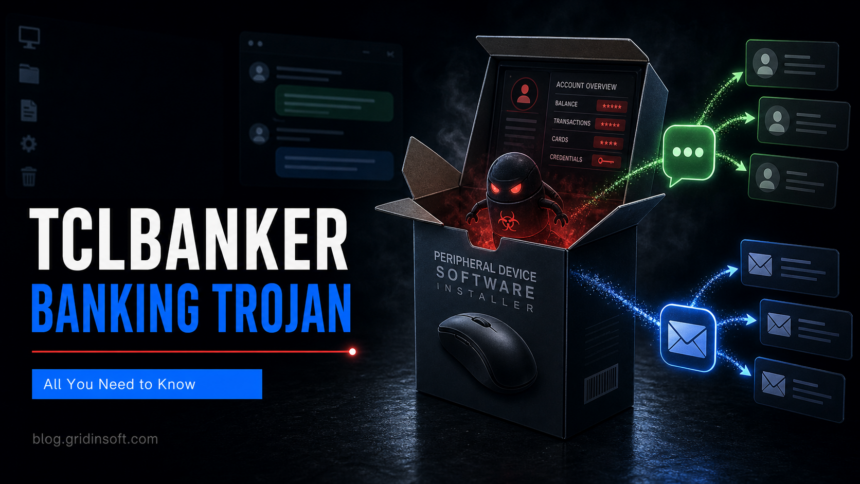
Elastic Security Labs has detailed TCLBANKER, a Brazilian banking trojan that arrives through a fake peripheral-device installer and then spreads through WhatsApp and Microsoft Outlook. The campaign matters because it combines three practical risks in one chain: a convincing software-install lure, DLL sideloading on Windows, and automatic social propagation through accounts already trusted by the victim’s contacts.
The reported installer is built to look like a legitimate device utility rather than a random executable. Once launched, it runs a chain that drops components, abuses legitimate-looking binaries, and uses DLL sideloading so that malicious code executes under a process that may not immediately look suspicious. That is the same class of execution trick Gridinsoft recently covered in the fake Claude AI malware case: the visible installer is only the front door, while the real payload starts behind it.
Where the infection becomes visible
TCLBANKER’s value to attackers is not limited to local credential theft. Elastic reports modules for WhatsApp and Outlook propagation, meaning an infected user can become a distribution point for colleagues, family, customers, or business contacts. For defenders, that changes the response order: a machine that sent suspicious messages should be isolated first, then the messaging accounts and mailboxes should be checked for outgoing lures before password resets alone.
The banking part of the attack focuses on overlay and browser-interaction behavior. Instead of only stealing saved passwords, banking trojans often watch for financial sites, inject fake prompts, or guide victims into entering card, account, or authentication details at the wrong moment. That makes TCLBANKER closer to earlier Latin American banking-malware patterns such as Mispadu, Chae$4, and Grandoreiro than to a generic downloader.
A practical check starts with the install path and timeline. If a user recently installed a mouse, keyboard, camera, or other peripheral utility from a search result, ad, mirror, or direct message, inspect the downloaded MSI or archive, Windows Startup entries, Run keys, scheduled tasks, unusual DLLs placed beside signed executables, and new outbound traffic after the installer ran. Then review WhatsApp Web/Desktop and Outlook sent items for messages the user did not create. If propagation occurred, treat exposed contacts as part of the incident scope, not only the original PC.
For home users and small businesses, the clean decision point is simple: a peripheral installer should come from the vendor domain or the operating system’s trusted driver channel, not from a forwarded message, shortened link, or cloned download page. If a banking session behaved strangely after such an install, disconnect the PC, use a separate clean device to contact the bank, and preserve the suspicious installer for analysis before wiping evidence.
References
- Elastic Security Labs, “TCLBANKER: Brazilian banking trojan,” May 2026. Analysis