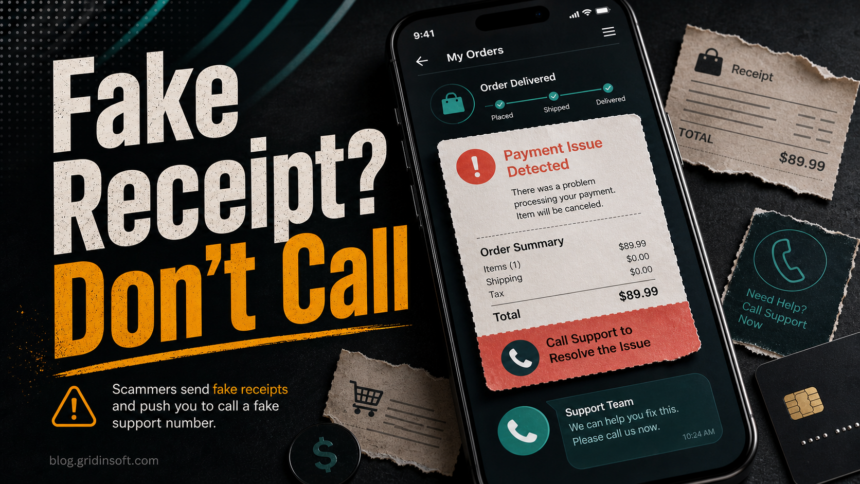
An unexpected receipt in the Shop app does not automatically mean your card was charged. In the current scam, criminals try to place fake order or renewal details where people expect real shopping updates, then add a phone number so the victim calls a fake support desk. Treat the receipt as suspicious, do not call the number inside it, and verify the alleged charge through your bank, card issuer, or the official merchant account opened separately.
Shop itself is a legitimate order-tracking app. The risk is the fake receipt and callback workflow abusing a trusted place in the shopping process. The safest response is to break the path the scammer gave you: do not use the phone number, email address, link, or attachment in the suspicious order.
How the Shop App Fake Receipt Scam Works
Security researchers at Gen Digital reported fake invoices moving from ordinary inboxes into shopping and order-tracking apps, including suspicious receipts that appear next to legitimate purchases. The lure is usually a high-value order, renewal, subscription, gift card, or device purchase that the victim does not recognize.
The scammer then places a support instruction in the order details. It may say that the charge was processed, the subscription renewed, or the purchase will ship soon. A phone number or contact instruction appears in the receipt body, product description, seller note, or shipping-style field. That number is the real trap.
Once a victim calls, the conversation can move toward card details, bank login help, one-time codes, remote access software, refund manipulation, or a request to install a file. The fake receipt only has to create enough urgency for the user to enter a conversation controlled by the scammer.
Red Flags in a Fake Shop Receipt
- A purchase you do not recognize, especially a security subscription, phone, gift card, or expensive digital item.
- A support phone number inside the order details instead of a normal merchant support route.
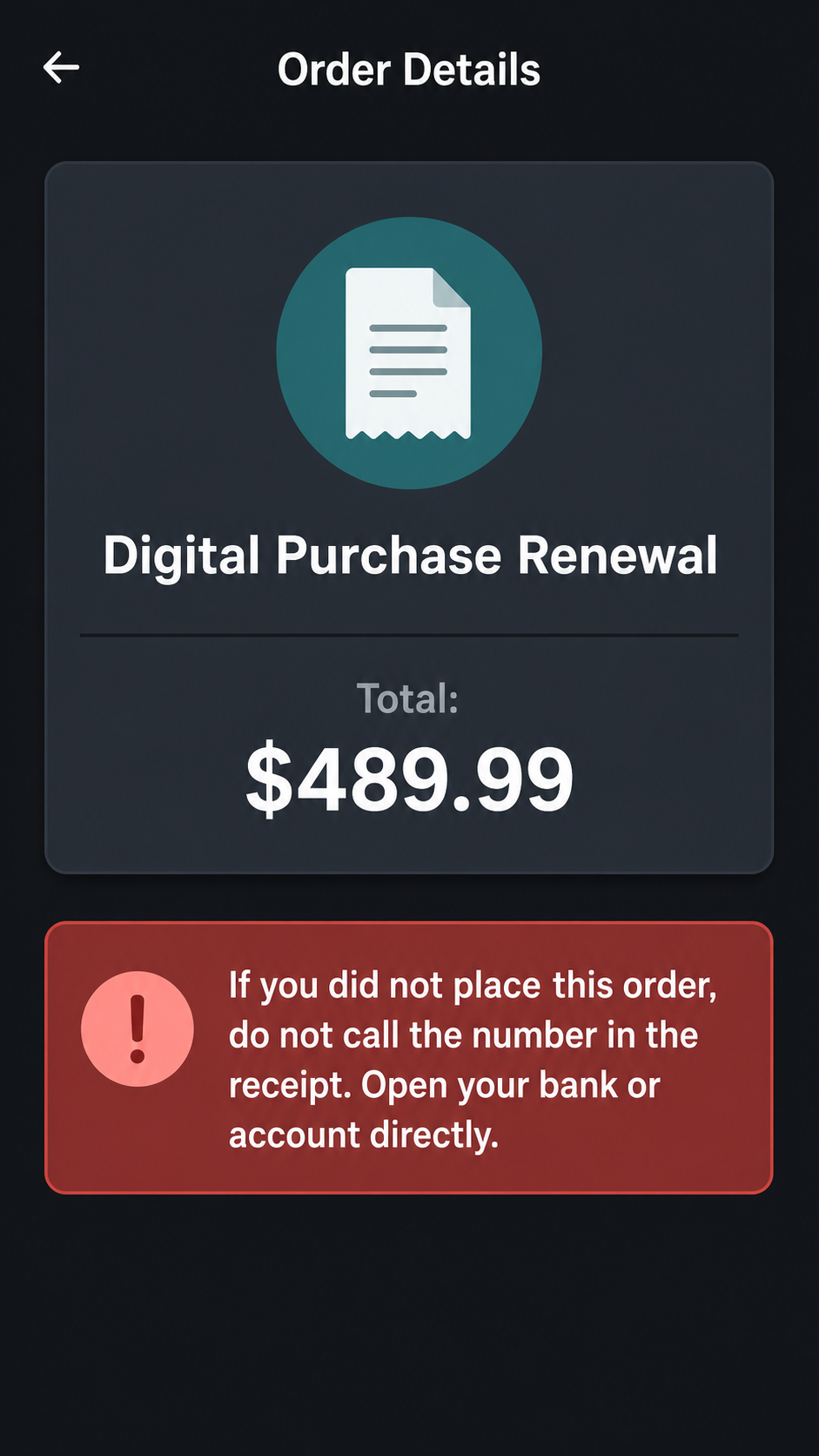
- Pressure wording such as “if you did not place this order” followed by a number to call.
- No matching bank or card transaction when you check your account directly.
- Awkward grammar or odd seller names, such as generic stores, mismatched brands, or incomplete business details.
- Requests for remote access, browser details, codes, card numbers, or account credentials after you call.
What to Do Before You Call Any Number
- Do not call the number in the receipt. A real company does not need you to use a phone number embedded in a suspicious order note.
- Check your bank or card account directly. Use your bank app, the card issuer website, or the number printed on the back of the card.
- Open the merchant or brand account separately. Type the address yourself or use your saved app; do not follow receipt links.
- Look for a real confirmation email. If the Shop entry has no matching merchant confirmation and no card transaction, treat it as a fake receipt until proven otherwise.
- Report the suspicious order through official Shop support or the relevant merchant route. Shopify’s Shop Help Center has a suspected-fraud section for fraud-related support paths.
- Save evidence before deleting anything. Screenshots of the order, seller name, receipt text, and phone number can help your bank, platform support, or fraud report.
If You Already Called the Number
Hang up first. Do not stay on the line while you verify the receipt. Then choose the branch that matches what happened.
If you only called and gave no information
Block the number, report the receipt, and keep watching your card activity. You do not need to cancel every account just because you dialed, but do not call back if the scammer contacts you again.
If you shared card or bank information
Contact the bank or card issuer using the official app, website, or number on the card. Ask them to review recent activity, block or replace the card if needed, and dispute any unauthorized transaction. If you use the same password elsewhere, change it from a clean device.
If you shared a one-time code or account password
Change the password for that account immediately, sign out of other sessions where possible, and turn on multi-factor authentication. Watch for new recovery emails, forwarding rules, payment methods, or devices you do not recognize.
If you installed a remote-access tool or downloaded a file
Disconnect the device from the internet if the caller still has access, uninstall the remote-access app, change passwords from another trusted device, and review startup items, browser extensions, downloads, and recent apps. A local scan is useful here because scammers often pair refund calls with remote-control tools, download prompts, or bundled malware.
If the fake receipt call led to a download, support tool, browser extension, or unknown program, run a full Gridinsoft Anti-Malware scan after removing the obvious app. The scan can check for hidden files, startup entries, scheduled tasks, browser changes, and persistence that a manual uninstall can miss.
If the page or email made you download an invoice, coupon, tracking app, browser extension, or support tool, scan the PC before opening it again or logging into sensitive accounts.
Scan after a suspicious support callHow to Report the Scam
Report the suspicious receipt or store through the official Shop support route when available. If money moved or card data was shared, contact the bank first because payment controls are time-sensitive. US readers can also file a report with the FTC at ReportFraud.gov; outside the US, use your national consumer-protection or cybercrime reporting channel.
If the fake receipt impersonated a known brand, report it through that brand’s official fraud or phishing page as well. Do not use the contact details printed in the suspicious receipt for that report.
Why a Fake Receipt Can Appear Without a Real Charge
A fake receipt is a social-engineering object. Its job is to look enough like a normal order update that you react before checking your real payment account. Some victims see a fake order but no matching card transaction. Others may see a suspicious merchant name, a support number, or a request to call before anything is actually billed.
That is why the first verification step is not arguing with the “support agent.” It is checking the account that would actually show the charge: your bank, card issuer, payment wallet, or official merchant profile.
Related Scams to Keep in Mind
This scam is close to fake invoice and support-call phishing. If the receipt used a security-subscription theme, compare it with our Norton scam email warning. If the caller asked for remote access, use the unexpected ScreenConnect cleanup guide as a checklist for removing remote-control tools. For broader shopping risk, see our online shopping scam red flags.
FAQ
Is the Shop app itself unsafe?
No. Shop is a legitimate order-tracking app. The problem is a scam workflow that abuses trusted receipt or order surfaces to make a fake purchase look more believable.
Should I call the phone number in the receipt to cancel the order?
No. Calling that number is exactly what callback phishing tries to make you do. Verify the alleged charge through your bank or official account opened separately.
What if there is no charge on my card?
That often means the receipt is only a lure. Keep evidence, report it through official channels, and monitor the card, but do not give the caller card details or codes.
What if I installed software during the call?
Uninstall the remote-access or support tool, disconnect the device if access is still active, change passwords from another device, and scan for leftovers or persistence.
Can fake Shop receipts contain malware?
The receipt itself is mainly a social-engineering lure. Malware risk rises if the caller convinces you to download a file, install a support tool, add a browser extension, or run a command.
References
- SC Staff. “Scammers abuse Shopify’s Shop app with fake receipts.” SC Media, June 26, 2026, accessed July 4, 2026. https://www.scworld.com/brief/scammers-abuse-shopifys-shop-app-with-fake-receipts
- Shop Help Center. “Identifying and reporting suspected fraud on Shop.” Shopify Inc., accessed July 3, 2026. https://help.shop.app/en/shop/suspected-fraud/identifying-and-reporting-fraud-on-Shop
- Federal Trade Commission. “ReportFraud.ftc.gov.” FTC, accessed July 3, 2026. https://reportfraud.ftc.gov/