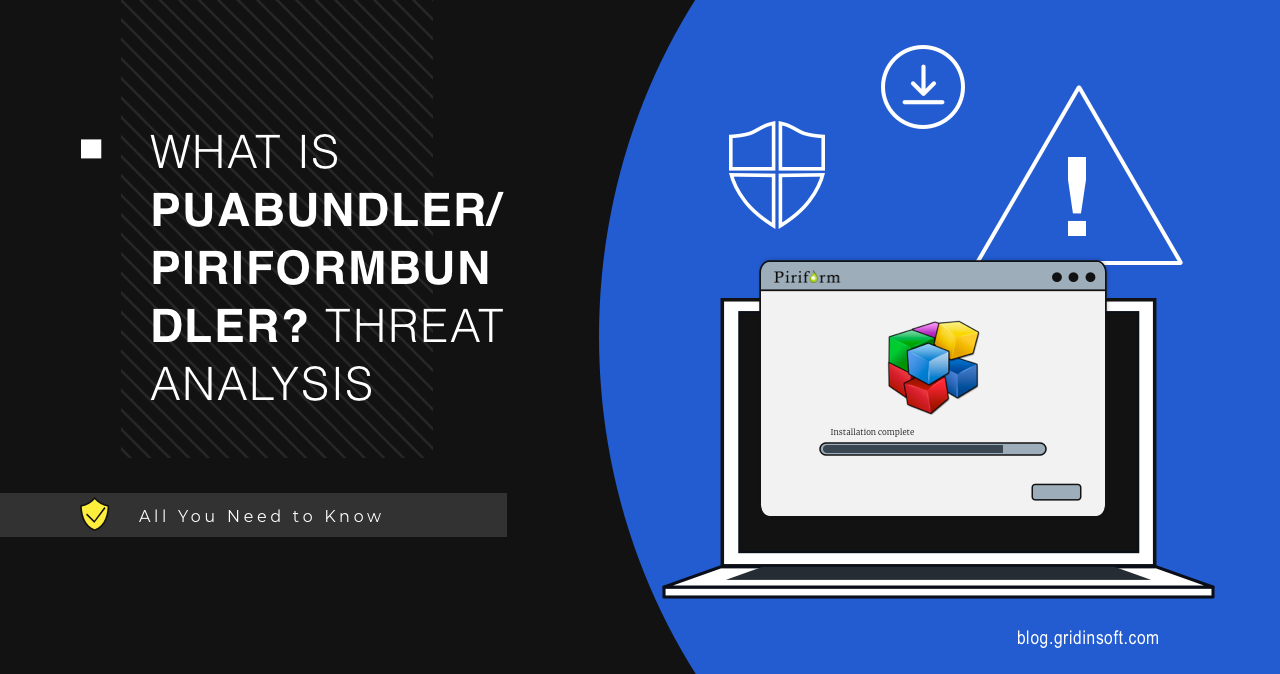
PUABundler:Win32/PiriformBundler is a Microsoft Defender PUA detection for Piriform-related installers, including some CCleaner, Defraggler, Recuva, or Speccy packages that include bundled offers. It does not mean every Piriform app is malware, but the flagged installer should be removed or replaced with a clean current download before you trust it.
Remove the bundle or keep the Piriform app?
- Remove the flagged installer or bundle first. Do not restore it just to finish setup.
- The main app is not automatically malware. If you still need it, download a current clean installer from the official source.
- Check what changed around the install: new apps, browser extensions, notifications, startup entries, scheduled tasks, and default search.
- If the alert returns, look for the old installer in Downloads, Temp, backups, or archives before adding exclusions.
| Detection | PUA:Win32/PiriformBundler / PUABundler:Win32/PiriformBundler |
| Detected by | Microsoft Defender Antivirus |
| Type | Potentially unwanted application bundler |
| Best action | Remove the flagged installer, keep only clean current apps, and check bundled leftovers |
What is PiriformBundler?
Microsoft Security Intelligence describes this as a PUA detection for Piriform installers that bundle additional applications. The important distinction is the installer package: the alert points to bundled behavior and optional components, not automatically to the final utility alone.
Is it safe or a false positive?
It may feel like a false positive if you intentionally downloaded CCleaner or another Piriform utility, especially from an old backup. Treat the flagged package as untrusted until you confirm the source and version. Third-party mirrors, old installers, and archived setup files are more likely to include bundled offers or stale detections.
How to remove PUABundler:Win32/PiriformBundler
- Choose Remove or Quarantine in Windows Security.
- Delete the installer that triggered the detection.
- Uninstall any optional apps installed with it.
- Check browser extensions, notification permissions, startup entries, and default search settings.
- Restart and run a full Defender scan.
- If you still need the Piriform utility, reinstall only a current clean copy from the official source.
If the bundle also installed an unexpected Chromium-style browser, remove that browser separately; for example, follow the Wave Browser removal guide when Wave appears in Apps, startup entries, or browser defaults.
Scan for leftovers after removing the visible bundle. A PUA installer can leave bundled apps, browser changes, notification permissions, startup entries, or scheduled tasks even after Defender removes the flagged setup file.
Bundled installers can leave unwanted apps, browser changes, startup entries, scheduled tasks, or notification permissions after Defender removes the flagged package.
Check bundled leftoversFAQ
Does this mean CCleaner or another Piriform app is malware?
No. The detection is about potentially unwanted bundled installer behavior. Remove the flagged package, then use a clean current installer if you still need the utility.
Why does Defender keep detecting it?
An old installer may still be in Downloads, Temp, a backup folder, or a compressed archive. If the file no longer exists and scans are clean, the alert may also be stale Protection History rather than an active bundle.
Can I add an exclusion?
Not recommended. Use a clean current installer instead of excluding a flagged bundle, especially when the source is a mirror, old backup, or archived setup file.
The current fake CCleaner GhostDesk campaign is different from an ordinary PiriformBundler alert: a lookalike download site delivered malware that patched Chrome, stole cookies and credentials, and required full Windows cleanup.
References
- Microsoft Security Intelligence. “PUA:Win32/PiriformBundler threat description.” Microsoft, accessed July 6, 2026. https://www.microsoft.com/en-us/wdsi/threats/malware-encyclopedia-description?Name=PUA%3AWin32%2FPiriformBundler