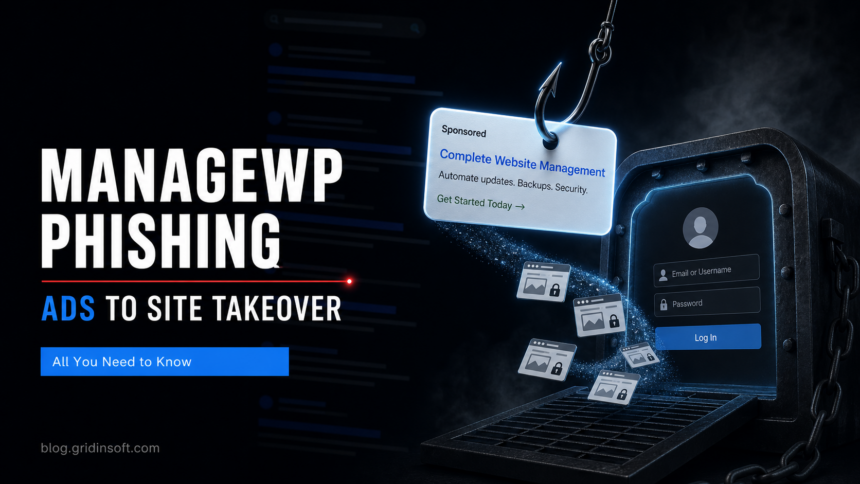
A phishing campaign is abusing Google sponsored search results to target GoDaddy ManageWP users, according to BleepingComputer, which attributed the findings to Guardio Labs researcher Nati Tal. The lure matters because ManageWP is not just another login page: it is a centralized dashboard for managing WordPress sites, so one stolen session can expose a whole client portfolio, backup workflow, and update pipeline rather than a single account [1].
The campaign reportedly places a fake ManageWP result above the legitimate destination for people searching for the service. After the click, victims see a cloned login flow that captures credentials and then requests the one-time 2FA code in real time. That makes the attack closer to adversary-in-the-middle phishing than a simple password-harvesting page, because the operator can use the fresh code while the victim still believes they are completing a normal login [1].
Why this login can become a site takeover
The operational risk is larger than the fake page suggests. WordPress.org lists the ManageWP Worker plugin as active on more than 1 million sites, and ManageWP itself describes the dashboard as a way to manage sites from one place rather than signing in to each WordPress admin separately [2]. For agencies, freelancers, and hosting support teams, that means the account often has access to backups, plugin updates, site connections, collaborators, and sometimes the first step toward server or control-panel credentials.
Gridinsoft has seen the same paid-search pattern in earlier campaigns, including Kinsta phishing ads and broader Google Search malvertising. The practical lesson is not just “avoid ads”; it is to treat search-result logins for administrator tools as untrusted shortcuts. Type known admin URLs from a password manager or bookmark, check the domain before entering a TOTP code, and be especially suspicious when a “verification” flow asks for ManageWP, GoDaddy, cPanel, FTP, or hosting credentials in one chain.
If someone may have used the fake page, handle it as an active account compromise, not a failed phishing attempt. Revoke active ManageWP and GoDaddy sessions, rotate the ManageWP password, regenerate recovery and collaborator access, review connected websites, and rotate any cPanel, FTP/SFTP, database, and WordPress administrator credentials that were entered. Then check each connected site for new admin users, unfamiliar plugins or themes, unexpected redirects, changed DNS/hosting settings, modified backup destinations, and recently changed files. ManageWP’s own 2FA guide notes that its 2FA protects the dashboard login, not each individual WordPress website, so site-level accounts and hosting credentials still need separate cleanup after a dashboard compromise [3].
The visible clues are narrow but useful: a sponsored result for an admin console, a domain that is close to but not exactly the expected ManageWP or GoDaddy domain, a login page that immediately escalates into “customer verification,” and a TOTP prompt following a Google ad click. This overlaps with the AiTM phishing problem seen in Microsoft 365 attacks: the second factor is valuable only when the login origin is genuine.
References
- BleepingComputer, “Hackers abuse Google ads for GoDaddy ManageWP login phishing,” May 6, 2026. Coverage
- WordPress.org, ManageWP Worker plugin page, accessed May 7, 2026. Plugin page
- ManageWP, “2-factor Authentication” user guide, accessed May 7, 2026. Guide
Related admin-access risk: The Burst Statistics CVE-2026-8181 attacks show why WordPress admin access can be stolen through plugins as well as phishing ads.
If a WordPress incident involves a map or directory plugin rather than a fake management login, review WP Maps Pro CVE-2026-8732 and audit administrator accounts for unauthorized support-access users.
Credential phishing is not the only WordPress admin risk. A later campaign also used Steam profile comments as a hidden C2 channel in a WordPress malware backdoor, so site owners should review both account access and file integrity.