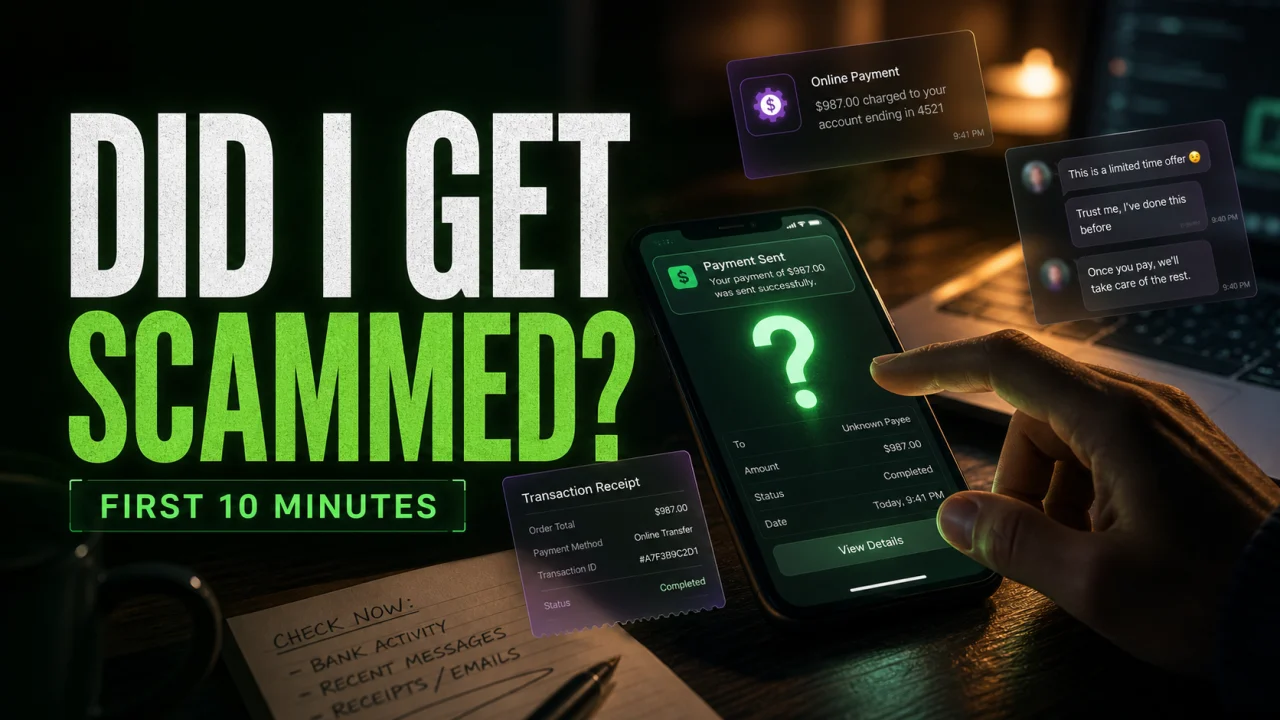
If you think you got scammed, act as if the scam is real until you prove otherwise. The clearest signs are unauthorized transactions, messages sent from your account, a withdrawal that suddenly gets blocked, pressure to pay another fee, stolen login activity, or a seller, recruiter, romance contact, or “support agent” pushing you outside a trusted platform.
Did I get scammed?
- Your money moved without a normal receipt, delivery, or service. This includes bank transfers, payment apps, crypto, gift cards, fake investment dashboards, or a store that stops responding after payment.
- Your account shows activity you did not make. Look for sent messages, password resets, unfamiliar devices, changed recovery email, forwarding rules, or new payment methods.
- The other person creates urgency. Scammers push you to pay now, keep it secret, verify again, install a tool, or move the conversation away from the original platform.
- The payment method gives you little protection. Gift cards, wire transfers, crypto, and instant payment apps are common because recovery is hard.
| Warning sign | What it usually means | First action |
| Unknown bank/card charge | Your card, account, or stored payment method may be abused | Call the bank/card issuer, dispute the charge, freeze the card if needed |
| Messages sent from your account | Your password, session cookie, or device may be compromised | Change the password, sign out other sessions, enable 2FA |
| Investment withdrawal blocked | The platform may be fake or running an advance-fee scam | Do not pay “tax”, “verification”, or “unlock” fees; preserve evidence |
| Seller wants payment outside the platform | You may lose buyer protection | Stop the transaction and use the marketplace’s official checkout only |
| Remote access was installed | The scammer may still see or control the device | Disconnect, remove remote-access tools, scan the system, change passwords from a clean device |
What to do in the first 10 minutes
The first few minutes matter. Do not argue with the scammer, do not send more money, and do not install anything else they request. Take screenshots of the chat, website, payment receipt, wallet address, phone number, email, shipping page, account alert, and transaction IDs before the page or account disappears.
- Stop all contact and payments. A second “fee” is often another part of the same scam.
- Contact the payment provider. Ask the company you used to send money whether a reversal, chargeback, fraud claim, or account freeze is possible.
- Change exposed passwords. If you entered a password on a suspicious site, change it everywhere it was reused.
- Secure email first. Email controls password resets for many accounts, so protect it before social media, stores, or banking apps.
- Check the device. If you downloaded a file, clicked a suspicious pop-up, or allowed remote access, scan the computer before using it for banking.
You can report fraud to the FTC at ReportFraud.ftc.gov. If identity information such as a Social Security number was exposed, use IdentityTheft.gov for recovery steps. For internet-enabled fraud, the FBI also accepts reports through IC3.gov.
Why this matters in 2026
Scams are not just sloppy emails anymore. FTC testimony says consumers filed 3 million fraud reports and reported $15.9 billion in losses in 2025, with imposter scams the most frequently reported category and investment scams causing the highest losses.[4] The FTC also reported that nearly 30% of people who lost money to a scam in 2025 said it started on social media.[5] The FBI’s 2025 IC3 report shows why victims should be especially careful with fake investment platforms, crypto payments, tech support calls, and recovery agents: cryptocurrency investment fraud alone accounted for $7.2 billion in reported losses, and recovery scams were a separate billion-dollar loss category.[6]
Signs that your account was taken over
An account takeover does not always look dramatic. Sometimes the attacker only reads messages, changes recovery settings, or waits before using saved cards. Check for:
- password reset emails you did not request;
- new login alerts from a city, country, browser, or device you do not recognize;
- messages, posts, or marketplace listings sent from your profile;
- new forwarding rules in email;
- changed recovery phone, recovery email, or 2FA method;
- saved cards, shipping addresses, or subscription changes you did not add.
If the incident started with an email, compare it with our phishing scam guide. If the account involved Microsoft, PayPal, Netflix billing or account-hold messages, or McAfee messages, check the related examples before trusting a link from the email itself.
Signs that a payment or shopping scam happened
A shopping scam often becomes obvious only after payment. The seller may stop responding, send a fake tracking number, ask for more money for “insurance”, or move you to a payment app where buyer protection does not apply.
| Payment type | What to do first |
| Credit/debit card | Call the card issuer, report a fraudulent charge, and ask about chargeback options |
| Bank transfer | Contact the bank immediately and report an unauthorized or fraudulent transfer |
| Zelle, Venmo, Cash App, PayPal friends/family | Report the transaction inside the app and contact the linked bank/card issuer |
| Gift card | Contact the gift card issuer, keep the card and receipt, and report the card numbers as used in a scam |
| Cryptocurrency | Preserve wallet addresses and transaction hashes; do not pay recovery agents who promise guaranteed refunds |
For suspicious shops, use the Gridinsoft URL scanner before entering payment details. A scan is not a guarantee that a seller is honest, but it can reveal known phishing, malware, parked, or recently abused domains.
Signs of a crypto or investment scam
Fake earning platforms can follow a similar withdrawal trap even when they are not presented as investments. If a site such as MoneyUpper.com shows a balance but asks for referrals, more tasks, or a fee before cash-out, treat it as a scam signal.
Fake trading and crypto platforms usually look normal until you try to withdraw. Then the site claims you must pay tax, identity verification, wallet activation, anti-money-laundering fees, or a final unlock deposit. That extra payment is the warning sign.
Do not pay a withdrawal fee to a platform you already distrust. Save the dashboard, deposit addresses, chat history, domain name, and transaction hashes. Then read our guides on common cryptocurrency scams, pig butchering scams, and crypto recovery scams.
Signs of a romance scam
A romance scam is less about one message and more about a pattern. The person builds trust, avoids meeting in real life, creates emergencies, and asks for money, gift cards, crypto, or help moving funds. They may also ask you to keep the relationship private so nobody can warn you.
If you sent money to someone you have never met, stop sending payments and preserve the conversation. See our online dating and romance scam guide for more examples.
If a scammer had access to your computer or phone
This is the highest-risk version of the problem. If the scammer made you install AnyDesk, TeamViewer, UltraViewer, browser extensions, a “support” tool, or a fake security app, assume they may have seen passwords, banking screens, files, and email.
- Disconnect from the internet if the remote session is still active.
- Uninstall remote-access tools you did not use before the incident.
- Check browser extensions and remove anything unfamiliar.
- Run a full system scan with your security software.
- Change passwords from a different clean device.
- Call your bank if you opened banking, crypto, tax, or email accounts during the session.
Device accessed by a scammer?
Check for remote tools, adware, and hidden startup entries.
If you installed a file or let someone control the PC, run a full malware scan before using the device for banking or password changes.
Do not fall for recovery scams
After a scam, people often search for help and become targets again. Be careful with anyone who promises guaranteed recovery, asks for upfront payment, claims to know a “hacker”, or says they can reverse cryptocurrency by using special software. Real banks, platforms, and agencies do not need you to buy gift cards, share a 2FA code, or pay a private agent first.
References
- Federal Trade Commission. “ReportFraud.ftc.gov.” FTC, accessed June 7, 2026. https://reportfraud.ftc.gov/
- Federal Trade Commission. “IdentityTheft.gov.” FTC, accessed June 7, 2026. https://www.identitytheft.gov/
- Federal Bureau of Investigation. “Internet Crime Complaint Center (IC3).” FBI, accessed June 7, 2026. https://www.ic3.gov/
- Federal Trade Commission. “FTC Testifies before the Joint Economic Committee on Agency’s Efforts to Combat Fraud.” FTC, March 5, 2026. https://www.ftc.gov/news-events/news/press-releases/2026/03/ftc-testifies-joint-economic-committee-agencys-efforts-combat-fraud
- Federal Bureau of Investigation, Internet Crime Complaint Center. “2025 IC3 Annual Report.” FBI, 2026. https://www.fbi.gov/file-repository/2025_ic3report.pdf
FAQ
How do I know if I got scammed online?
You probably got scammed if money left your account without a legitimate product or service, the other person asks for more fees, your account shows activity you did not make, or you entered login/payment data on a suspicious page.
Can I get my money back after being scammed?
Sometimes. Card payments and some bank transfers may have dispute options, but gift cards, cryptocurrency, wire transfers, and instant payment apps are harder to reverse. Contact the payment provider immediately.
What if I gave a scammer my password?
Change that password right away, change it on any other account where it was reused, sign out all sessions, enable two-factor authentication, and secure your email account first.
What if I clicked a scam link but did not enter anything?
The risk is lower, but still check the URL, close the page, do not download files, and scan the device if the page asked for permissions, installed a profile/extension, or triggered a download.
Should I keep talking to the scammer to collect evidence?
No. Take screenshots of what you already have, then stop replying. Continuing the conversation can expose more personal information and invite more pressure.