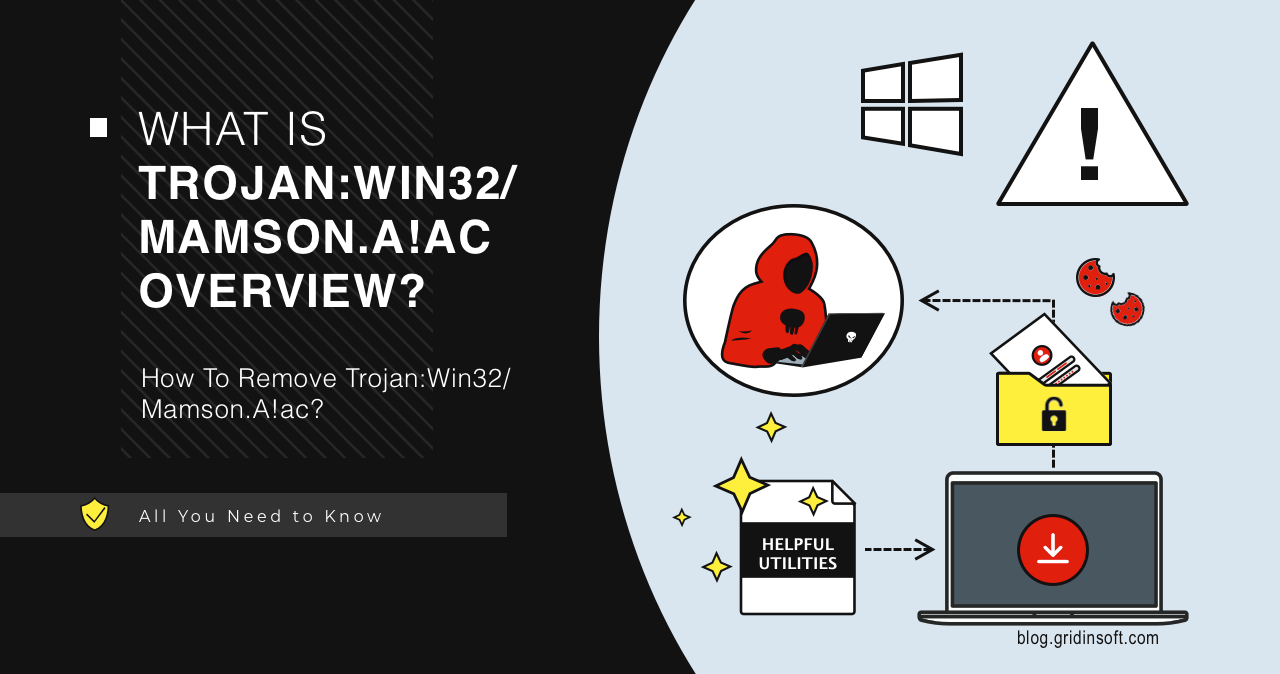
Trojan:Win32/Mamson.A!ac is a Microsoft Defender detection that should be judged by the affected file path, source, signature, and behavior, not by the name alone. Microsoft threat search lists this as a severe Trojan detection, but public technical detail is limited. If the file came from an unknown archive, crack, email attachment, fake update, or download portal, keep it quarantined and remove the source package.
What should you do with Trojan:Win32/Mamson.A!ac?
- Do not restore or allow it first. Keep Defender’s quarantine/removal action.
- Check the affected item path in Windows Security before deleting history.
- Delete the source installer/archive if it came from Downloads, Temp, email, or a crack/repack folder.
- Run a full scan and check startup entries if the file was executed.
| Detection | Trojan:Win32/Mamson.A!ac |
| Type | Severe Trojan detection |
| Main risk | Potential payload execution or system compromise depending on affected file |
| Best first action | Quarantine/remove, delete source package, run full scan, verify persistence points |
What is Trojan:Win32/Mamson.A!ac?
Defender names are labels for a detection pattern. For many machine-learning or generic detections, Microsoft publishes limited public detail, so the useful evidence is the file path and context. A detection in a trusted signed app has a different risk profile than the same label on a crack, repack, script, or unknown executable.
Could it be a false positive?
Possibly, especially for uncommon tools, scripts, emulators, or newly built software. But do not treat it as a false positive if the file came from an unofficial download, torrent, software crack, fake update page, or message attachment. Submit a verified file to Microsoft only after checking the publisher, source, and hash.
How to remove Trojan:Win32/Mamson.A!ac
- Open Windows Security → Virus & threat protection → Protection history.
- Open the detection and note the affected item path.
- Choose Remove or Quarantine.
- Delete the original installer, archive, or extracted folder.
- Uninstall suspicious apps installed on the same date.
- Check Startup Apps, Task Scheduler, and unknown browser extensions.
- Update Defender and run a full scan after reboot.
After uninstalling the suspicious app or deleting the visible threat, use Gridinsoft Anti-Malware to check hidden files, startup entries, scheduled tasks, bundled apps, browser changes, and other persistence points that can restore malware.
Download Anti-MalwareTechnical behavior to check
Mamson.A!ac should be treated as a real Trojan unless the file path and source clearly prove otherwise. Older analysis for this family focused on privilege, evasion, and data-risk behavior, so cleanup should go beyond deleting one file.
| Area | What to inspect |
|---|---|
| Privilege escalation | Unexpected administrator prompts, dropped files in protected folders, or tools launched with elevated rights. |
| Defense evasion | Changes to Defender settings, exclusions, services, or security notifications. |
| Persistence | Startup entries, scheduled tasks, services, or Run keys that recreate the file after reboot. |
| Data risk | Browser passwords, cookies, wallets, game accounts, and email sessions used after the alert. |
Account-safety steps after Mamson.A!ac
- Change important passwords from a clean device if the Trojan may have run.
- Sign out unknown browser, email, Microsoft, Steam, Discord, and wallet sessions.
- Review recent account recovery changes, forwarding rules, and connected apps.
- Do not restore the flagged file just because a cracked installer or repack claims it is safe.
FAQ
Should I allow Trojan:Win32/Mamson.A!ac?
No, not on a normal PC. Allow only in an isolated lab or after Microsoft/vendor confirms a false positive.
Why does it come back after removal?
The source archive, extracted copy, browser cache, scheduled task, or companion app may still be present.
Do I need to reinstall Windows?
Usually no if Defender blocked the file before execution. Consider deeper recovery if the file ran, Defender says remediation incomplete, or suspicious startup/network behavior remains.
Source: Microsoft Security Intelligence and Microsoft Defender protection guidance.