
Trojan:Win32/Malgent!MSR: Removal & False Positive Checks
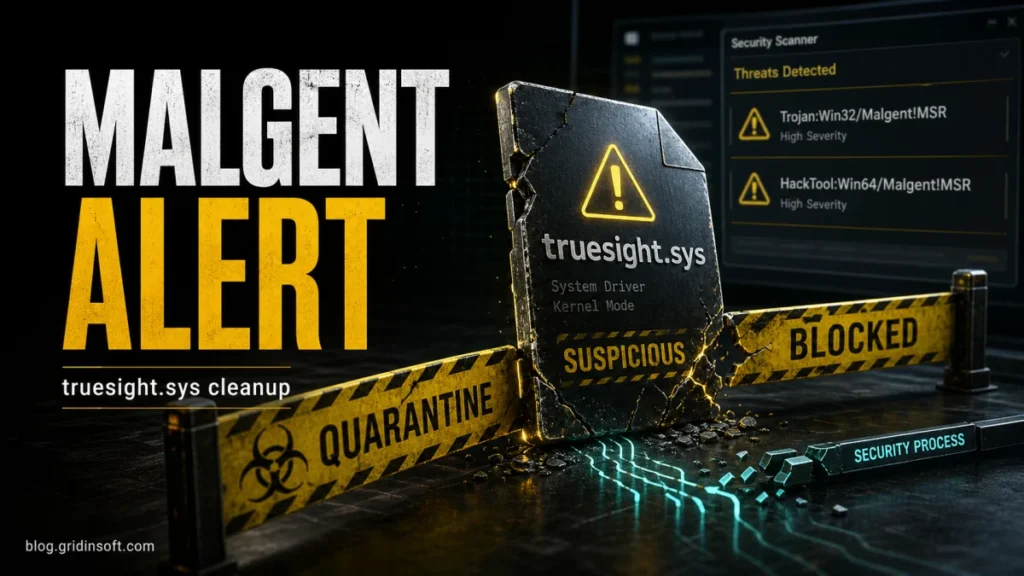
Check what a Malgent warning means, whether the detected file ran, and what to do when quarantine fails or the alert returns. Includes false-positive and truesight.sys checks.
Practical security guide
Step-by-step fixes, scam checks, Windows cleanup, browser safety, and simple security habits for real problems people run into every day.
Updated guide index
Check what a Malgent warning means, whether the detected file ran, and what to do when quarantine fails or the alert returns. Includes false-positive and truesight.sys checks.
Still using Windows 10 after support ended? Learn when to use ESU, when to upgrade, how to harden…
Malware protection can block risky files, detect hidden threats, clean leftovers, and verify a Windows PC after infection.…
DNS spoofing forges DNS answers; DNS hijacking changes DNS settings or control. Learn the differences, warning signs, checks, fixes, and prevention steps.
Want spam email revenge without legal risk? Report spam, stop email-bomb floods, find hidden account alerts, submit phishing URLs, and protect your accounts.
Scam Likely is a carrier warning for suspected spam or fraud calls. Learn how to block it with carrier tools, iPhone and Android filters,…
Remove a USB shortcut virus safely: do not open .lnk shortcuts, scan the PC and USB, restore hidden files with attrib, delete leftovers, and…
Whaling phishing targets executives and privileged users with fake payment, payroll, access, or data requests. Learn warning signs, examples, and what to verify before…