
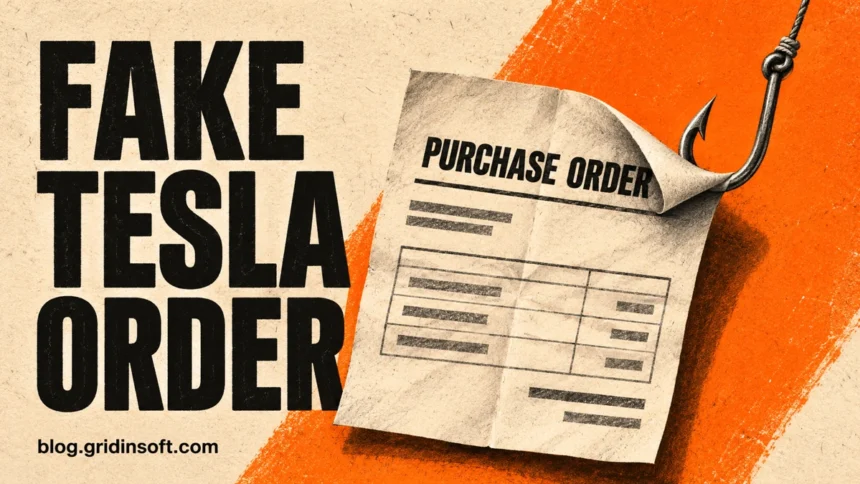
The “Tesla Purchase Team” email asking for a quote on order 176629 is a phishing lure. It promises a purchase order, but the message we examined contains no order document. Its blue DOWNLOAD ORDER button points through Google to a site outside Tesla. If your business supplies Tesla, open your usual supplier portal from a bookmark and check the order with your buyer there. You do not need to open anything in the email to verify the request.
What the fake Tesla purchase order email says
The subject pairs the recipient’s company domain with an order number. Inside, the message repeats the domain as a link, addresses the recipient by email and asks for a quote. There is no price, quantity, part number or deadline. The sender relies on a more ordinary incentive than urgency: for someone in sales, passing up what looks like an incoming order could mean losing business.
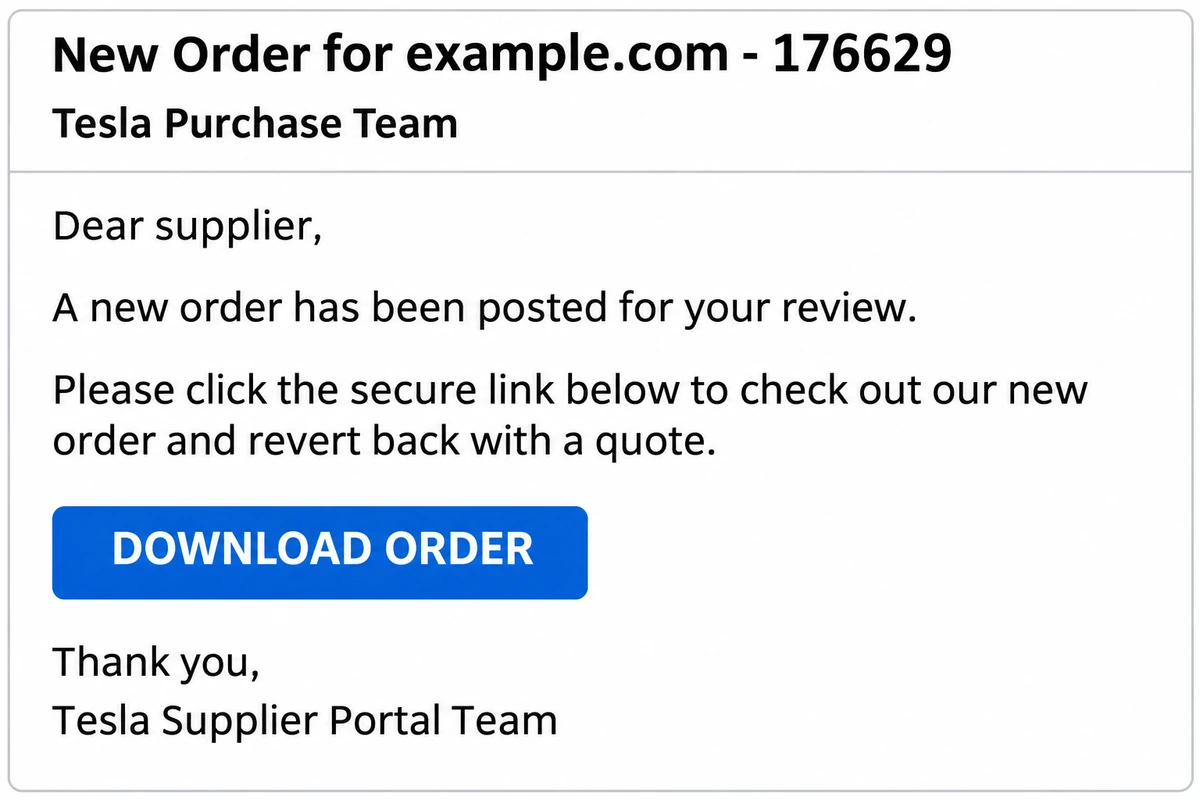
Subject: New Order for example.com – 176629
From: Tesla Purchase Team <no-reply-Portal-Support [at] tesla [dot] com>
Dear [recipient],
Details:
A new order has been posted for your review. Please click the secure link below to check out our new order and revert back with a quote.
DOWNLOAD ORDER
Thank you,
Tesla Supplier Portal Team
Note: This is an auto-generated email. Please do not reply to this email.
The recipient details above are anonymized. The wording contains a useful contradiction: it asks you to “revert back with a quote,” then tells you not to reply. There is no named buyer to call. The button is the only apparent way to get the specifications you would need to quote.
Three clickable labels, two different destinations
The message makes even the recipient’s own address look like a familiar contact link. We inspected the HTML without opening the destinations. Each link starts with a Google redirect; the destination encoded inside it changes depending on where you click.
- The company name in the heading points to
www.transpowersolution[.]org, not to the company named in the visible text. - The email address after “Dear” points to the same host as the heading. It is a web link, not an email reply link.
- DOWNLOAD ORDER instead targets
ribasambiental[.]com[.]br/CpanelTeam.html. The name in the link describes an HTML page, not an attached PDF or spreadsheet.
The button also carries a secondary HTML attribute naming a different site, dsgmtransporte[.]com[.]br/Webpage.html. That is a discrepancy in the saved message, not a third stop we observed in a browser. The only embedded file is the small PNG used for the Tesla logo. We did not visit the sites: the email establishes where the links point, but it cannot tell us what the sites would have displayed, downloaded or collected.
Why a Tesla sender address and an SPF pass are not enough
The visible sender ends in tesla[.]com. In the receiving mail service’s authentication results, however, spf=pass applies to the forwarding domain on the mail envelope. That check says the server could send mail for that domain. It does not authenticate the Tesla address shown in the From line.
The same receiving service recorded dmarc=fail for the visible Tesla domain. Forwarding can complicate authentication, so a failed check alone is not a verdict on every forwarded message. Here you have an independent reason to stop: neither the button nor the personalized greeting points to Tesla’s supplier service.
How to verify the order without following the email
If you already supply Tesla, use the portal bookmark from your onboarding records. Look for the buyer, requested items and an order or request for quotation that matches your own records. If you cannot find a match, ask your known buyer through an existing phone number or conversation. If Tesla would be a new customer, establish the buyer’s identity through an independently sourced company channel before sharing pricing or documents. Tesla’s own account-security guidance also directs readers to contact support independently when a communication is in doubt.
The distinction also matters for purchase orders shared through Dropbox: a recognizable service can be part of the route without vouching for the document or the buyer.
What to do if someone clicked “DOWNLOAD ORDER”
- Only received or read it: Use your mail client’s phishing-report option. If you have a security team, share the original through its reporting channel so it can search for the subject, button destination and similar messages. Reading the email alone is no evidence of a stolen password.
- Clicked but entered nothing: Close the page and check the browser’s downloads list without opening any new file. Give IT the time of the click and tell them whether a file appeared. A click by itself does not establish what the site did.
- Entered a password or approved a sign-in: Contact IT immediately. Use the real account service from a trusted device to change that password; have the administrator revoke active sessions and review recent sign-ins, recovery methods and mailbox forwarding rules. Change reused passwords on other accounts as well.
- Opened a downloaded file: Tell IT its name, what you opened and whether you enabled anything it requested. If you ran software, disconnect the device from the network and follow your incident-response process. Keep the email and download details available for investigation.
For the purchasing decision, the test is straightforward: a buyer you can reach independently and an order you can match to your records are better evidence than a logo, an order number or the word “secure” on a link.
References
- Tesla. “Tesla Account Security.” Tesla Support, accessed November 4, 2026. Suspicious emails or messages.
- Google. “Postmaster Tools dashboards.” Gmail Help, accessed November 4, 2026. Email authentication and forwarding.