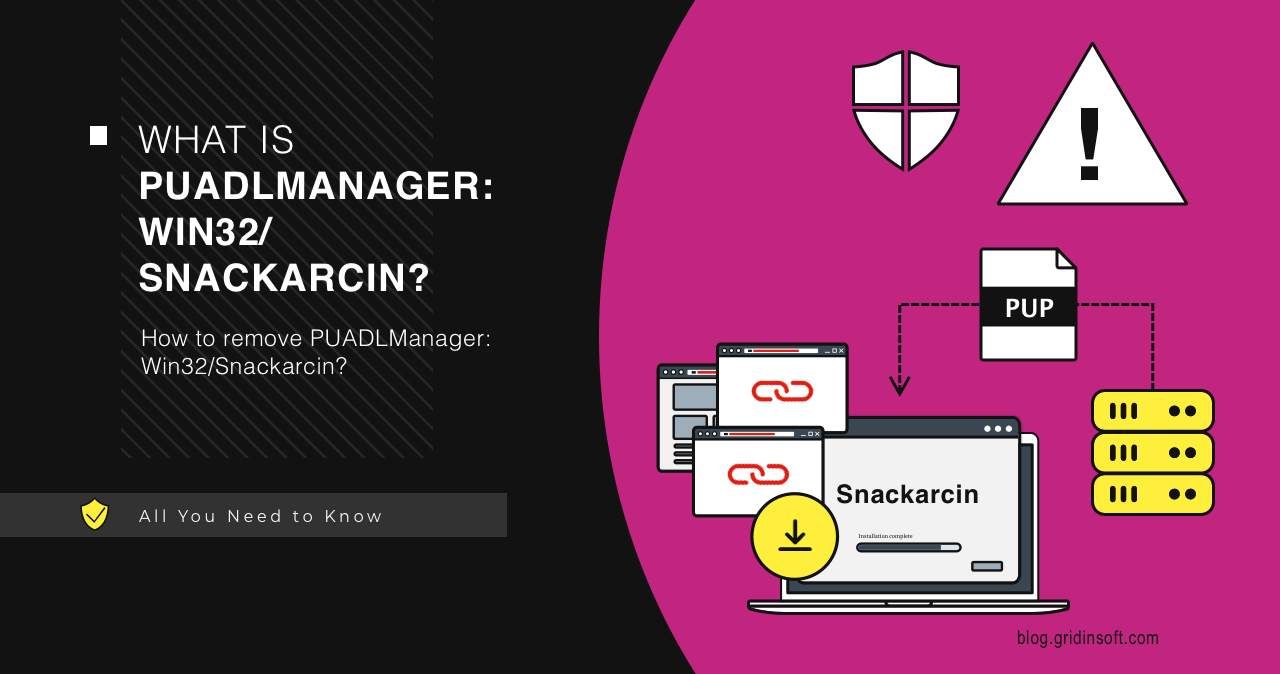
PUADlManager:Win32/Snackarcin is a Microsoft Defender potentially unwanted downloader detection. It usually points to an installer, wrapper, or download manager that may bring unwanted apps, adware, browser changes, or additional packages. Remove it unless you are deliberately analyzing it in a lab.
Is Snackarcin dangerous?
- It is a PUA/downloader alert, so treat it as unwanted.
- Do not restore it to complete an installer.
- Delete the source package and uninstall apps added with it.
- Scan for leftovers if browser settings or pop-ups changed.
| Detection | PUADlManager:Win32/Snackarcin |
| Category | Potentially unwanted downloader / installer wrapper |
| Common source | Download portals, free utility wrappers, fake update prompts, repacks |
| Best action | Remove/quarantine, delete installer, check browser and startup entries |
What is PUADlManager:Win32/Snackarcin?
Microsoft Security Intelligence lists Snackarcin as a Defender detection that Microsoft Defender Antivirus detects and removes. Microsoft’s public entry is generic, so the affected item path is especially important. The path tells you whether this was only a downloaded installer or a component already installed on the system.
How to remove PUADlManager:Win32/Snackarcin
- Open Windows Security and choose Remove or Quarantine.
- Delete the original installer, ZIP, or temporary setup folder.
- Uninstall programs installed on the same date.
- Remove unknown browser extensions and notification permissions.
- Check Startup Apps and Task Scheduler.
- Restart and run a full scan.
After uninstalling the suspicious app or deleting the visible threat, use Gridinsoft Anti-Malware to check hidden files, startup entries, scheduled tasks, bundled apps, browser changes, and other persistence points that can restore malware.
Download Anti-MalwareHow Snackarcin usually arrives
Snackarcin is usually not a stand-alone app that a user deliberately installs. It is more often tied to a downloader, software bundle, mod installer, fake update, or ad-supported setup program that offers one visible app while quietly adding browser, startup, or notification changes.
| Source | What to check |
|---|---|
| Freeware installer or download wrapper | Look for extra apps installed on the same day, especially unknown search tools, browser helpers, and update services. |
| Game/mod/Minecraft-style bundle | Remove the original installer and review browser extensions, scheduled tasks, and startup entries. |
| Fake update or ad page | Clear browser notifications and site permissions, then scan for PUA leftovers. |
Manual cleanup locations to check
- Installed apps sorted by install date.
- Browser extensions in Chrome, Edge, Firefox, and any secondary browser.
- Notification permissions for sites that can show fake security or download prompts.
- Startup Apps, Task Scheduler, and unknown updater services.
- Download folders, extracted archives, and installer caches that can trigger the detection again.
What Snackarcin can change
PUA downloaders commonly affect search settings, homepage/new-tab behavior, notification prompts, browser shortcuts, and background update tasks. Even when Defender removes the detected file, those settings can keep symptoms alive until the bundle leftovers are removed.
FAQ
Is Snackarcin a virus?
It is usually categorized as a PUA/downloader, but that still makes it unsafe on a normal PC.
Why does it return after removal?
The original installer, extracted files, or a companion updater may still be present.
Can I allow it if I trust the app?
Use a clean installer from the official developer instead of allowing a flagged wrapper.
Source: Microsoft Security Intelligence description for PUADlManager:Win32/Snackarcin.