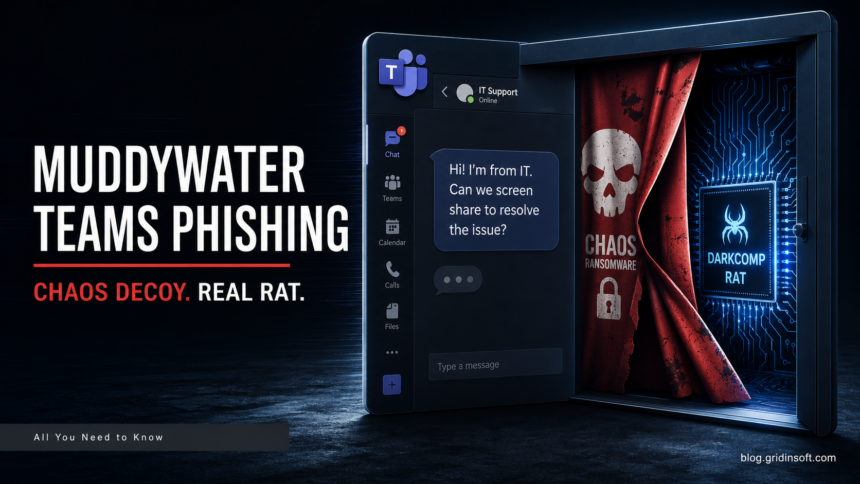
MuddyWater, also tracked as Seedworm and Mango Sandstorm, has been tied to an intrusion that looked like Chaos ransomware on the surface but behaved more like targeted espionage and data theft. Rapid7’s May 6 report describes external Microsoft Teams social engineering, credential harvesting, MFA manipulation, remote management tools, and a custom Windows RAT rather than a normal encrypt-and-recover ransomware workflow.
For a related collaboration-platform threat, see our newer report on KongTuke abusing Microsoft Teams help-desk lures to drop ModeloRAT, where external chat becomes the initial-access channel.
The important part for defenders is the mismatch between the label and the behavior. If a team treats this only as “ransomware,” it may focus on restoring files and miss the earlier compromise chain: external chat, screen sharing, stolen VPN or account material, new MFA methods, AnyDesk or DWAgent access, RDP sessions, and payload staging. In this case, the ransomware brand worked more like a smoke screen for access and pressure.
What changes the response
Rapid7 says the intrusion began with one-on-one Teams contact and interactive screen-sharing. The operators pushed victims toward exposing credentials in local text files, changed MFA setup, inspected VPN-related files, and moved into legitimate remote access tooling. That is close to a support-scam playbook, but the follow-through is heavier: once credentials worked, the actor used compromised accounts, RDP, and remote management to operate inside the environment.
The malware stage also gives defenders better hunting material than the “Chaos ransomware” name. Rapid7 describes ms_upd.exe as a downloader and Game.exe as a custom RAT masquerading around Microsoft Edge WebView2 components, with an encrypted visualwincomp.txt configuration and infrastructure including moonzonet[.]com and uploadfiler[.]com. Those artifacts are more useful for triage than a generic ransomware checklist.
Microsoft Teams configuration matters because external access is a real business feature, not an exploit by itself. Microsoft documents that external access can allow chat and meetings with other Microsoft 365 organizations and, depending on settings, unmanaged Teams accounts. Admins can restrict external domains, block external users, and control unmanaged inbound contact. For high-risk groups, the practical question is whether every employee needs broad external Teams chat, or whether sensitive roles should use tighter policies.
A focused review should look for external Teams conversations that led to screen sharing, files named like credentials.txt or cred.txt, newly added MFA methods, unexpected AnyDesk or DWAgent installs, RDP activity from newly compromised accounts, and downloads into C:\ProgramData or user download folders. Gridinsoft’s background pieces on credential theft and remote access trojans are useful here because this campaign sits exactly between social engineering and hands-on remote control.
The reader takeaway is not “watch out for Teams messages.” It is more specific: when an unsolicited Teams support interaction asks for screen sharing, credential entry, MFA changes, VPN files, or remote tool installation, the event should be handled as a possible intrusion start, not as a helpdesk oddity. If ransomware claims appear later without encryption, investigate data theft and persistence first.
For a related look at state-aligned phishing pressure, see FrostyNeighbor’s Ukraine-focused PDF lure chain, which uses selective payload delivery instead of a simple one-step attachment infection.
Chaos-branded activity has also evolved beyond the false-flag intrusion described here. Cisco Talos later documented msaRAT using a hidden Chrome or Edge process for covert WebRTC command traffic, a distinct campaign with different endpoint and network artifacts.