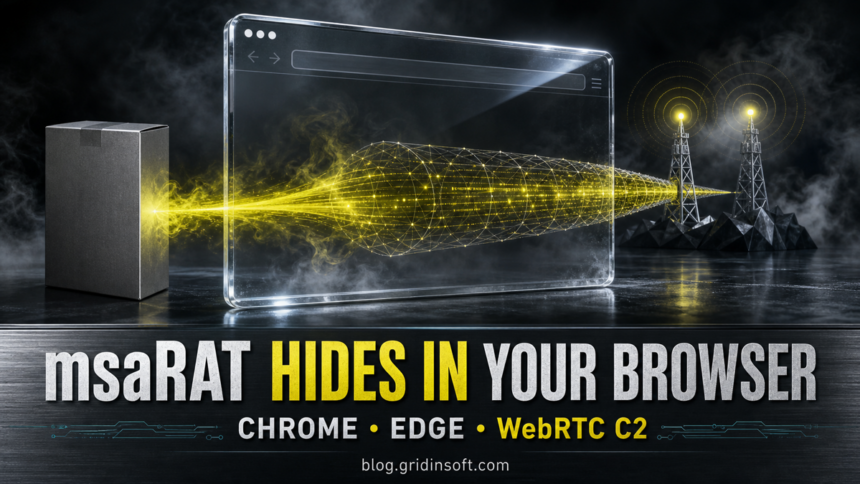
Cisco Talos has uncovered msaRAT, a Rust-based remote access trojan used in recent Chaos ransomware intrusions. After an attacker already has access to a Windows system, the malware starts a hidden Chrome or Microsoft Edge process and makes that browser carry its encrypted command-and-control traffic over WebRTC.
This does not mean Chrome or Edge is vulnerable, and ordinary browsing does not install msaRAT. The practical warning is a fake Windows-update MSI, an unexpected headless browser with remote debugging enabled, and WebRTC traffic that follows an earlier phishing, voice-phishing, or unauthorized remote-management incident.
Who should investigate
Talos attributes the backdoor to the Chaos ransomware group, whose recent access pattern includes email or voice phishing followed by remote monitoring and management tools. The observed MSI is a post-compromise step: an attacker downloads and runs it after reaching the victim machine, before ransomware deployment.
Home users do not need to block Chrome, Edge, Cloudflare Workers, Google STUN, or Twilio globally. Those are legitimate services. Investigate when several host signals line up, especially an unknown MSI in C:\ProgramData, a browser launched headlessly with a remote-debugging port, or a remote-support tool that no owner or help-desk ticket explains.
How msaRAT turns the browser into a C2 relay
- The attacker downloads a fake update. Talos observed
curl.exeretrievingupdate_ms.msitoC:\ProgramData\update_ms.msi. The URL specifies port 443 but uses plain HTTP, which can bypass a rule that trusts the port number without checking the protocol. - The MSI loads the RAT into memory. A custom installer action loads the embedded
lib.dll. The DLL exports aRUNfunction and initializes the Tokio asynchronous runtime. - msaRAT starts a fresh hidden browser. It searches expected Chrome and Edge locations, then launches one with Chrome DevTools Protocol remote debugging, headless mode, and an attacker-selected user-data directory. It does not need to control the user’s visible tab.
- JavaScript builds the external channel. The RAT talks to the browser only through localhost CDP. Injected JavaScript uses a Cloudflare Workers endpoint for WebRTC signaling, Google STUN for address discovery, and Twilio TURN as a forced relay.
- Commands blend into browser traffic. WebRTC provides DTLS encryption, while msaRAT adds ChaCha20-Poly1305 encryption after an ECDH key exchange. The operator can pass commands to
cmd.exeand receive results without the RAT process directly contacting the public C2 infrastructure.
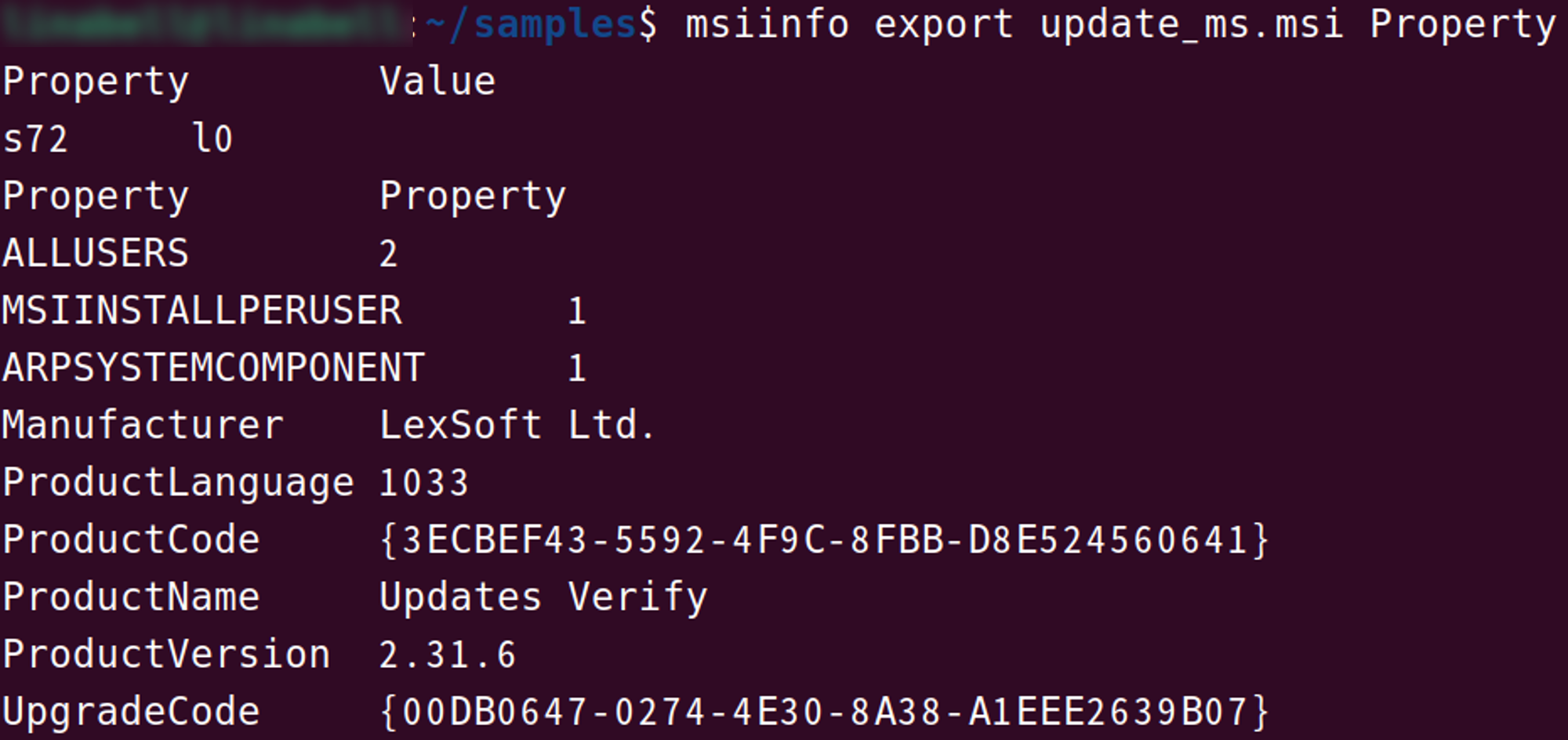
update_ms.msi identifies itself as “Updates Verify” and “LexSoft Ltd.” Source: Cisco Talos.What to look for on the endpoint
| Signal | Why it matters |
|---|---|
C:\ProgramData\update_ms.msi |
Talos observed this fake Windows-update package being downloaded from attacker infrastructure. |
lib.dll loaded by the MSI |
The embedded library contains msaRAT and can be loaded directly into memory by the installer action. |
chrome.exe or msedge.exe with --headless=new, --remote-debugging-port=, and --user-data-dir= |
This combination is central to the observed covert channel. Developers and automation can use these flags legitimately, so confirm the parent process, path, owner, timing, and profile directory. |
is-01-ast.ols-img-12.workers.dev |
The reported sample uses this Cloudflare Workers hostname for signaling. A connection from a suspicious headless browser is stronger evidence than the domain alone. |
172.86.126.18 |
Talos lists this delivery server in its public IoCs. Historical matches should be correlated with process and file telemetry. |
HeadlessChrome user agent followed by TURN/WebRTC traffic |
The network may see a legitimate browser process rather than the RAT. Host command-line and process telemetry therefore matter more than a broad service block. |
Chrome or Edge network activity by itself is not proof of infection. Cloudflare Workers, Google STUN, Twilio TURN, localhost CDP, and headless browsers all have legitimate uses. The useful detection is a sequence: suspicious remote access, the fake MSI, its DLL load, the unusual browser command line, and the reported signaling or delivery indicator.
What to do if the MSI ran
- Disconnect the affected PC. Preserve the process tree, command lines, installer, event logs, and remote-access evidence before routine cleanup if this is a managed device.
- Stop unauthorized remote access. Identify and disable any RMM tool or account that enabled the intrusion. Do not treat killing Chrome or Edge as containment; the attacker may still have another access path.
- Search for the observed sequence. Check recent downloads and PowerShell or command history for
update_ms.msi, review MSI execution, inspect loaded modules, and find browser processes with the three flags above. - Run a full malware scan. Removing the visible MSI alone may leave the in-memory DLL, another loader, a service, a scheduled task, or an unauthorized remote-support client. Use Gridinsoft Anti-Malware to check the system, remove detections, reboot, and scan again if remote-access alerts or unusual browser processes return.
- Rotate exposed credentials from a clean device. Start with administrative, email, VPN, backup, and identity-provider accounts. Revoke active sessions and remote-management tokens rather than changing passwords alone.
- Scope for ransomware activity. Review backup access, mass file changes, new ransom notes, staging or exfiltration, and lateral movement. Talos saw msaRAT before ransomware deployment, so a clean endpoint scan is not the end of an organizational investigation.
What this report does not prove
- Installing the latest Chrome or Edge version does not remove an already installed RAT; the browser is being abused as a relay, not exploited through a reported browser vulnerability.
- A request to
workers.dev, Google STUN, or Twilio TURN is not enough to label a system infected. - The observed Chaos activity is distinct from the earlier MuddyWater operation that used the Chaos brand as a false flag. For that separate incident, see our MuddyWater and Chaos ransomware analysis.
For a broader explanation of remote-access malware capabilities and cleanup priorities, see our RAT malware guide.
References
- Cisco Talos. “Chaos ransomware’s msaRAT: Living off the browser to build a covert C2 channel.” Talos Intelligence Blog, published July 23, 2026, accessed July 23, 2026. Cisco Talos research report.
- Cisco Talos. “chaos-msarat.txt.” Cisco-Talos/IOCs, updated July 23, 2026, accessed July 23, 2026. msaRAT indicators of compromise.