
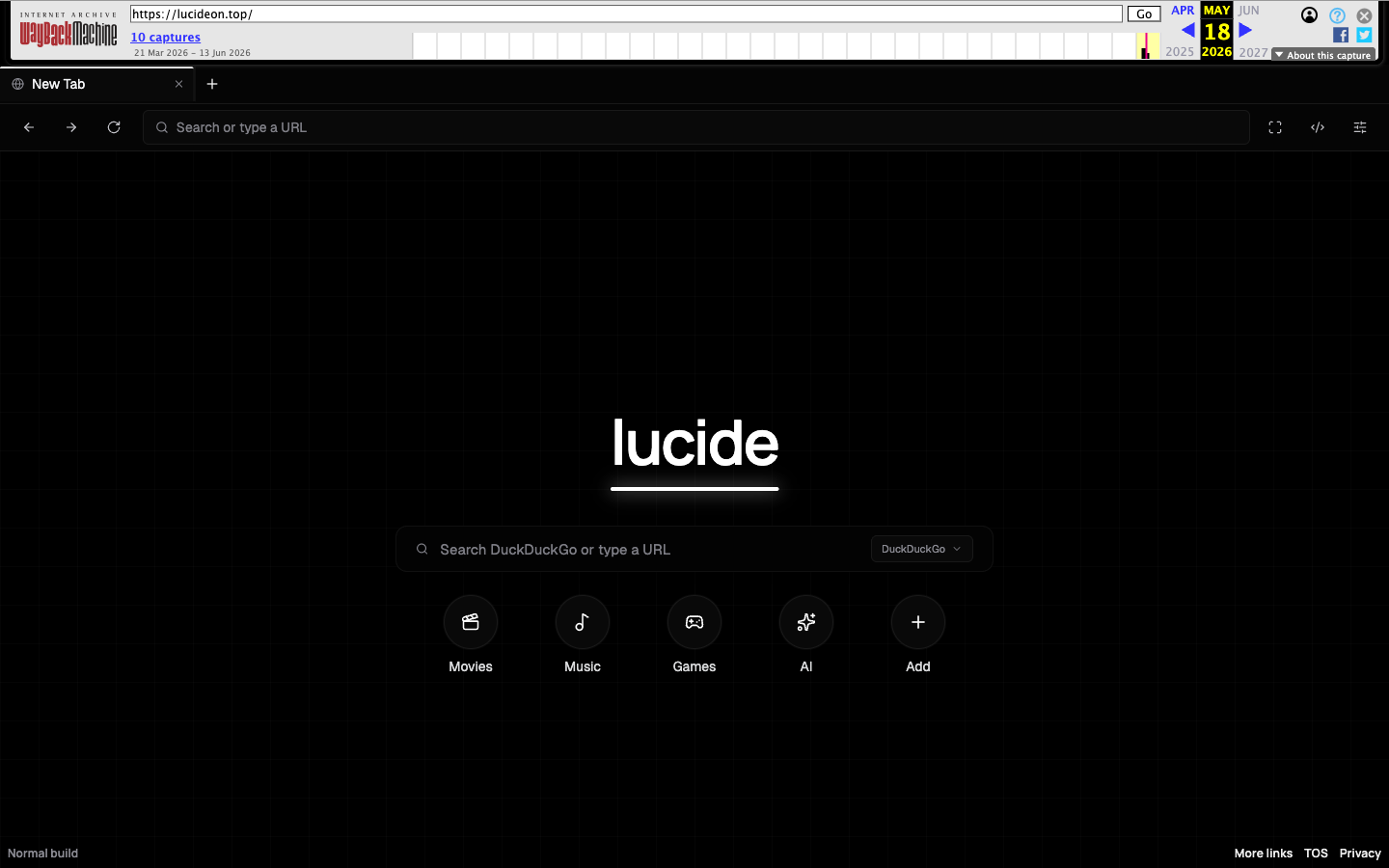
A campaign called Lucide Proxy used 148 npm packages to host student web proxies that could turn visitors’ browser tabs into DDoS nodes. JFrog Security Research found that the packages were not a conventional install-time infection: the hidden traffic modules ran when someone opened the proxy web app. The first package wave began on May 27, 2026, and a second wave appeared on July 8 [1].
The most important question is therefore not only “Did I install one of these npm packages?” It is also “Did I open a Lucide, Riverbend Tutoring, or Northstar Tutoring proxy page?” A visitor could supply attack traffic without importing a dependency or running an executable.
Who needs to check for Lucide Proxy exposure?
| Situation | Risk and first check |
|---|---|
| You visited a Lucide-based proxy | The browser may have loaded the traffic generator, remote scripts, ads, and a service worker. Close the page and clear its stored site data. |
| You manage a school or company network | Look for the campaign domains, unusual browser WebSocket bursts, and sustained outbound upload traffic. |
| You fetched one of the 148 npm packages | Remove it from manifests and lockfiles. Installing alone did not trigger the documented browser DDoS path, but the package should not remain in a build or hosted app. |
| You only read about the campaign | No action is needed unless a listed package, proxy hostname, browser visit, extension, or download appears in your history. |
How the proxy turned a browser into a DDoS bot
The proxy looked functional and let students reach blocked sites or games. Behind that interface, an obfuscated JavaScript bundle ran two hidden modules before the React page rendered. One module loaded mutable JavaScript from a GitHub branch through jsDelivr without a pinned commit or integrity check. That gave the remote code the proxy page’s origin privileges, including access to cookies and local storage for that origin [1].
JFrog recovered a May 30 payload that sent a new one-megabyte cross-origin request every 500 milliseconds. That is roughly 2 MB of upload traffic per active tab. A second module opened WebSocket connections to a Wisp proxy and rapidly created and closed streams, exhausting server sockets and logs. The attack target was the remote proxy server, not localhost on the visitor’s computer.
The July packages were not identical to the May attack
The actively weaponized remote loader and Wisp generator were present from mid-May until May 31. JFrog says the July 8 package wave contained the later adware-only build. However, the application remained obfuscated, continued loading third-party scripts, and still referenced mutable remote infrastructure, so administrators should not treat the newer packages as safe [1].
Earlier analysis from SafeDep had already identified 141 packages as proxy-adware and npm registry abuse. JFrog’s later deobfuscation and archive review exposed the hidden DDoS capability and expanded the list to 148 packages [2].
What to do if you opened a Lucide proxy page
- Close every related tab. Stop the proxy page before beginning cleanup so it cannot continue generating traffic.
- Check browser history. Look for Lucide, Riverbend Tutoring, Northstar Tutoring, unfamiliar education-themed proxy hostnames, and the domains listed in JFrog’s report.
- Delete stored site data. Clear cookies, local storage, cached files, and permissions for the suspicious proxy domains. If you used Chrome or Chromium, review
chrome://serviceworker-internals/and unregister service workers tied to those domains. - Restart the browser and watch network use. Persistent upload traffic after all related tabs are closed suggests another page, extension, proxy setting, or installed program needs investigation.
- Remove unexpected extensions or downloads. The documented DDoS path was browser-delivered, but aggressive ads can lead to additional installs. If a file or extension was installed, remove it and run a full Gridinsoft Anti-Malware scan. A browser visit alone does not prove a persistent Windows infection.
For the broader distinction between code that runs inside a page and malware that persists on the device, see Can You Get Malware Just by Visiting a Website? Developers should also compare this browser-hosting model with the install-time compromise described in the Jscrambler npm incident. Network owners dealing with attack traffic can use the DDoS booter and IP stresser guide for response context.
What network and development teams should do
- Block the domains and IPs in JFrog’s current indicator list at DNS, secure web gateway, and proxy layers.
- Search browser and firewall logs for the campaign’s hostnames, large repeated cross-origin uploads, and unusual Wisp/WebSocket connection churn.
- Remove listed packages from dependency manifests, lockfiles, internal mirrors, and hosted builds; then rebuild from trusted sources.
- Do not assume an install-time scanner will catch this pattern. The harmful code was designed to execute in a visitor’s browser after the app was hosted.
References
- Shavit Satou. “Lucide Proxy: Turning Student Web Proxies into DDoS Bots.” JFrog Security Research, July 13, 2026, accessed July 14, 2026. https://research.jfrog.com/post/lucide-proxy-npm-malware-campaign/
- SafeDep Team. “141 npm Packages Abuse Registry as Adware Hosting.” SafeDep, May 2026, accessed July 14, 2026. https://safedep.io/malicious-npm-terminal3airport-proxy-adware-spam/