Trojan Scanner Anti Spy recognized monitoring-related code in the KidsGuard for WhatsApp / Socials 4.3.1 APK we inspected. The interesting part was what that code concerned: message text from screen content and notifications, together with screenshot handling. Those capabilities touch different parts of a private conversation. A readable scan result gives you a reason to examine an unfamiliar messaging-monitoring app before deciding to install or trust it.
This case looks at the Android application package—the APK file—using Trojan Scanner 1.5.0.6. The finding comes from inspecting the file’s code, without installing or running that APK.
A conversation can leave more than one kind of trace
Think about the difference between a message preview and a picture of a chat. A notification might reveal a few words before you even open the conversation. Text displayed on screen can expose the message you are reading. A screenshot can preserve the surrounding visual context as well: who appears in the conversation, an image, or other details visible at that moment.
Our inspection of this KidsGuard sample identified functionality related to all three areas. That makes the privacy question more specific than “does this app ask for permissions?” It becomes “what parts of a conversation is this software equipped to handle?”
- Processing notification text. A short preview can reveal a personal detail, a work discussion, or another sensitive fragment without showing the whole chat.
- Processing text from screen content. Words displayed while someone reads a conversation can carry more context than a notification preview.
- Screenshot handling. A visual record can preserve the arrangement and imagery on screen, rather than just extracted words.
These are capabilities identified in the inspected code. Whether an installed app can exercise particular access also depends on Android’s controls and the access granted on that device. Android distinguishes permissions declared by an app from permissions that require a runtime grant; the two should not be treated as interchangeable.
Reading the actual Anti Spy finding
For the inspected KidsGuard for WhatsApp 4.3.1 APK, Trojan Scanner displayed “Potential surveillance risk” and explained that the code matched a monitoring profile. The result below is the actual product screen for that file.
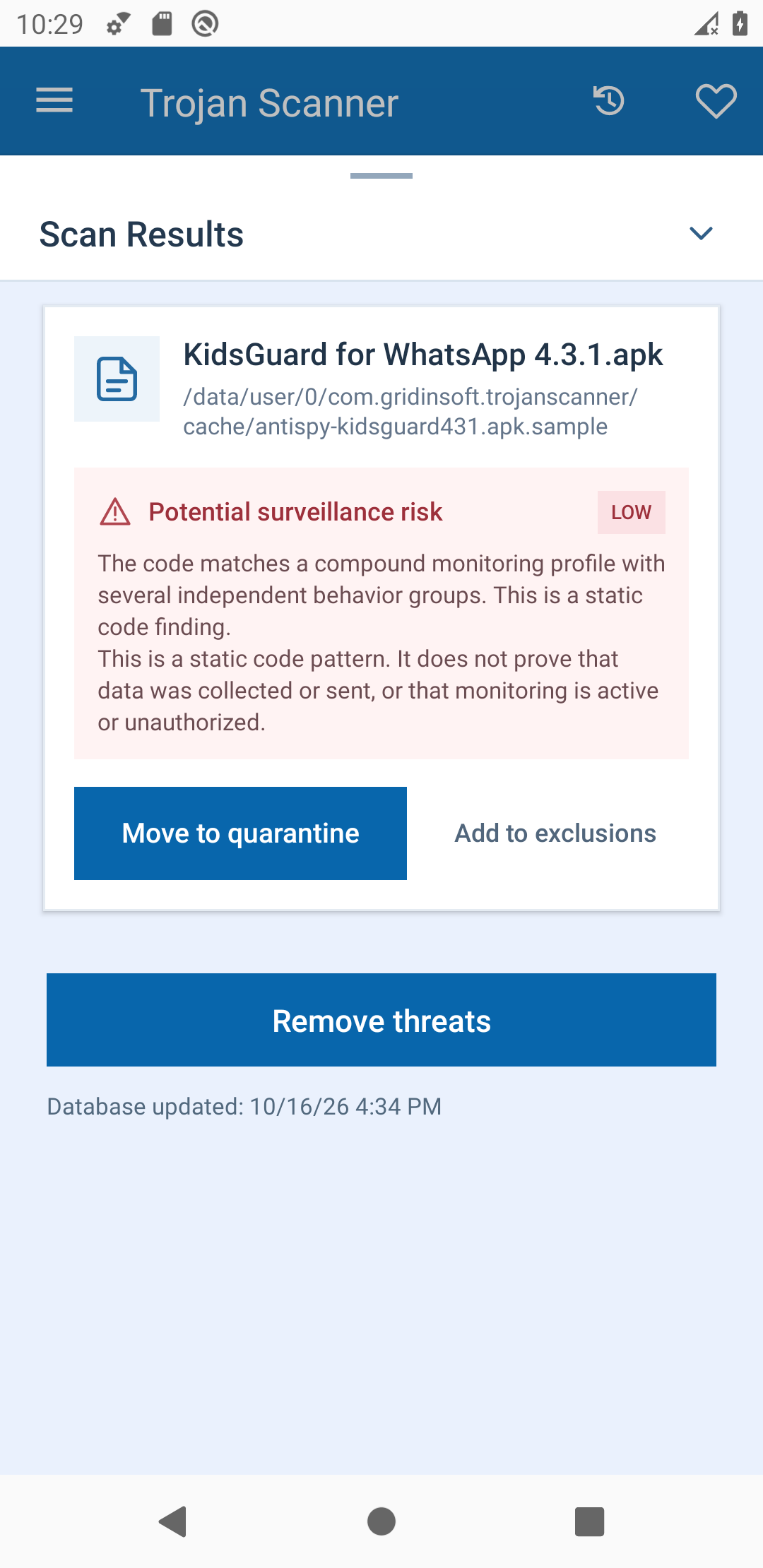
The useful part is the explanation attached to the finding. It connects an unfamiliar file with monitoring-related code that deserves attention. The displayed LOW label is the severity shown for this finding, not approval to install the app. As the report explains, this static code result does not establish that data was collected or sent, or that monitoring is active or unauthorized.
That distinction makes the result actionable without turning it into a claim about someone’s phone. You can pause an installation and review the software’s purpose and source while the APK is still just a file.
Check an unfamiliar APK before installing it
Use Trojan Scanner for Android on Google Play to review unfamiliar apps and APKs. For a downloaded APK, the practical path is short:
- Open Trojan Scanner and update its threat database.
- Open Menu → Check a file → Choose file and select the APK you want to inspect. You do not need to install or launch that APK first.
- Let the check finish, then open the finding and read its explanation. Check that it refers to the file you selected.
- If the file is unfamiliar or its monitoring purpose is not something you intended, leave it uninstalled. Delete an unwanted download through your file manager rather than installing it just to see what happens.
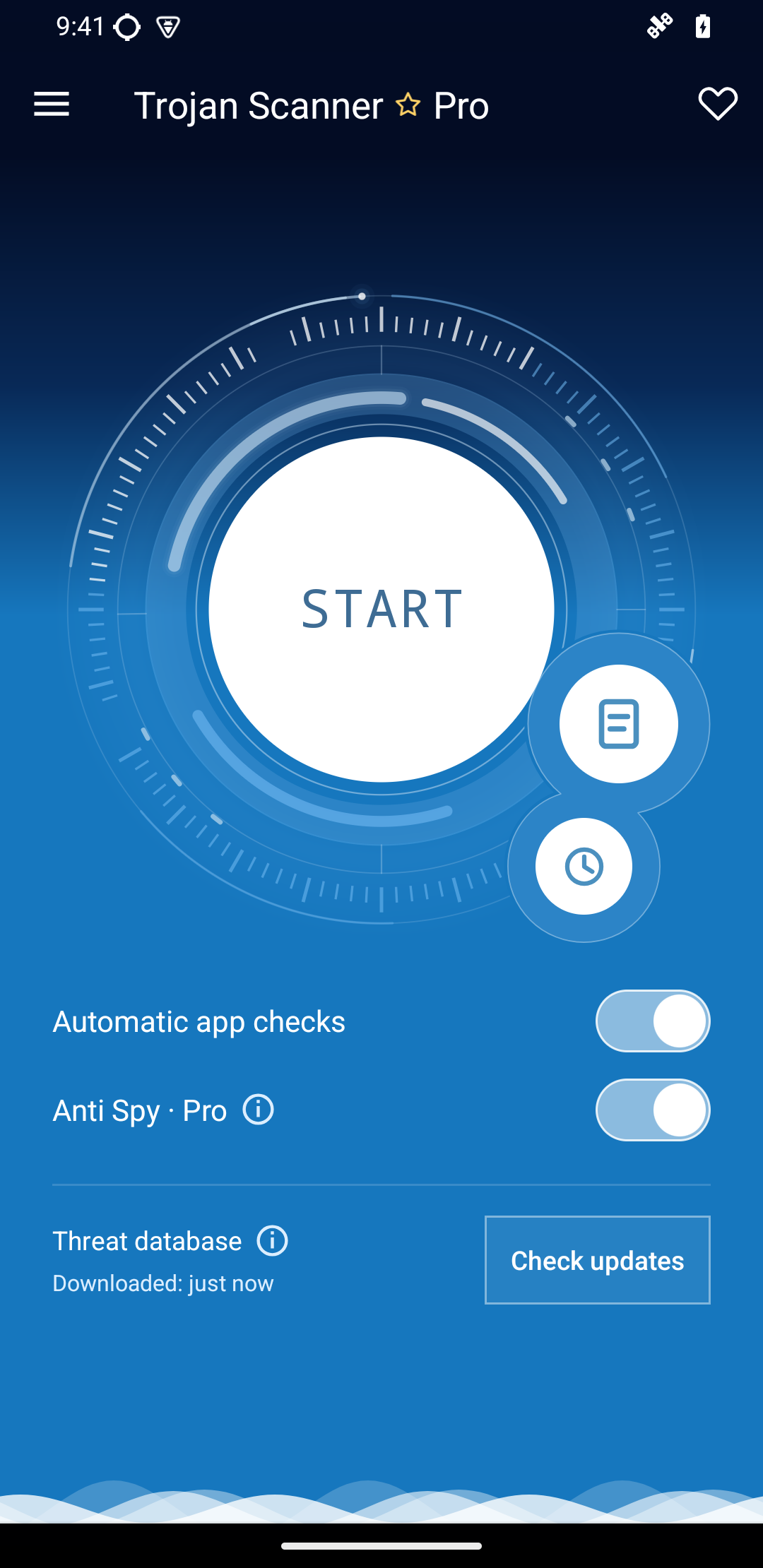
The Anti Spy control shown below is interface context. It helps identify the feature used for privacy review; the KidsGuard-specific evidence is the result above.
If the concern is an app already on the phone
An APK check answers a question about a file. For unfamiliar software already installed, use our Android scanning and finding-review guide to check the device, review the reported app, and decide what should be removed. Keep that separate from checking a download before installation.
If another person may be monitoring or controlling the phone, use a trusted device to consider your next steps before changing apps or permissions. Our spyware and stalkerware guide explains the consent and personal-safety considerations.
The value of this KidsGuard case is the connection between the file’s capabilities and a readable result. Message text, notification previews, and screenshots expose different kinds of information. Seeing that connection before installation gives you a concrete basis for deciding whether an unfamiliar app belongs on your Android device.
References
- Google. “Permissions on Android.” Android Developers, updated October 16, 2026; accessed October 17, 2026. Android permissions overview.