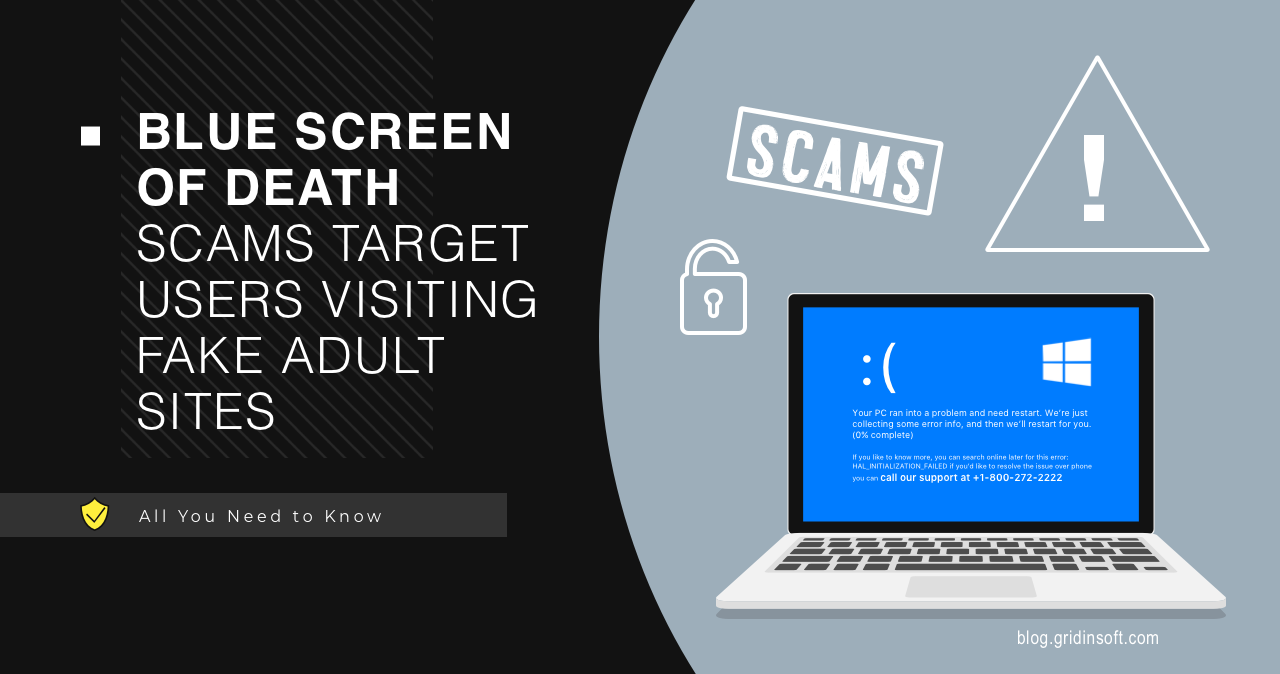
A fake BSOD scam imitates a Windows Blue Screen of Death to scare you into calling fake support, installing remote-access software, or running a malicious command. A real BSOD is a system crash screen and does not ask you to call a phone number, buy support, or paste commands into Windows.
How do I know if a BSOD is fake?
- A fake BSOD often appears inside a browser tab or full-screen web page.
- It may show a phone number, support chat, payment request, or instructions to run a command.
- A real Windows crash does not ask you to call support or install tools.
- If you called or installed remote access, disconnect and scan the device.
Fake BSOD vs real BSOD
| Signal | Fake BSOD scam | Real BSOD |
| Location | Browser tab, pop-up, full-screen page | System crash screen |
| Phone number | Often displayed | Not displayed |
| Instruction | Call, pay, install, paste command | Restart and error code |
| Mouse/keyboard | May still work after leaving full screen | System is crashed or restarting |
| Goal | Tech support fraud or malware install | Hardware, driver, kernel, or system failure |
What to do if you see a fake blue screen
- Do not call the number or click buttons on the page.
- Press Esc or F11 to leave full-screen mode.
- Close the tab or force quit the browser.
- Reopen the browser without restoring the previous session.
- Remove suspicious browser notifications and extensions.
- Run a full malware scan if anything downloaded or the alert returns.
If a tech support scammer accessed your PC
Disconnect from the internet, uninstall remote-access tools, change passwords from another device, contact your bank if payment pages were opened, and scan the PC. Check startup apps, scheduled tasks, browser extensions, and recently installed programs.
After uninstalling the suspicious app or deleting the visible threat, use Gridinsoft Anti-Malware to check hidden files, startup entries, scheduled tasks, bundled apps, browser changes, and other persistence points that can restore malware.
Download Anti-MalwareFAQ
Can a fake BSOD infect my computer?
The page itself is often social engineering, but infection can happen if you download a tool, run a command, install remote access, or allow notifications.
Should I call the number on a blue screen?
No. A phone number on a BSOD-style browser screen is a tech support scam signal.
Why does the fake BSOD come back?
It may be browser session restore, notification spam, adware, or a malicious extension reopening the page.