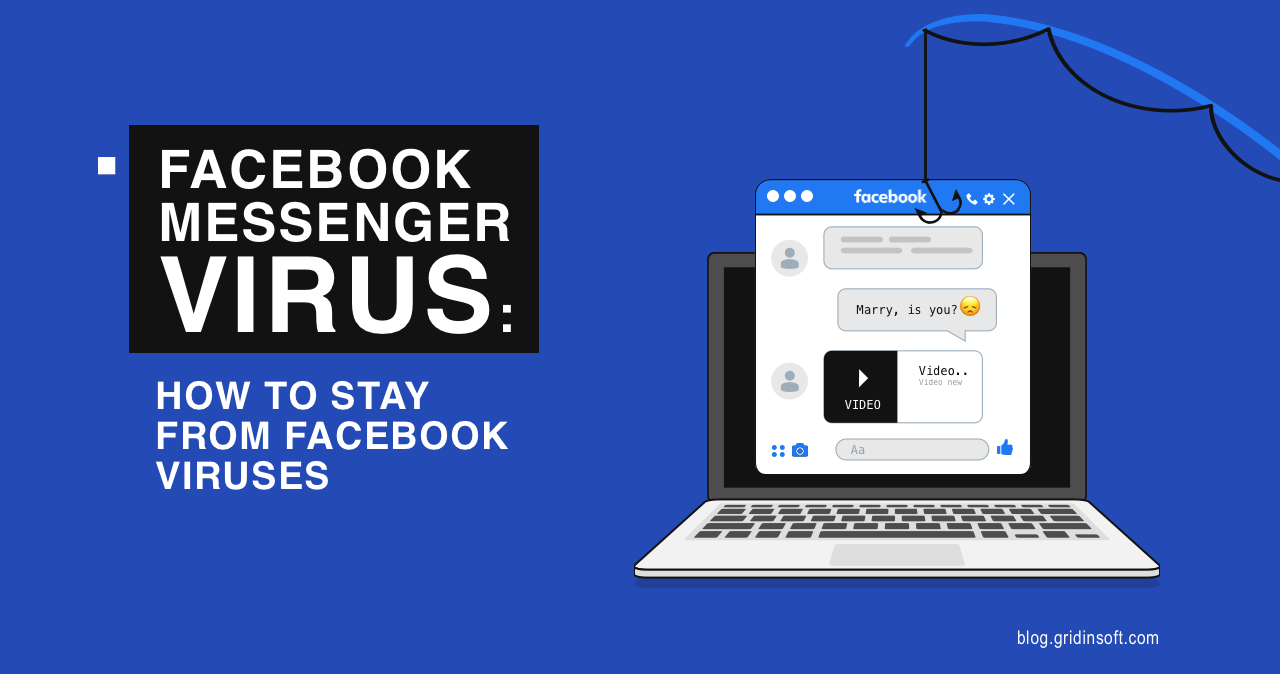
A Facebook Messenger virus is usually not a classic virus that spreads by itself. In most cases, it is a phishing link, fake video message, malicious browser extension, scam page, or account takeover that uses Messenger to reach more people. The message may appear to come from a friend, which is why many victims click before thinking.
What should I do if I clicked a Facebook Messenger virus link?
- If you did not enter anything, close the page and do not download files or extensions.
- If you entered your Facebook password, change it immediately and review login sessions.
- Remove unknown browser extensions and check apps connected to your Facebook account.
- Warn friends if your account sent messages without you.
- Run a malware scan if you downloaded a file, installed an extension, or saw browser redirects.
What is a Facebook Messenger virus?
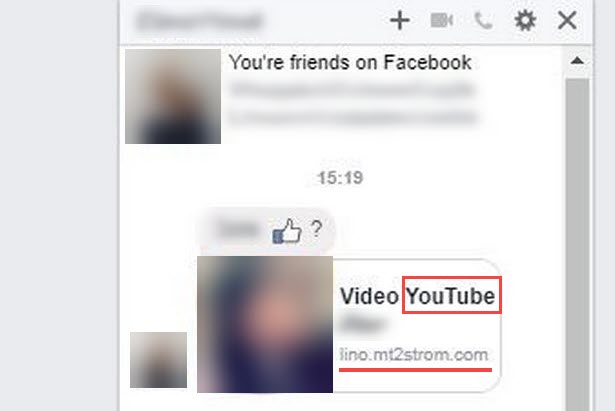
The phrase “Facebook Messenger virus” usually describes a scam campaign that spreads through Messenger. It may send messages like “Is this you?”, “Look what I found”, “Your video”, “I can’t believe this”, or fake Meta account warnings. The link leads to a phishing page, fake login, malicious download, or page that asks for notification permissions.
| Messenger lure | Likely goal | Safe response |
| “Is this you in the video?” | Steal Facebook login | Do not sign in through the link |
| Fake Meta policy warning | Take over pages or business accounts | Check account status in Facebook directly |
| Prize or giveaway | Collect personal/payment data | Do not pay fees or enter card details |
| Browser extension required | Install adware or account stealer | Do not install extensions from chat links |
| Download this file/photo | Install malware | Confirm with the sender first |
Signs a Messenger link is malicious
- The message is short, emotional, and gives no context.
- The sender is a friend who normally would not write that way.
- The link opens a login page even though you are already logged in.
- The page asks for your password, 2FA code, payment details, or business page access.
- The URL is not a real Facebook or Meta domain.
- The page asks you to install an extension, update a video player, or allow notifications.
What to do if you clicked the link
If you only opened the page
Close it. Do not download files, allow notifications, or sign in. If the page asked to send messages to friends, deny it.
If you entered your Facebook password
Change the password immediately from Facebook’s official site or app. Review where you are logged in, remove unknown sessions, enable two-factor authentication, and check your email and phone recovery details.
If your account sent messages by itself
Warn recent contacts not to click the link. Delete the malicious messages if possible. Check connected apps, business integrations, page roles, ad accounts, and browser extensions.
If you installed something
Messenger scams can install adware, browser hijackers, stealers, or remote-access components. The next step depends on which device received the unwanted installation.
On Windows, remove the unwanted extension or app and run a full Gridinsoft Anti-Malware scan. Review and remove detections, restart, and check again if symptoms return.
If a Messenger link led you to run a Windows installer or add an unwanted extension, scan the PC. Review software added through the message instead of assuming account recovery also cleaned the computer.
Scan this Windows PCOn Android, an APK installed through Messenger warrants an app check. Use Trojan Scanner for Android to scan, review each finding and confirm unwanted-app removal. The Android cleanup guide shows the controls; stolen Facebook credentials still require the account steps above.
How to secure your Facebook account
- Change your password to a unique one.
- Enable two-factor authentication.
- Review active sessions and log out of unknown devices.
- Check email, phone, and recovery settings.
- Remove suspicious connected apps and websites.
- Review business pages, ad accounts, and page roles if you manage pages.
- Check recent posts, messages, and comments sent from your account.
Can a Messenger link infect an iPhone or Android phone?
Most Messenger scams on phones steal logins rather than infect the device directly. But Android users should be cautious with APK downloads, fake updates, and notification permissions. iPhone users should still avoid entering passwords on fake pages and should review account sessions if they clicked a suspicious link.
FAQ
Can you get a virus just by opening a Messenger message?
Usually no. The danger comes from clicking a link, entering credentials, installing an app or extension, downloading a file, or allowing suspicious permissions.
Why did my friend send me a suspicious Messenger link?
Their account may be compromised, or a scam app may be sending messages through their account. Confirm with them through another channel before clicking.
How do I remove a Facebook Messenger virus?
Change your Facebook password, remove unknown sessions and connected apps, delete suspicious extensions, warn contacts, and scan your device if you downloaded anything.
Can Messenger scams steal business pages?
Yes. Fake Meta policy warnings and partner-program messages often target page admins. Review business roles, ad accounts, connected apps, and recent changes if you manage a page.
References
- Jessica Romero. Taking Legal Action Against Phishing Attacks. Meta, December 20, 2021. Accessed October 16, 2026.
- Nathaniel Gleicher and Ryan Victory. How We Protect Businesses From Malware. Meta, May 3, 2023. Accessed October 16, 2026.