
Trojan Scanner Anti Spy recognized monitoring-related code in the Celular007 / FoxSpy 9.0.7 sample examined by our team. Static inspection identified functionality related to reading on-screen text, handling incoming message content and recording audio. Together, these capabilities explain why a phone privacy check should look beyond the photos and documents saved on a device: information can also be sensitive while it is on the screen or being spoken nearby.
This case concerns the code in one inspected Android application package, or APK. It gives the phone owner a concrete reason to review unfamiliar software and understand the finding before deciding whether that software belongs on their device.
The Celular007 / FoxSpy sample: three kinds of private information
Celular007 and FoxSpy are the names used for the monitoring-app sample in this analysis. We inspected version 9.0.7. The useful result is more specific than a general warning that an app may affect privacy: the inspected code contained functionality involving screen text, incoming messages and audio.
Text does not have to be saved to be sensitive
People often think about protecting a stored photo, a downloaded document or a message history. Text on the screen deserves the same attention. A personal message can be visible for only a moment while someone uses their phone, yet its contents may still be private.
The screen-reading functionality identified in this sample makes that distinction useful. When reviewing an unfamiliar application, ask whether reading information displayed by other apps fits the purpose you expected it to serve. A familiar-looking name alone does not answer that question.
Incoming messages deserve their own review
Our inspection also found functionality for handling incoming message content. That adds a separate privacy question: what information could become available as a message arrives? The concern is the content of an ordinary conversation, not simply the presence of a messaging app on the phone.
A privacy finding helps bring this capability into the reader’s decision. If you did not knowingly choose monitoring software, message-related functionality is a meaningful reason to pause and review what you are installing or using.
A microphone reaches beyond the screen
Audio-recording functionality changes the setting of the privacy review. A microphone can concern the environment around the phone, including a conversation within its reach. Unlike a saved file, that information may come from people who are simply nearby.
These are explanations of why the observed code capabilities matter. Static inspection describes functionality in the APK; it does not establish that this sample recorded a particular conversation or collected information from a person’s phone. For an installed app, Android’s permission and access settings are a separate part of the review.
How Anti Spy makes the finding useful
In the tested Celular007 / FoxSpy 9.0.7 sample, Anti Spy recognized monitoring-related code. Trojan Scanner turns that technical inspection into a readable privacy finding, giving the owner something more useful to consider than an unfamiliar app name.
Read the explanation alongside the app’s purpose: did you intend to install monitoring software, and does its access make sense for the task you wanted it to perform? Android protects sensitive data and actions through permissions; an APK’s declared access and the permissions actually granted to an installed app are different contexts.
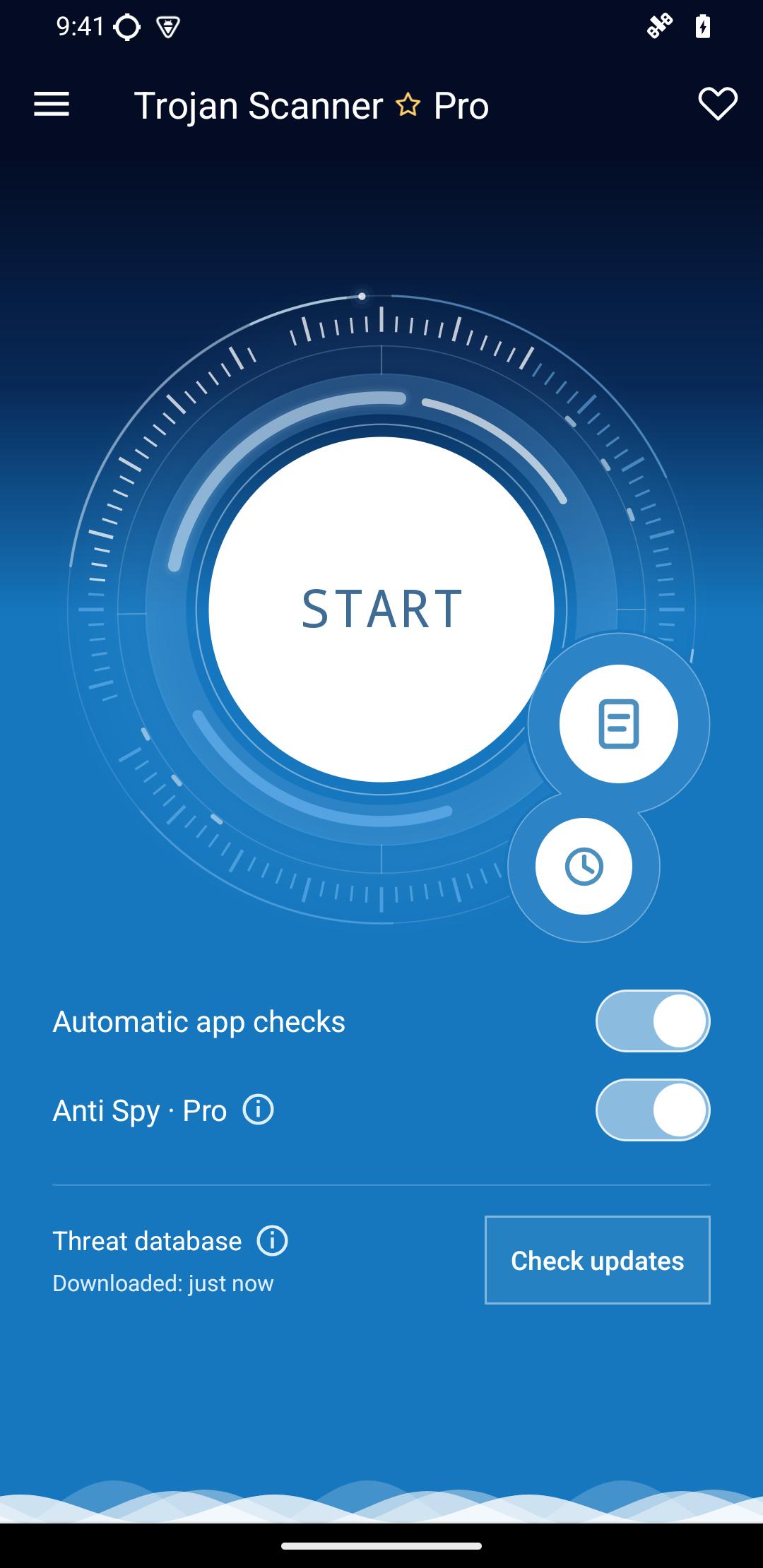
The screen below shows Anti Spy enabled in Trojan Scanner. It is interface context, not a Celular007 / FoxSpy detection report.
Review unfamiliar Android software with Trojan Scanner
Use Gridinsoft Trojan Scanner for Android to check apps and APKs and review the privacy findings. Read the explanation for the item being checked, then decide whether to keep a file uninstalled or remove an unwanted app when it is safe to do so.
If you suspect that someone is monitoring you and could react to changes on the phone, seek help from a separate trusted device before removing apps or changing settings. Our spyware and stalkerware guide explains the consent and personal-safety context. For broader device scanning and cleanup, follow the Android malware guide.
The value of this case is the connection between a technical finding and everyday privacy. Screen text, incoming messages and nearby conversations are different forms of sensitive information. Recognizing relevant monitoring code helps a phone owner make a more informed decision about unfamiliar software.
References
- Google. “Permissions on Android.” Android Developers, updated October 16, 2026; accessed October 17, 2026. Android permission types and access.
- InterSecLab. “Unveiling Celular 007: An In-Depth Analysis of the Brazilian Stalkerware and Strategies for Collective Protection.” December 5, 2024; accessed October 17, 2026. Celular 007 research and personal-safety guidance.