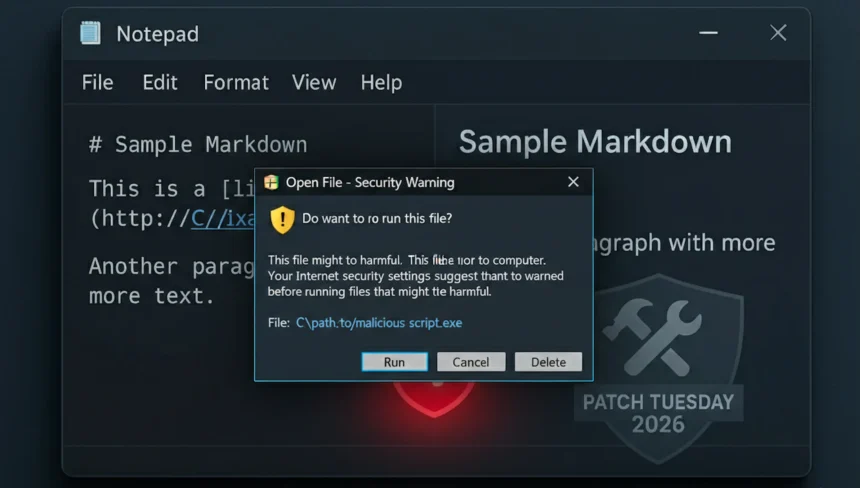
Microsoft has patched a Windows 11 Notepad flaw that let Markdown links run files without a warning. It is tracked as CVE-2026-20841 and has been described as remote code execution because a user could be tricked into executing code via a crafted link. The practical reality is still a click path: a malicious Markdown file could contain file:// or other non-HTTP links, and a Ctrl+click would launch the target without the usual Windows prompt. For broader context on this month’s fixes, see our February 2026 Windows 11 updates coverage.
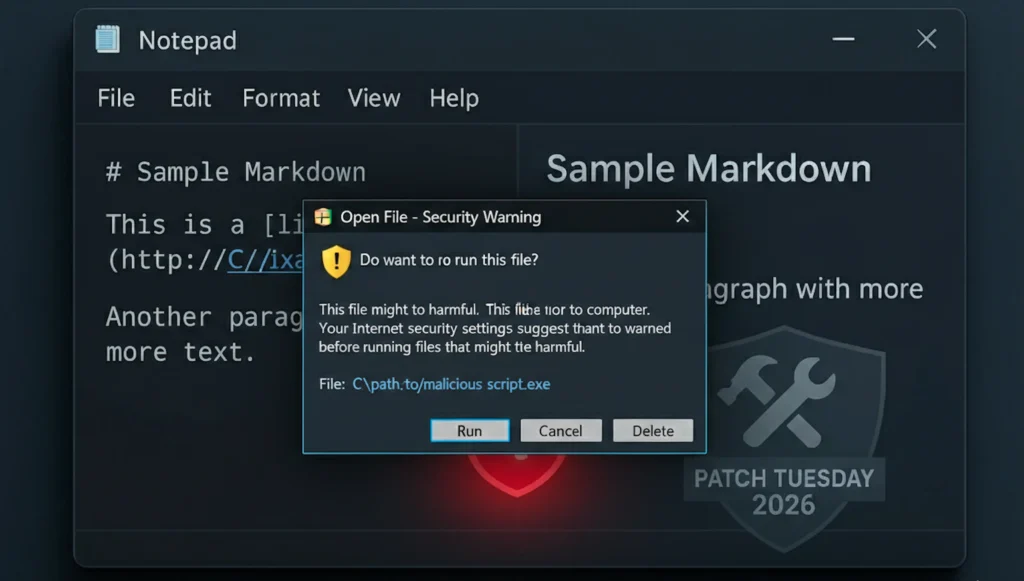
The issue sits in Notepad’s newer Markdown mode, which was added as Notepad took on richer formatting after WordPad was removed. In vulnerable versions, Notepad treated non-HTTP links as trusted and passed them to Windows without a confirmation dialog. Researchers showed that links could point to local files or remote SMB locations, and special URI handlers like ms-appinstaller:// could also be invoked. The patch now forces a warning for non-HTTP/HTTPS links.
That matters because Markdown files are often shared in developer workflows, support tickets, and chat platforms. A document that looks harmless can include a link that triggers a local executable or a remote share. The attack still requires a click, but this is exactly how social engineering works: a short instruction like “open the doc and click the link” can be enough to execute code under the user’s permissions.
What makes this case uncomfortable is that it blurs the line between a text editor and a browser. Notepad is expected to be passive, but Markdown turned it into a place where links can run actions. It is the same kind of trust shift that security teams worry about in other Windows components: the tool looks simple, but now it has side effects.
BleepingComputer reported the flaw and Microsoft noted that the code would run with the same permissions as the user who clicked the link. Independent coverage says affected builds include Notepad 11.2510 and earlier and that the fix is already in the February 2026 Patch Tuesday update. This means the risk is mostly about untrusted .md files and social engineering rather than a drive-by exploit. BleepingComputer report and TechRadar summary.
The broader point is less about Notepad and more about feature sprawl. A lightweight editor gained clickable links, and a basic safety prompt was missed. Even with the patch, the risk of social engineering remains: users can still be convinced to click a link and approve a warning. This is the same user-driven risk that shows up in fake Windows security alert scams and other prompt-driven attacks.
For organizations, this is another reminder to treat Markdown files like attachments, not plain text. If your workflow relies on .md for documentation, consider opening untrusted files in read-only viewers, and block dangerous URI schemes at the policy level. End users should be told that a Markdown file can carry a clickable link, just like an email.
If you are on Windows 11, update Notepad via the Microsoft Store and confirm you are on a fixed build. Until then, avoid opening unknown Markdown files and treat non-HTTP links inside documents like email attachments.
There is a similar lesson in the separate Notepad++ arbitrary code execution vulnerability: text editors often feel harmless, but file links, XML settings, and user-defined commands can become execution paths when a user opens an untrusted document or project bundle.