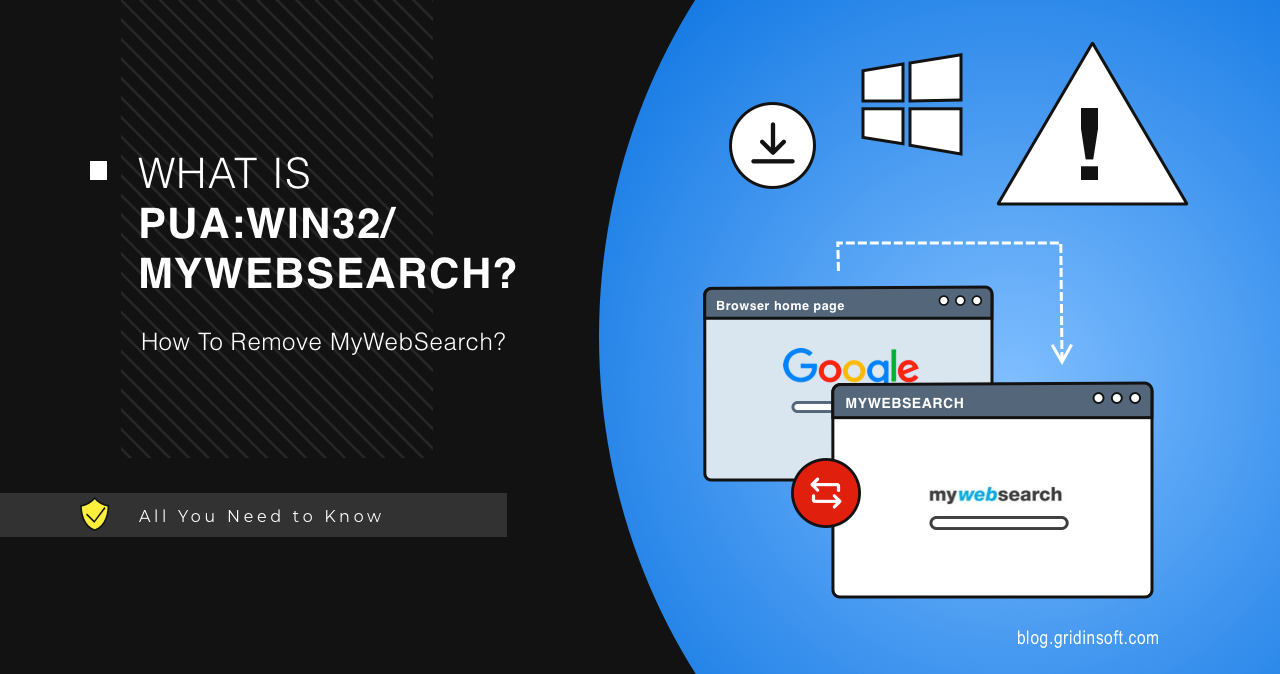
PUA:Win32/MyWebSearch is a Microsoft Defender potentially unwanted application detection tied to browser/search changes. It is usually not a destructive virus, but it can change the browser experience, add unwanted components, or arrive with bundled installers. Remove it if you did not install it intentionally.
Should you remove PUA:Win32/MyWebSearch?
- Yes, remove it on normal PCs.
- Check browser search, homepage, new tab, and extensions.
- Delete the original installer if Defender points to Downloads or Temp.
- Run a full scan if browser changes return.
| Detection | PUA:Win32/MyWebSearch |
| Type | Potentially unwanted app / browser-search component |
| Common source | Toolbars, bundled installers, download portals |
| Best action | Remove, clean browser settings, delete source package |
How to remove MyWebSearch
- Use Windows Security to remove or quarantine the detection.
- Uninstall recently added apps/toolbars.
- Remove unknown browser extensions.
- Reset default search, homepage, and new tab.
- Delete the flagged installer or archive.
- Restart and run a full scan.
After uninstalling the suspicious app or deleting the visible threat, use Gridinsoft Anti-Malware to check hidden files, startup entries, scheduled tasks, bundled apps, browser changes, and other persistence points that can restore malware.
Download Anti-MalwareFAQ
Is MyWebSearch malware?
Microsoft classifies it as potentially unwanted, not necessarily a destructive Trojan.
Why did it return?
A bundled app, extension, or installer may still be present.
Should I allow it?
No. Use clean browser/search settings instead.
Source: Microsoft Security Intelligence description for PUA:Win32/MyWebSearch.