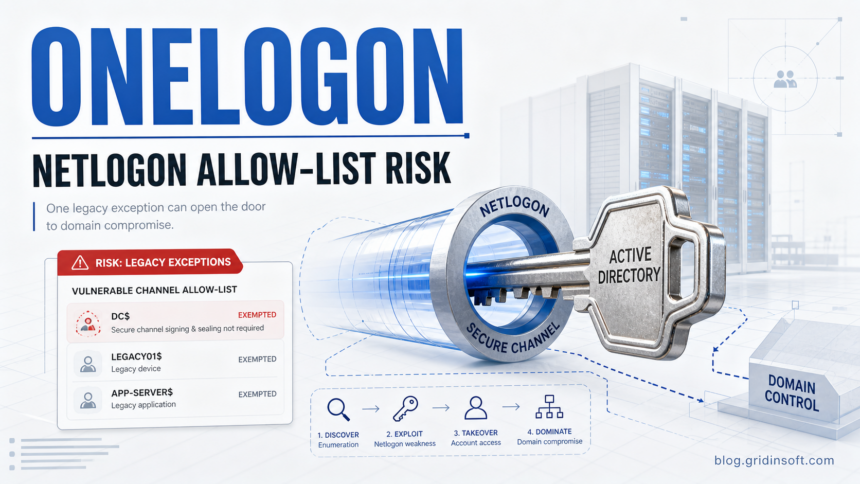
Security researchers from Ruhr University Bochum and CASA have published Onelogon, a Netlogon authentication-bypass technique that matters most to Active Directory environments with old vulnerable-channel exceptions still enabled. The practical question is not whether every Windows user is exposed. It is whether a domain still allows legacy Netlogon secure-channel behavior through an allow-list that was meant to be temporary after Zerologon [1].
The research paper says the attack can take over a vulnerable AD account in about 30 minutes, and a Domain Controller account would raise the impact to full domain compromise [2]. That makes Onelogon a policy and incident-response story: audit the allow-list, remove stale exceptions, watch the Netlogon events, and check endpoints if the environment may already have been abused.
Who is affected?
Onelogon is relevant to Active Directory administrators, MSPs, and incident responders who manage Windows domains. Home Windows PCs are not the target. A domain becomes interesting for this attack path when Domain Controllers still permit devices or trust accounts to use vulnerable Netlogon secure-channel connections.
This is also separate from our earlier coverage of Netlogon CVE-2026-41089 RCE. Both involve Netlogon, but the reader task is different. CVE-2026-41089 is a patch/exploitation check. Onelogon is an allow-list, secure RPC, and legacy-device exposure check.
How the Onelogon risk chain works
The dangerous setting exists because Microsoft’s Zerologon mitigation had to preserve compatibility for legacy systems that could not use secure RPC. Those exceptions can keep an account in a weaker Netlogon mode. Onelogon shows why leaving that compatibility path in place is not just messy configuration; it can become an account-takeover condition.
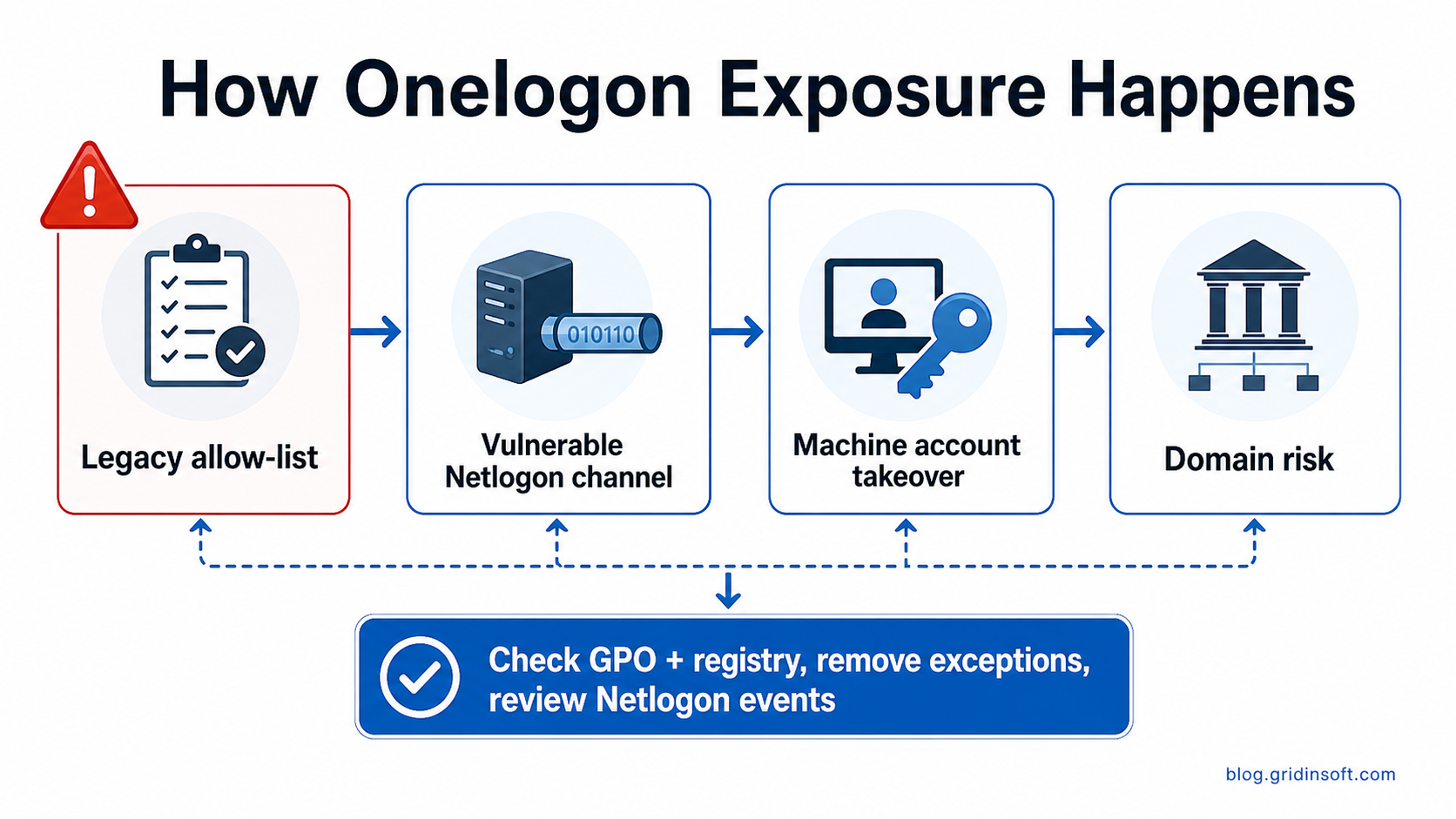
The public research does not mean every domain is immediately open. It does mean administrators should stop treating the Netlogon exception list as harmless technical debt. If a legacy device still needs it, that device should be isolated and treated as a high-risk exception, not left mixed into the main domain indefinitely.
What to check first
| Check | Why it matters |
|---|---|
| Group Policy: Domain controller: Allow vulnerable Netlogon secure channel connections | This is the compatibility setting that can allow vulnerable accounts to keep using weaker Netlogon behavior. |
| VulnerableChannelAllowList on every Domain Controller | The paper recommends auditing the key and restricting who can write to it, because attackers should not be able to add targets. |
| Machine and trust accounts listed as exceptions | A machine account exception is the practical Onelogon exposure. A Domain Controller account would be the worst case. |
| Netlogon events 5805, 5827, 5828, 5830, and 5831 | These events help separate rejected vulnerable attempts from permitted vulnerable-channel activity. |
| Netlogon debug logs during suspicious windows | They can provide additional context when event logs show repeated failed or permitted secure-channel attempts. |
What to do now
- Inventory every Netlogon vulnerable-channel exception in GPO and registry state across Domain Controllers.
- Remove stale allow-list entries. If a legacy device still needs one, document the business owner and migration deadline.
- Isolate remaining legacy systems. The RUB/CASA paper recommends a separate Active Directory forest for clients that cannot support secure RPC [2].
- Restrict write access to the allow-list location so a compromised admin path cannot silently enable a target account.
- Monitor Netlogon events and investigate repeated failures, especially when followed by permitted vulnerable-channel events.
- If any Domain Controller, privileged server, or management host is suspected, reset affected machine account secrets and review lateral-movement evidence.
If Onelogon exposure appears during an incident, do not stop at the policy fix. Attackers who abuse AD authentication often leave tools on Windows endpoints: remote-access utilities, loaders, stealers, scheduled tasks, or startup persistence. Gridinsoft Anti-Malware can help administrators and small IT teams scan suspicious Windows hosts for malicious files and persistence after containment. It will not fix a Netlogon policy by itself, but it can make the endpoint cleanup stage faster and easier to verify.
If the process path is wrong, the name imitates a Windows component, or high CPU started after an unknown installer, scan for hidden miners, services, startup entries, and bundled components.
Scan for malware leftoversWhy this is a stronger check than just patching
Microsoft’s Zerologon-era guidance already warned administrators to find and address devices that used vulnerable Netlogon secure-channel connections [3]. Onelogon adds a sharper reason to revisit that work in 2026: an exception that was once kept for compatibility can become the exact condition an attacker needs.
Security teams should also be careful with public tools. RUB published a research repository, and NetExec now has Onelogon-related scanner work in progress or merged through the public project workflow [4] [5]. Use these only in networks where you are authorized to test, and prefer detection/audit mode over any exploit path.
FAQ
Is Onelogon the same as Zerologon?
No. Onelogon is new research that builds on Netlogon cryptographic weaknesses and shows a way around assumptions left after the Zerologon mitigation path. The practical risk depends on vulnerable-channel allow-list configuration.
Is there a CVE for Onelogon?
At publication time, the public material is a research disclosure and tooling release, not a Microsoft CVE advisory. Treat it as a configuration and exposure audit until Microsoft or another authority publishes different guidance.
Do home users need to do anything?
Usually no. Onelogon is an Active Directory domain issue. Home users should care only if their workplace or MSP tells them a domain incident may have affected their device or credentials.
What is the fastest useful check?
Look for accounts listed in the vulnerable Netlogon allow-list and review Netlogon event IDs 5805, 5827, 5828, 5830, and 5831. Any Domain Controller account in the exception path should be treated as urgent.
References
- CASA, Ruhr University Bochum. “New Netlogon vulnerability discovered: companies should take action.” CASA News, June 23, 2026, accessed June 23, 2026. Notice.
- Alex Neff, Julian Horst, and Jörg Schwenk. “Onelogon: Taking over Active Directory Accounts via Netlogon.” Ruhr University Bochum, WOOT 2026 paper, accessed June 23, 2026. Paper.
- Microsoft Support. “How to manage the changes in Netlogon secure channel connections associated with CVE-2020-1472.” Microsoft, accessed June 23, 2026. Guidance.
- RUB SoftSec. “onelogon.” GitHub repository, accessed June 23, 2026. Repository.
- Pennyw0rth/NetExec. “Add onelogon module.” GitHub pull request, accessed June 23, 2026. Pull request.