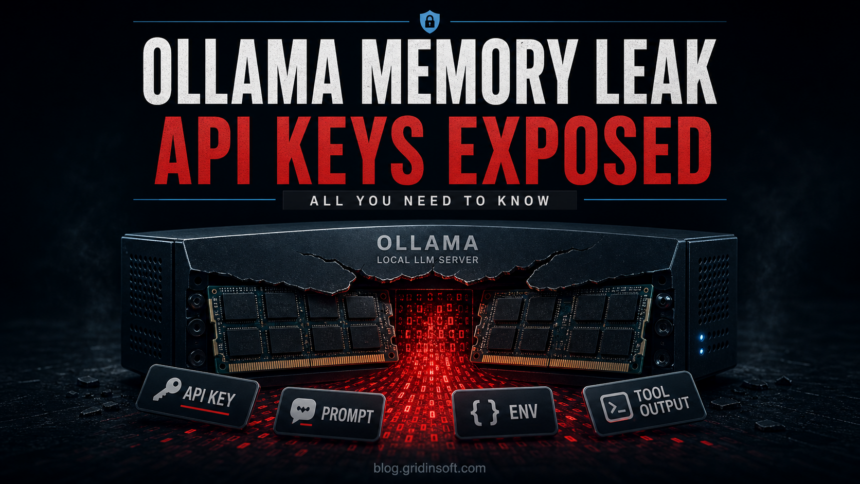
Cyera has disclosed Bleeding Llama, a critical Ollama vulnerability tracked as CVE-2026-7482 that can let a remote unauthenticated attacker read memory from an exposed Ollama process [1]. The issue affects Ollama versions before 0.17.1 and sits in the GGUF model-loading and quantization path, where a crafted model file can trigger an out-of-bounds read during model creation [2].
The risk is not only that an attacker can crash or probe a local AI tool. Ollama process memory can contain prompts, system prompts, environment variables, API keys, tool outputs, and other users’ conversation data. In environments where developers connect Ollama to coding agents, data-analysis tools, cloud credentials, or internal documents, a memory leak becomes a practical secret-exposure problem, not an abstract AI-security bug.
Ollama is often treated as safer because it runs models locally. That assumption is only partly true. Local inference avoids sending prompts to a cloud provider, but the Ollama API still needs network boundaries. If the service is bound to an accessible interface, published through Docker, exposed by a reverse proxy, or reachable from a shared lab network, the local privacy advantage can disappear.
Gridinsoft has covered adjacent AI trust failures before, including a fake OpenAI Hugging Face repository pushing infostealer malware, DeepSeek data exposure involving logs and API keys, and slopsquatting attacks against AI-assisted developers. The common thread is that AI tooling now handles sensitive material by default, so deployment details matter as much as model choice.
What to check on Ollama servers
The first question is exposure. Ollama commonly listens on port 11434. On a workstation, localhost-only access is a different risk profile than a server reachable from the internet or a broad corporate subnet. Check service bindings, Docker port mappings, firewall rules, VPN access, reverse proxy routes, and any public scan result for /api/version, /api/tags, /api/create, or other Ollama endpoints. If an Ollama API is reachable by users who should not administer models, treat that as a security issue.
The second question is version. Systems should be upgraded beyond the vulnerable line; Ollama’s current GitHub release channel is already well past 0.17.1, with v0.23.2 published on May 7, 2026 [3]. Do not rely on a package manager name alone; verify the actual running binary or container image and restart the service after updating. For containers, check both the image tag and whether an old container is still running.
The third question is secret handling. If an exposed Ollama instance processed sensitive prompts or tool output while vulnerable, patching is not enough. Review environment variables passed into the service, tokens used by connected agents, cloud keys, repository credentials, internal API keys, and any prompts containing customer data or proprietary code. Rotate credentials from a clean administrative session when there is evidence that the API was reachable or accessed by unknown clients.
Access control should be explicit. Ollama’s REST API is not designed as an internet-facing authenticated application by itself, so place it behind a controlled network boundary, VPN, authentication proxy, or API gateway. For multi-user environments, log who can create models, upload files, push model artifacts, and call generation endpoints. The useful detection clue is not just an error log; it is an unexpected model creation or push event from a client that should never manage models.
For small teams, the minimum response sequence is straightforward: upgrade Ollama, bind it to localhost or a private interface, remove public Docker mappings, block direct access at the firewall, review recent API access, and rotate secrets that may have been present in prompts, env vars, or tool output. The key distinction is that this bug leaks process memory, so the cleanup scope follows the data that passed through Ollama, not only the model file that triggered the flaw.
A separate Grok Build repository-upload case shows the cloud-agent version of the same boundary problem: teams must inspect Git history, revoke exposed credentials, review access logs, and verify provider-side deletion rather than assuming a privacy toggle kept code local.