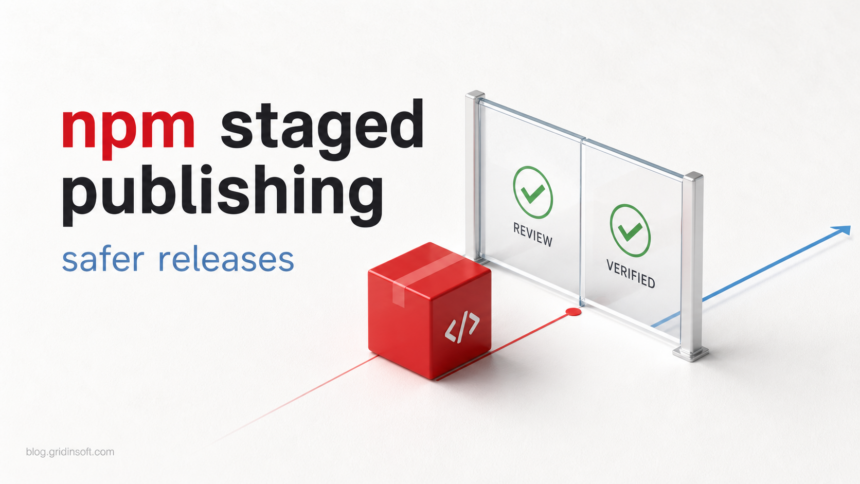
npm CLI 11.15.0 gives maintainers two practical supply-chain controls: staged publishing, which requires 2FA approval before a package version goes live, and install-source flags that can block nonregistry dependencies such as Git URLs or remote tarballs.
This matters because recent package attacks did not only rely on bad code. They abused release paths, maintainer trust, and install behavior that teams often leave implicit. Gridinsoft has covered several examples of this pattern, including the Shai-Hulud npm wave, compromised Composer packages, and GitHub-hosted payload delivery.
The new controls do not make npm packages automatically safe. They do, however, create a review point before a package becomes installable and give defenders a cleaner way to say which dependency sources are allowed during install.
Who Is Affected?
The immediate audience is maintainers of npm packages, especially projects that publish from CI/CD. Security teams that review JavaScript builds should also update their baseline because the safer workflow now has specific commands, not only policy advice.
Consumers of npm packages are affected indirectly. If a package owner enables staged publishing and tightens install sources, a compromised workflow has less room to push a malicious version straight into the registry or pull code from an unexpected source during install.
Controls and Version Table
| Control | Use it for |
|---|---|
| Stage package npm CLI 11.15.0+ |
npm stage publish uploads a package version to staging instead of making it immediately installable. Use it when human release approval is required. |
| Approve staged package npm CLI 11.15.0+ |
npm stage approve publishes the staged package after maintainer review and 2FA approval [2]. Approve from a trusted maintainer device. |
| Trusted publishing npm CLI 11.5.1+ |
OIDC trusted publishing removes long-lived npm tokens from CI/CD by using short-lived workflow identity [4]. Prefer it over classic publish tokens. |
| Source restrictions npm CLI 11.15.0+ |
Set --allow-file, --allow-remote, and --allow-directory to none where local files, remote URLs, or directories are not expected [3]. |
| Git source control Existing control |
Audit packages that still depend on Git URLs. GitHub says the --allow-git default is planned to change from all to none in npm CLI v12 [1]. |
What Maintainers Should Do
First, update release runners and maintainer machines to npm CLI 11.15.0 or newer. If you publish from CI, test the stage flow on a low-risk package before changing a high-download package.
Next, replace direct publish in sensitive workflows with:
npm stage publishThen review the staged tarball before approval. The important check is not only whether tests passed. Download the staged package, inspect the packed files, confirm the version, and compare the resulting tarball against the expected build output.
npm stage list
npm stage view <stage-id>
npm stage download <stage-id>
npm stage approve <stage-id>
For install controls, start with projects that should only install from the public npm registry or from a private registry. In those projects, unexpected Git URLs or remote tarballs are high-signal findings. Put the strict settings in checked-in config when the project can tolerate it, then document exceptions as release decisions rather than tribal knowledge.
npm install --allow-git=none --allow-remote=none --allow-file=none --allow-directory=noneFinally, move CI publishing toward trusted publishing with OIDC. That is the larger risk reduction because a stolen long-lived token can publish outside the intended workflow, while OIDC binds publishing to a specific CI identity.
What This Does Not Solve
Staged publishing does not detect malicious code by itself. A maintainer can still approve a bad package if the review is rushed or if the attacker changes build output in a way reviewers do not inspect.
The install-source flags also do not replace dependency review. They reduce one class of surprise source, but registry packages can still contain malicious postinstall scripts or obfuscated payloads. For that reason, teams should combine source restrictions with lockfile review, script policy, and package reputation checks.
For developer workstations that also use Homebrew, the Homebrew 7 package-check and tap-trust changes add a separate layer of package hygiene. Those checks cover Homebrew formulae; they do not inspect the npm dependencies inside your projects.
FAQ
Does staged publishing replace 2FA?
No. Staged publishing uses 2FA at approval time. The package is not released until a maintainer approves the staged version.
Does npm stage publish require 2FA?
The npm docs say staging itself does not require 2FA, but approving the staged package does.
Should every project block Git and remote installs?
Not every project can do that immediately. Start by identifying whether Git, remote tarball, file, or directory sources are expected. If they are not part of the build design, set the matching --allow-* option to none.
Why does this matter after npm malware waves?
Many supply-chain incidents exploit trust around publishing and dependency installation. These controls add a release checkpoint and make unexpected install sources easier to block.
Related: the later Megalodon GitHub Actions malware campaign shows why publishing controls should be paired with workflow-file review and token exposure checks.
Related TrapDoor check
Another May 2026 package threat, TrapDoor across npm, PyPI and Crates.io, shows why staged publishing controls should be paired with install-script review and AI config-file auditing.
References
- GitHub Changelog, “Staged publishing and new install-time controls for npm,” May 22, 2026. Changelog
- npm Docs, “Staged publishing for npm packages,” last edited May 20, 2026. Docs
- npm Docs, “npm install CLI reference,” accessed May 24, 2026. Reference
- npm Docs, “Trusted publishing for npm packages,” accessed May 24, 2026. Guide