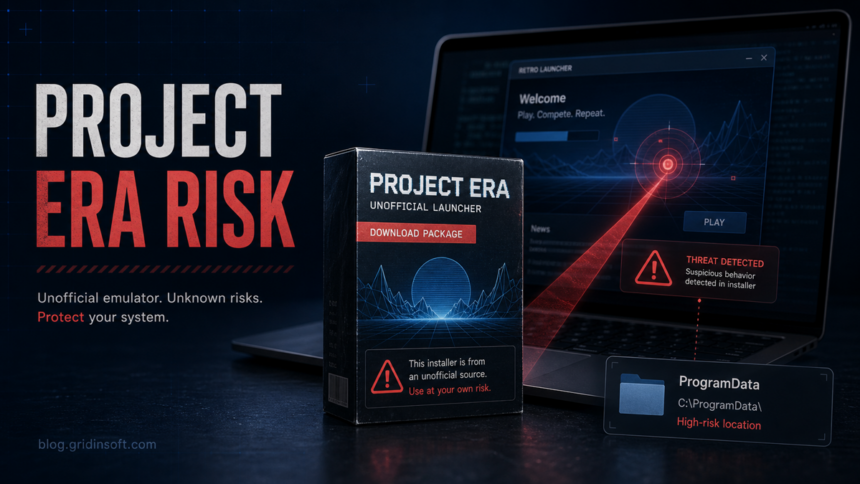
Project Era is not part of the official Fortnite download path, so you should not treat every Project Era launcher or mirror as automatically safe. If an antivirus flags a Project Era file, especially from ProgramData, stop running it, verify where it came from, remove the launcher if the source is uncertain, and scan Windows before signing back in to Epic Games, Discord, or your browser accounts.
The practical answer is cautious rather than dramatic: a clean copy from the project maintainers may behave differently from a repacked installer, but the risk is real because users often find these tools through Discord links, mirrors, videos, and cloned websites. That is exactly the situation malware distributors like, because the victim already expects to download an unsigned launcher and ignore a warning.
What Project Era Is
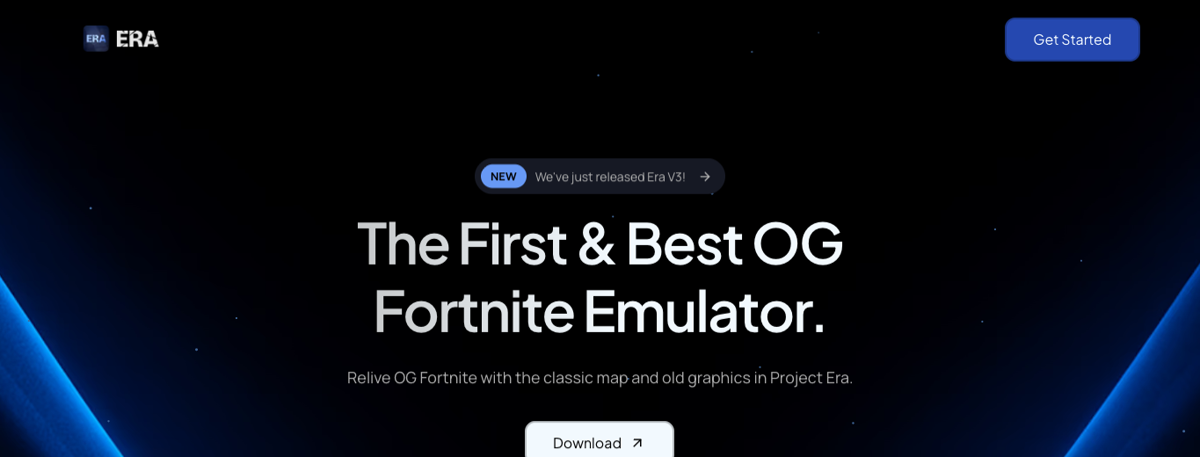
Project Era is promoted as an unofficial way to replay older Fortnite-style seasons through a separate launcher or emulator-like setup. That makes it different from installing Fortnite through the Epic Games Launcher, which is the official PC route Epic documents for Fortnite installation and updates [1].
That difference matters for security. Official launchers have a predictable publisher, update channel, support path, and account flow. An unofficial game launcher may still be popular, but popularity does not prove that the file on your PC is the original file, that the mirror was not replaced, or that the installer is not bundling extra components.
Is Project Era a Virus?
Do not reduce the decision to a single yes-or-no label. The safer question is: which Project Era file did you run, from which source, and what did it change on Windows?
A detection can be a false positive when security tools dislike unsigned, packed, or game-modifying software. VirusTotal also explains that it aggregates vendor results and does not create its own final verdict, so a low detection ratio is only one signal [3]. But a false-positive possibility is not permission to run the file anyway. If the file was downloaded from a mirror, shortened link, Discord attachment, fake support message, or a search ad, treat it as suspicious until proven otherwise.
For domain-level context, Gridinsoft’s URL reputation page for projectera.dev has flagged weak trust signals around the site. That does not prove every downloaded launcher is malware, but it is a reason to be stricter about source checks, hashes, and account safety.
Red Flags Before You Run It
- The download came from a random Discord user, YouTube description, reposted archive, Telegram channel, or mirror rather than the source you intended to trust.
- The installer asks you to disable antivirus, exclusions, SmartScreen, browser protection, or Windows security settings.
- The file name, signer, hash, or size does not match other trusted references for the same release.
- The launcher creates unexpected startup items, scheduled tasks, proxy settings, browser extensions, or files under
C:ProgramDatathat return after removal. - You are asked to enter Epic, Discord, email, or browser credentials into anything that is not the official sign-in page.
If Your Antivirus Flags a Project Era File in ProgramData
C:ProgramData is a common Windows location for shared application data, so its presence alone is not proof of malware. The warning becomes more serious when a detected file launches at startup, has a random name, respawns after deletion, contacts unknown servers, or appeared right after installing a game launcher from an uncertain source.
- Do not whitelist the file yet. Quarantine it or leave it blocked while you collect the path, file name, detection label, and hash.
- Uninstall the launcher from Settings first. If there is no normal uninstaller, remove only the obvious Project Era folder after closing the process.
- Check startup persistence. Review Task Manager Startup, Task Scheduler, browser extensions, proxy settings, and recently changed items under
ProgramDataandAppData. - Scan the whole system. Use your installed security tool and a second opinion such as Gridinsoft Anti-Malware before opening Epic, Discord, Steam, or email again.
- Reset sessions if credentials were exposed. If you typed passwords into the launcher, a linked webview, or a suspicious page, change Epic and Discord passwords from a clean device and enable 2FA.

Still not sure whether the Project Era file is safe?
Keep the launcher quarantined, review startup changes, then run a full system scan. GridinSoft Anti-Malware can help find bundled apps, hidden files, and persistence left by a suspicious installer.
After uninstalling the suspicious app or deleting the visible threat, use Gridinsoft Anti-Malware to check hidden files, startup entries, scheduled tasks, bundled apps, browser changes, and other persistence points that can restore malware.
Download Anti-MalwareHow to Check the Source Without Guessing
Start with the download path, not with forum comments. A forum reply saying “it is safe” may refer to a different release or a different website. A warning saying “it is malware” may refer to a repacked mirror rather than the original launcher.
- Save the exact URL, file name, version, size, and hash before deleting anything.
- Compare the hash against the release source you intentionally chose. If no stable hash or release trail exists, increase the risk rating.
- Read the detection names. Generic labels such as
ML,Suspicious, orPUAneed context; stealer, trojan, credential, loader, or proxy labels are stronger stop signs. - Use our VirusTotal and Hybrid Analysis guide if the scan results disagree.
- Keep the file out of exclusions until you understand why it was detected.
Protect Epic Games and Discord Accounts
Account theft is often the bigger risk than the game launcher itself. Epic documents that Fortnite on PC is installed through the Epic Games Launcher [1], and Epic account sign-in should be used only with products and services you trust [2]. If an unofficial launcher, fake support page, or browser pop-up asks for your Epic password, treat that as a credential-risk event.
After a suspicious install, change passwords from a clean browser session, revoke unknown sessions where the platform allows it, and enable or review two-factor authentication. Epic recommends 2FA because it helps protect the account even if a password is guessed or stolen [4].
When to Remove Project Era Completely
Remove it instead of troubleshooting further when any of these are true:
- the source cannot be verified;
- the warning names a stealer, trojan, loader, proxy, or credential threat;
- the launcher asks for security exclusions;
- unknown startup tasks or browser changes appear after installation;
- you entered gaming, Discord, email, or browser credentials during setup.
If your main concern is account safety after a possible compromise, read our gaming account recovery scam guide before talking to strangers who claim they can recover or “clean” an Epic, Steam, Roblox, or Discord account. If you are moving files from an old gaming PC, our Steam Cloud malware risk guide explains how to separate save-file risk from account and executable risk.
Bottom Line
Project Era safety depends on the exact file and source. Do not run a Project Era installer just because one scan has a low detection count, and do not ignore a ProgramData detection because other players say the launcher is popular. Verify the source, avoid credential entry in unofficial flows, scan the system, and secure Epic and Discord accounts before returning to play.
FAQ
Is Project Era officially supported by Epic Games?
No. Treat it as unofficial software. For normal Fortnite on PC, Epic documents installation through the Epic Games Launcher.
Does one VirusTotal detection mean Project Era is malware?
Not always. A single generic detection can be a false positive, but you still need to check the source, hash, behavior, persistence, and account-risk context before running the file.
Should I disable antivirus to install Project Era?
No. A launcher that requires disabling protection or adding exclusions should be treated as high risk, especially when it comes from a mirror or social-media link.
What should I do if I already ran it?
Stop using the launcher, scan Windows, inspect startup entries and browser changes, then change Epic and Discord passwords from a clean device if you entered credentials or saw suspicious sign-in activity.
References
- Epic Games. “Install Fortnite using the Epic Games Launcher.” Epic Games Help, accessed May 31, 2026. https://www.epicgames.com/help/en-US/c-Fortnite_TechnicalSupport/a000084906
- Epic Games. “What is Epic Games Account sign-in?” Epic Games Help, accessed May 31, 2026. https://www.epicgames.com/help/en-US/c-Category_EpicAccounts/c-EpicAccountServices/a000084863?lang=en-US
- VirusTotal. “I am experiencing a false positive, my file or site should not be detected.” VirusTotal Documentation, updated 2026, accessed May 31, 2026. https://docs.virustotal.com/docs/false-positive
- Epic Games. “Two-factor authentication (2FA) and how to enable it.” Epic Games Help, accessed May 31, 2026. https://www.epicgames.com/help/en-US/epic-games-c73/c100/twofactor-authentication-and-how-to-enable-it-a3218?lang=en-US