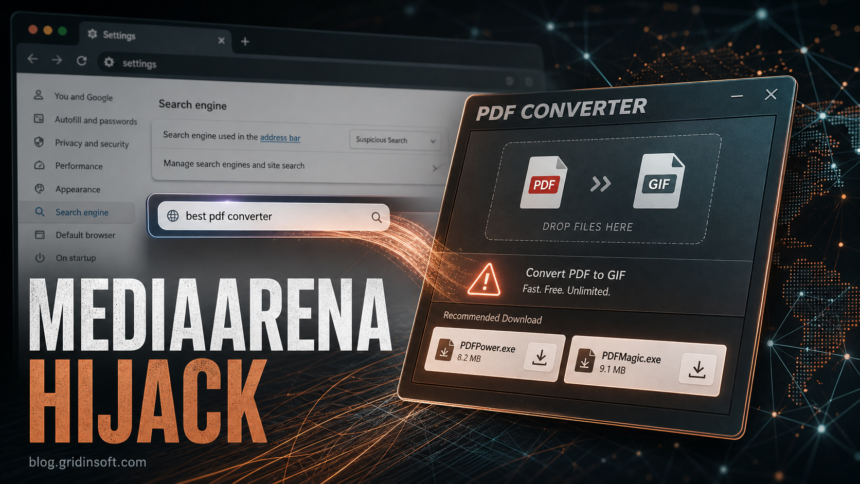
BrowserModifier:Win32/MediaArena is a Microsoft Defender detection for a browser modifier that pretends to be a useful converter app while changing browser search behavior. Treat the alert as real until you prove it is only an old Protection History entry: keep the item quarantined, look for MediaArena names such as PDFPower.exe or PDFMagic.exe, undo browser search and extension changes, and scan for leftovers that can recreate the redirect.
MediaArena is usually not a file you intentionally installed by that name. It has been seen behind fake document-to-PDF and video-to-GIF converter lures, so the alert often makes sense only after you remember a “free converter,” browser add-on, bundled installer, or ad-driven download from weeks earlier.
What BrowserModifier:Win32/MediaArena Means
Microsoft classifies MediaArena as a browser modifier because its purpose is not just to sit as a suspicious file. The unwanted app presents itself as a helpful utility, then adjusts browser settings so search queries can be redirected, collected, or monetized through third-party pages. Microsoft also tracks related names such as PUA:Win32/MediaArena and BrowserModifier:MSIL/MediaArena.
The practical risk is browser control and search interception. That can mean changed default search, redirect domains, unwanted ads, and a higher chance of being pushed toward additional unwanted downloads. It is not the same as a banking trojan or ransomware alert, but it should not be restored just because the visible app looked harmless.
Signs MediaArena May Still Be Present
| What you see | What it usually means |
|---|---|
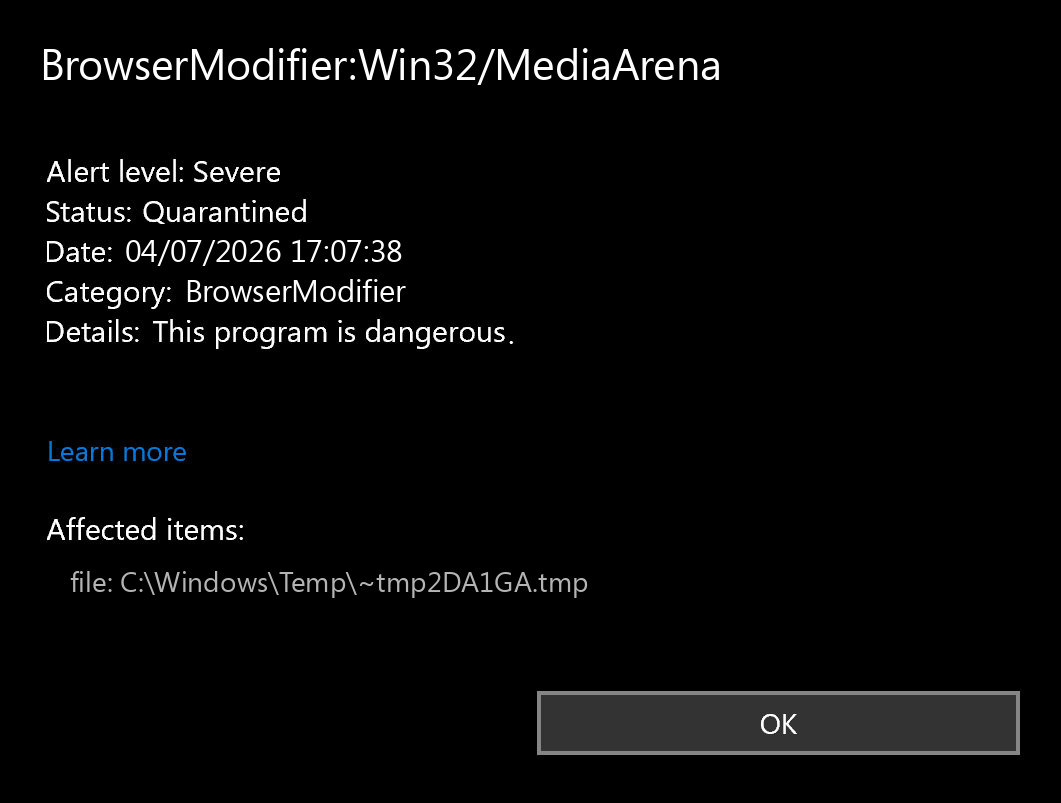
Defender names BrowserModifier:Win32/MediaArena, BrowserModifier:MSIL/MediaArena, or PUA:Win32/MediaArena. |
Defender found a MediaArena-related browser modifier, PUA, or artifact. Record the affected item path before cleaning. |
PDFPower.exe, PDFMagic.exe, a fake PDF converter, or a GIF/video converter appears in Downloads or Temp. |
This matches the known lure pattern. Remove the app and check browser settings, not only the executable. |
| Searches go through unknown domains, or the default search engine keeps changing back. | A browser setting, policy, extension, or helper process may still be active. |
| Defender says the threat was removed, but Windows Security still shows “action needed.” | It may be a stale history item, or a leftover browser/add-on component may still exist. Verify before dismissing it. |
| The alert appears on several PCs after users installed the same converter. | Treat it as a bundled software incident. Remove the installer source and review browser policy or software deployment paths. |
Remove MediaArena Without Leaving Browser Changes Behind
- Open Windows Security and record the details. In Protection History, note the exact detection name and affected item. Do not restore or allow the item while you are still investigating.
- Remove the visible converter or bundle. In Settings, uninstall unknown PDF, DOCX, GIF, video converter, search helper, or recently installed utility software. Then delete leftover installers from Downloads only after you have recorded the names.
- Check common file locations. Look in
%USERPROFILE%\Downloads,%TEMP%,%LOCALAPPDATA%, and browser download folders forPDFPower.exe,PDFMagic.exe, duplicate converter downloads, or suspicious setup files. - Reset browser search settings manually. In Chrome, Edge, Firefox, or another affected browser, restore the default search engine, remove unknown site-search entries, and check the startup page/new tab page.
- Remove unknown extensions. Disable extensions you do not recognize, especially converter/search extensions installed around the same date. If a browser says it is “managed by your organization” on a home PC, check policy leftovers before assuming the alert is gone.
- Check scheduled tasks and startup apps. MediaArena-style PUA installers can leave helpers that return after reboot. Review Startup Apps, Task Scheduler, and Services for recently added converter/search/update entries.
- Run a full scan and reboot. Let Defender remove the detected item. Then reboot and confirm that the detection, browser redirect, and search-engine change do not return.
If Defender Keeps Showing MediaArena
First separate a stale notification from an active infection. If Protection History shows an old quarantined event and there is no current affected item, no redirect, and no suspicious extension, Windows may simply be showing history. If the alert returns after reboot, points to a new file, or the browser setting changes again, continue as an active cleanup case.
When a browser modifier has already run, removing the obvious file may not undo every change. A helper task, extension, browser policy, or bundled app can recreate the behavior. Gridinsoft Anti-Malware can be used after the manual checks to look for hidden files, scheduled tasks, startup entries, unwanted browser components, and persistence that security tools may not show clearly in the browser UI.
If redirects, notifications, extensions, homepage changes, or managed policies return after browser cleanup, the source is often outside the browser: an installed app, policy, scheduled task, or startup entry.
Scan for MediaArena leftoversWhen It Might Be Only Protection History
Some users see MediaArena listed after Defender already quarantined the item. Before reinstalling Windows or following random removal-tool advice, check these points:
- the affected file path no longer exists;
- Defender’s current scan is clean;
- the browser default search engine and startup page stay normal after reboot;
- unknown converter extensions are gone;
- no new task, service, or startup item appears with the same timestamp.
If all of those are clean, keep the item quarantined and monitor. If any browser symptom returns, repeat cleanup from the browser settings and startup checks rather than only clearing the history entry.
How To Avoid This Converter Lure Again
Use browser-based converters only when you trust the provider and do not upload private documents to unknown services. For local conversion, prefer a known office suite, built-in export feature, or an approved workplace tool. Be especially cautious with ads that promise “free unlimited” conversion and immediately download an executable. A converter that asks to install a browser helper or search extension is not just a converter.
FAQ
Is BrowserModifier:Win32/MediaArena a virus?
It is better described as a browser modifier or potentially unwanted application. It can still be risky because it changes browser search behavior and may expose searches or push the user toward more unwanted downloads.
Should I restore PDFPower.exe or PDFMagic.exe?
No. Those names are tied to known MediaArena artifacts. If Defender quarantined one of them, keep it quarantined, remove the related converter, and check browser search settings and extensions.
Why does Windows Security still say action needed after removal?
Sometimes the entry is stale Protection History. It is active again only if Defender finds a current item, the browser settings keep changing, or a related task, extension, or app remains after reboot.
Do I need to change passwords after MediaArena?
Change passwords if you entered credentials through redirected search results, installed additional tools from the redirects, or saw account alerts around the same time. For a simple quarantined converter with no login exposure, browser cleanup and scanning are usually the priority.
Can I remove MediaArena by resetting the browser?
A browser reset can help, but it is not enough if the converter app, extension, policy, scheduled task, or startup helper remains. Remove the app and scan the system as well.
References
- Microsoft Security Intelligence. “BrowserModifier:Win32/MediaArena threat description.” Microsoft, updated December 10, 2023, accessed July 4, 2026. https://www.microsoft.com/en-us/wdsi/threats/malware-encyclopedia-description?Name=BrowserModifier%3AWin32%2FMediaArena&ThreatID=362962
- Microsoft Security Intelligence. “PUA:Win32/MediaArena threat description.” Microsoft, accessed July 4, 2026. https://www.microsoft.com/en-us/wdsi/threats/malware-encyclopedia-description?Name=PUA%3AWin32%2FMediaArena&threatId=359463
- Northwave Cyber Security. “Analysis of new active malware: MediaArena – PUA.” Northwave, May 11, 2023, accessed July 4, 2026. https://northwave-cybersecurity.com/threat-intel-research/analysis-of-new-active-malware-mediaarena-pua